Honda Insight (2022 year). Manual in english - page 17
Continued
269
uu
Audio System Basic Operation
u
Playing SiriusXM
®
Radio
Features
You can view a channel schedule or receive an alert when your favorite program is
about to start.
■
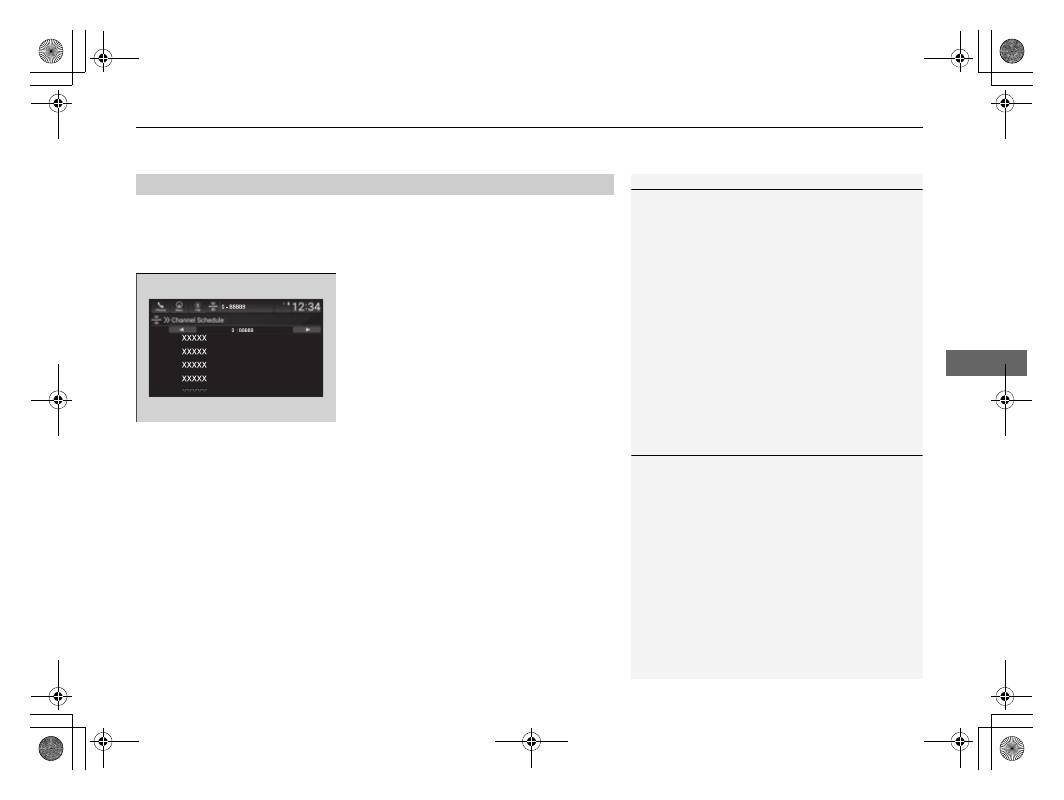
To view a channel schedule
1.
Select
More
.
2.
Select
Channel Schedule
.
■
To set up an alert message
1.
Select
More
.
2.
Select
Channel Schedule
.
3.
Select a program.
4.
Select
Set Program Alert
.
5.
Select
Just Once
or
Everytime
.
■
Channel Schedule
1
Select
Keypad
to use the on-screen keyboard for
entering the channel number directly.
1
The Pop-up appears and notifies you of an alert
function.
Selecting
Just Once
disables the alert feature next
time you turn the power mode to ON.
If you want to delete the alert, select
Remove Alert
.
To enable an alert message, change settings for the
alert function.
2
P. 270