Honda Insight (2022 year). Manual in english - page 16
253
uu
Audio System Basic Operation
u
Display Setup
Continued
Features
Display Setup
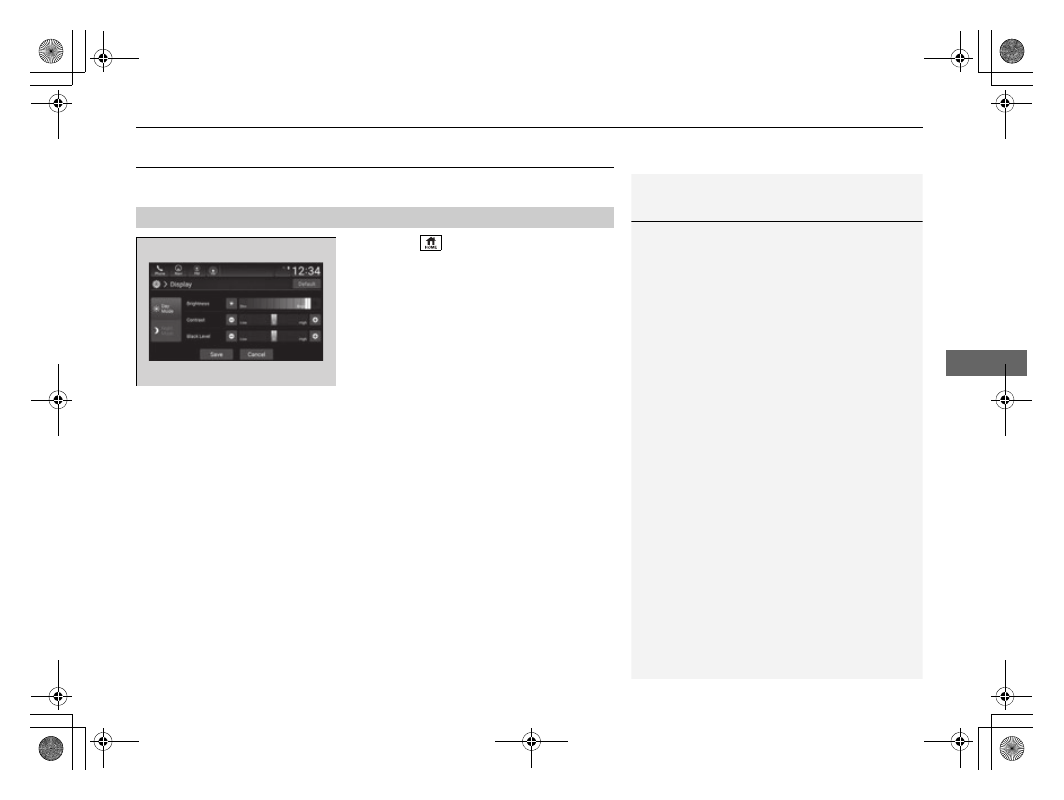
You can change the brightness of the audio/information screen.
1.
Press the
button.
2.
Select
Settings
.
3.
Select
Display
.
4.
Select
Day Mode
or
Night Mode
.
5.
Select the setting you want.
6.
Select
Save
.
■
Changing the Screen Brightness
1
Changing the Screen Brightness
You can change the
Contrast
and
Black Level
settings in the same manner.
To reset the settings, select
Default
.