Honda CR-V (2022 year). Manual in english - page 29
461
uu
Hands-Free Telephone System
u
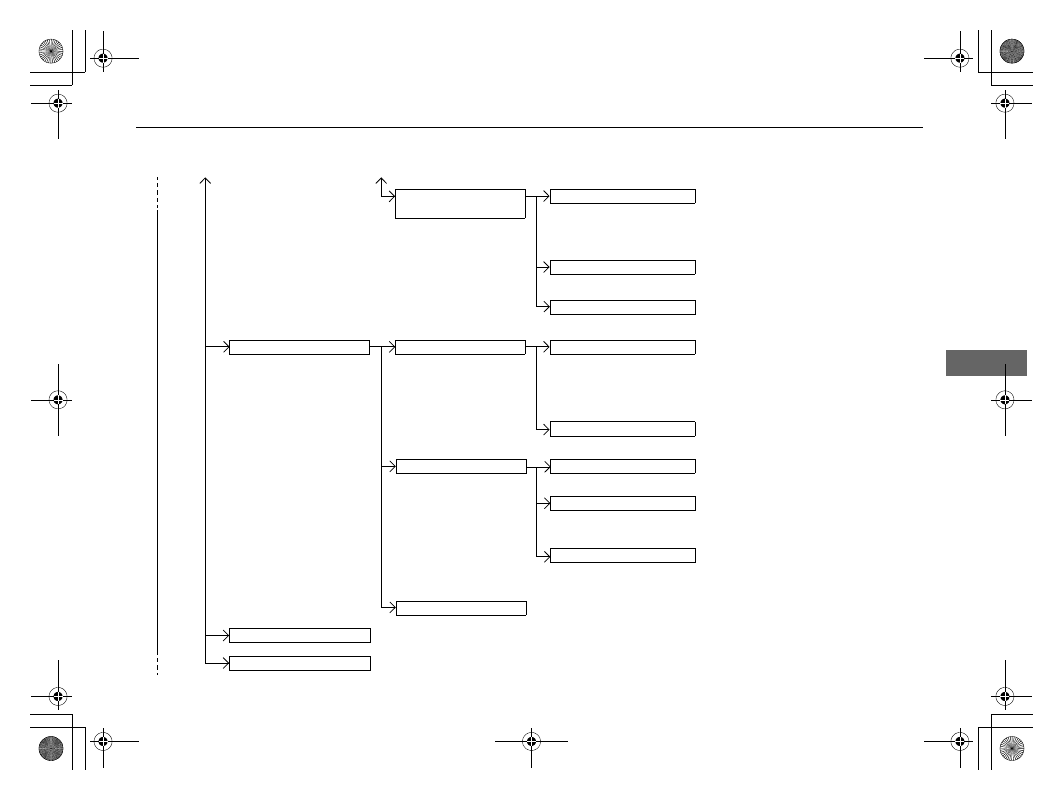
HFT Menus
Continued
Features
Manual Input
New Entry
Import from Call History
Import from Phonebook
Edit
Delete
Edit Speed Dial
Enter a phone number to store as a
speed dial number.
Select a phone number from the
call history to store as a speed dial
number.
Delete all of the previously stored speed dial numbers.
Select a phone number from the
phonebook to store as a speed dial
number.
Edit a previously stored speed dial
number.
●
Change a name.
●
Change a number.
●
Create or delete a voice tag.
Delete a previously stored speed dial
number.
Ring Tone
Select a fixed ring tone or the one from the connected mobile phone.
Automatic Phone Sync
Set phonebook and call history data to be automatically imported when a phone is paired to HFT.
Delete All
Select the priority device over
another paired audio device(s).
Priority Device
Settings
Audio
Phone
Select the priority device over
another paired phone(s).
Enable the system to or disables it from
automatically establishing a connection with
a
Bluetooth
®
device which has been assigned
priority.
Priority On/Off Status
(Existing entry list)