Ford Expedition (2022 year). Manual in english - page 31
PHONE PRECAUTIONS
WARNING:
Driving while distracted
can result in loss of vehicle control, crash
and injury. We strongly recommend that
you use extreme caution when using any
device that may take your focus off the
road. Your primary responsibility is the
safe operation of your vehicle. We
recommend against the use of any
hand-held device while driving and
encourage the use of voice-operated
systems when possible. Make sure you
are aware of all applicable local laws
that may affect the use of electronic
devices while driving.
CONNECTING YOUR PHONE
Connecting your phone stores contact and
call data on your vehicle. This data is used
to provide intelligent suggestions. You can
switch this off in the touchscreen settings
menu.
Note:
Unpairing your phone will remove the
contact and call data from your vehicle and
stop intelligent call suggestions.
Go to the settings menu on your device and
switch
Bluetooth®
on.
Select the phone option in the
feature drawer.
1.
Select
Add Phone
.
2. Follow the instructions on the screen
to pair your device.
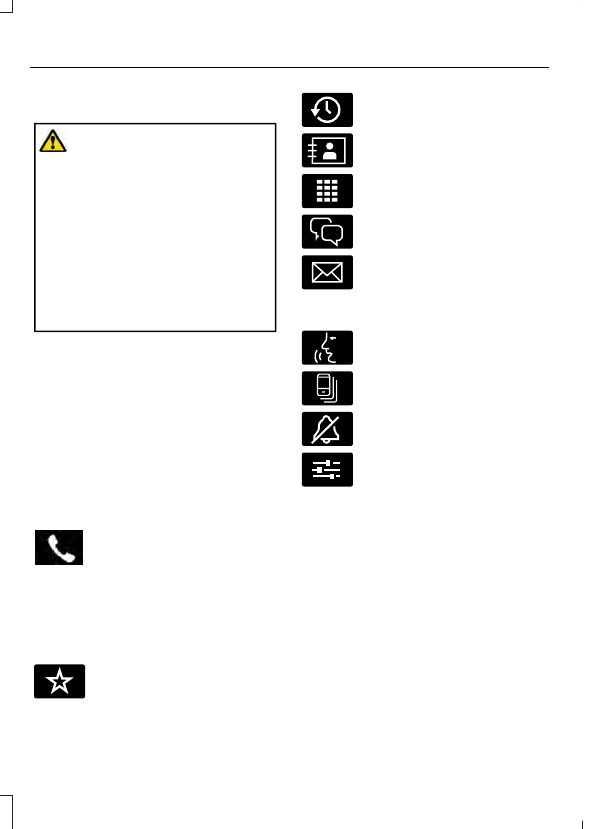
PHONE MENU
E329089
Press to view your favorite
contacts.
E329088
Press to view your recent calls.
E329086
Press to view your contacts
E329087
Press to use the phone keypad.
E329085
Press to display recent text
messages.
E329084
Press to view recent emails.
Press the down arrow to view additional
items for a connected device.
E329083
Press to begin a voice
interaction.
E329082
Press to switch to a different
connected device.
E329081
Press to mute notifications.
E280315
Press to access phone settings.
504
Phone - Vehicles With: 15 Inch Screen