Ford Thunderbird (2004 year). Manual - part 11
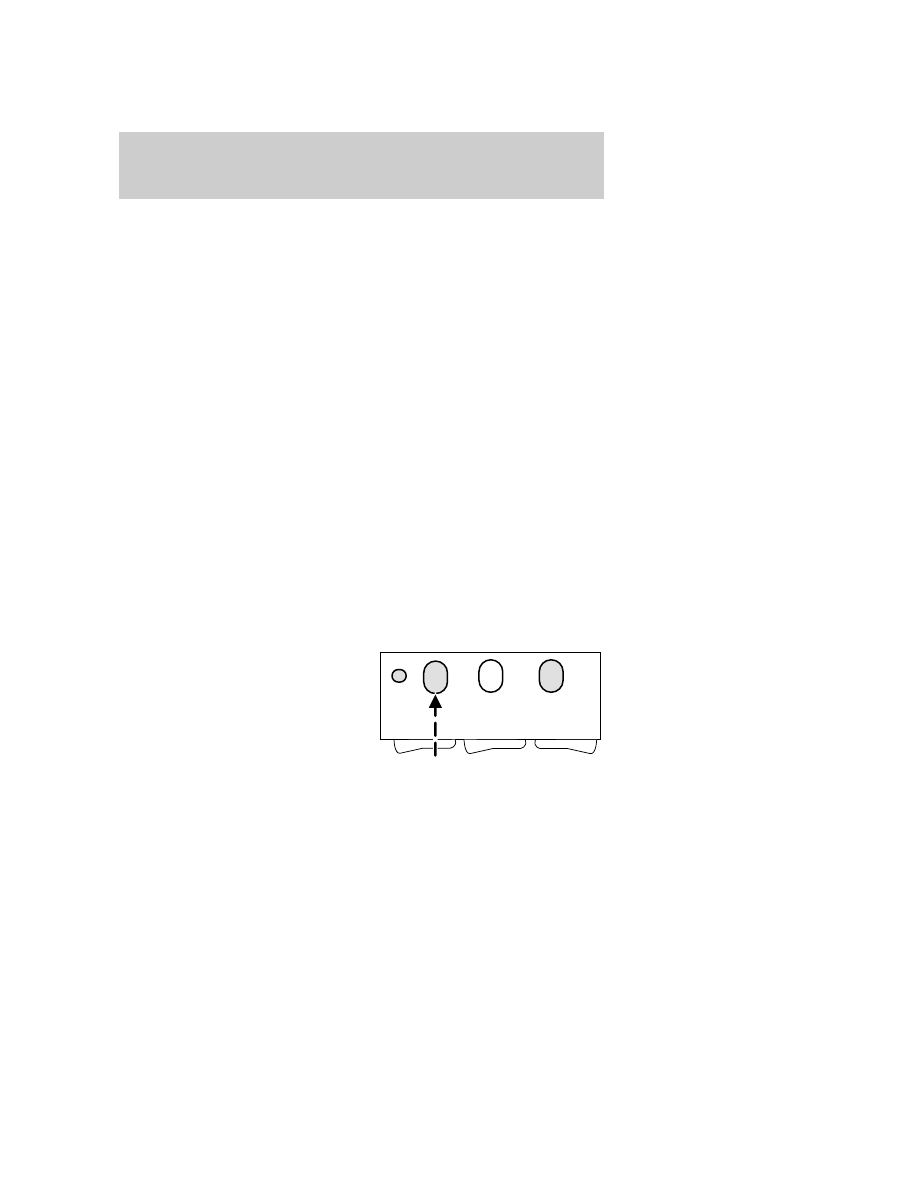
5. Press and hold the just-trained HomeLink
威 button and observe the
amber light. If the light is a constant amber, programming is complete
and your device should activate when the HomeLink
威 button is pressed
and released. Note: To program the remaining two HomeLink
威 buttons,
begin with step 2 in the “Programming” section — do not repeat step 1.
Note: If the amber light blinks rapidly for two seconds and then turns to
a continuous amber, proceed with steps 6 through 8 to complete
programming of a rolling code equipped device.
6. At the garage door opener receiver (motor-head unit) in the garage,
locate the “learn” or “smart” button (usually near where the hanging
antenna wire is attached to the unit).
7. Press and release the “learn” or “smart” button. (The name and color
of the button may vary by manufacturer.)
Note: There are 30 seconds in which to initiate step eight.
8. Return to the vehicle and firmly press, hold for two seconds and
release the HomeLink
威 button. Repeat the press/hold/release sequence
again, and, depending on the brand of the garage door opener (or other
rolling code equipped device), repeat this sequence a third time to
complete the programming.
HomeLink
威 should now activate your rolling code equipped device. To
program additional HomeLink
威 buttons begin with step 2 in the
“Programming” section. For questions or comments, please contact
HomeLink at www.homelink.com or 1–800–355–3515.
Gate Operator & Canadian Programming
During programming, your
hand-held transmitter may
automatically stop transmitting —
not allowing enough time for
HomeLink
威 to accept the signal
from the hand-held transmitter.
After completing steps 1 and 2
outlined in the “Programming”
section, replace step 3 with the following:
Note: If programming a garage door opener or gate operator, it is
advised to unplug the device during the “cycling” process to prevent
overheating.
Driver Controls
48