Ford Excursion (2000 year). Manual - part 17
 

  Index      Ford     Ford Excursion - service manual 2000 year in english


Search            


Content   ..  15  16  17  18   ..


Ford Excursion (2000 year). Manual - part 17


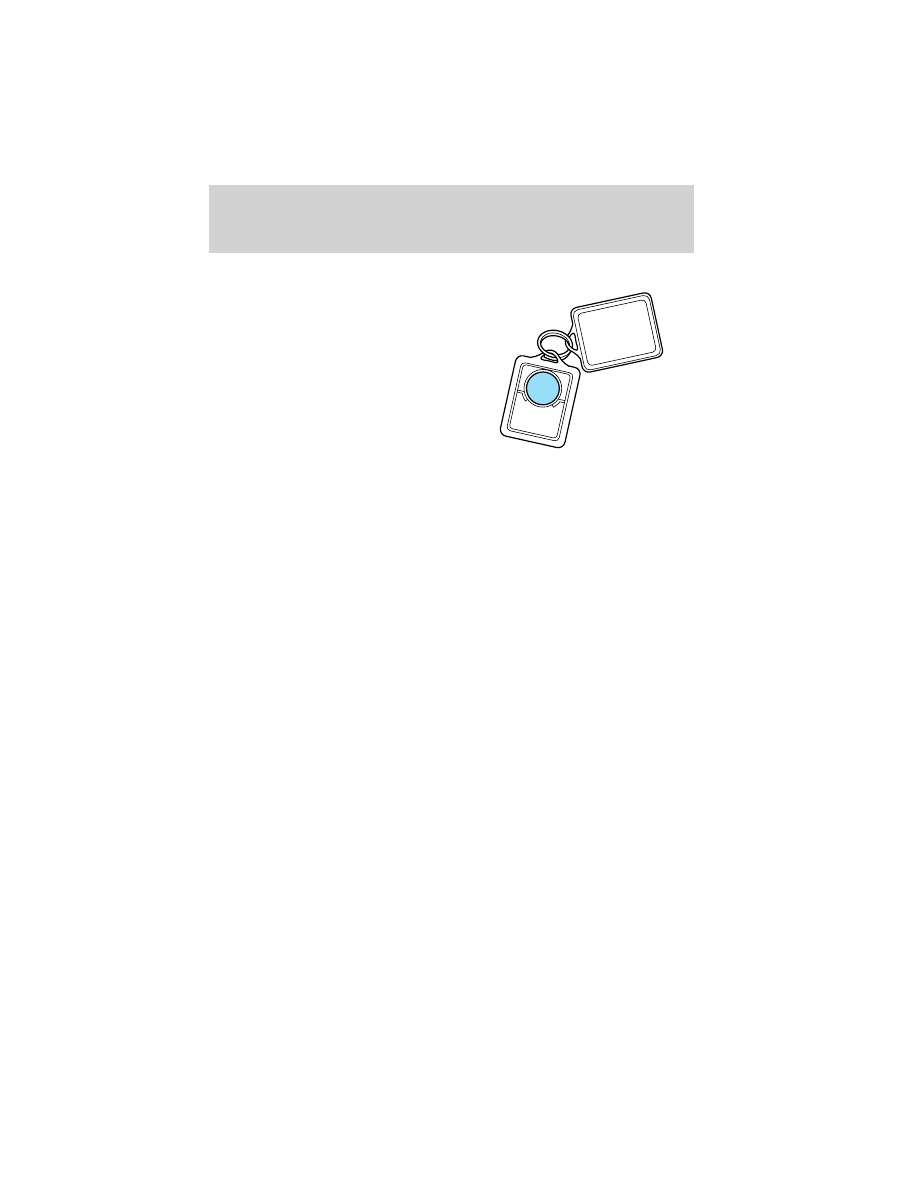
To replace the battery:

1. Twist a thin coin between the two
halves of the transmitter near the
key ring. DO NOT TAKE THE
FRONT PART OF THE
TRANSMITTER APART.

2. Place the positive (+) side of new
battery in the same orientation.
Refer to the diagram inside the
transmitter unit.

3. Snap the two halves back
together.

Replacement of the battery will not cause the remote transmitter to
become deprogrammed from your vehicle. The remote transmitter should
operate normally after battery replacement.

Illuminated entry

The illuminated entry system will turn on the interior lights when the
remote transmitter unlock control is pressed.

The illuminated entry system will turn off the interior lights if the
ignition switch is turned to the ON position, or if the remote transmitter
lock control is pressed, or after 25 seconds of illumination.

The inside lights will not turn off if:
• they have been turned on with the dimmer control or
• any door or liftgate is open.
The battery save feature will turn off the interior lights 45 minutes after
the last door is closed, even if the dimmer control is on.

Controls and features

67

Replacing lost transmitters

If a remote transmitter has been lost
and you would like to remove it
from the vehicle’s memory, or you
would like to purchase additional
remote transmitters and have them
programmed to your vehicle:
• Take all your vehicle’s

transmitters to your dealer for
programming, or

• Perform the programming

procedure yourself

Programming remote transmitters

It is necessary to have all (maximum of four — original and/or new) of
your remote transmitters available prior to beginning this procedure.

To program the transmitters yourself:
• Insert a key in the ignition and

turn from 3 (OFF) to 4 (ON)
eight times in rapid succession
(within 10 seconds) with the
eighth turn ending in the 4 (ON)
position. The doors will
lock/unlock to confirm that
programming mode has been
entered.

• Within 20 seconds, program a

remote transmitter by pressing
any button on a transmitter. The doors will lock/unlock to confirm that
the remote transmitter has been programmed. (If more than 20
seconds pass before pressing a remote transmitter button, the
programming mode will exit and the procedure will have to be
repeated.)

• Repeat the previous step to program additional remote transmitters.

The doors will lock/unlock to confirm that each remote transmitter has
been programmed.

• When you have completed programming the remote transmitters, turn

the ignition to 3 (OFF) or wait 20 seconds. Again the doors will
lock/unlock to confirm programming has been completed.

3

2

1

5

4

Controls and features

68

Keyless entry system

With the keyless entry keypad, you can:
• lock or unlock the vehicle doors without using the key.
Your vehicle has a factory set 5 digit code that operates the keyless entry
system. You can also program your own 5 digit personal entry code. The
factory-set code is located:
• on the owner’s wallet card in the glove compartment
When pressing the controls on the keyless entry keypad, press the
middle of the controls to ensure a good activation.

Programming your own personal entry code

To program your own code:

1. Enter factory set code (keypad will illuminate when pressed).

2. Press 1/2 control within five
seconds of step 1.

3. Enter your personal 5 digit code.
Enter each digit within five seconds
of previous one.

Do not set a code that includes five
of the same number or presents
them in sequential order. Thieves
can easily figure out these types of codes.

Your personal code does not replace the permanent code that the
dealership gave you. You can use either code to unlock your vehicle. If a
second personal code is entered, the module will erase it in favor of the
new code.

If you wish to erase your personal code, use the following instructions:

1. Enter factory set code.

2. Press 1/2 control within five
seconds of step 1 and release.

3. Within five seconds of step 2,
press and hold the 1/2 control for
two seconds.

The system will now only respond
to the factory set code.

1 2

3 4

5 6

7 8

9 0

1 2

3 4

5 6

7 8

9 0

Controls and features

69

Unlocking the doors with the keyless entry system

To unlock the driver’s door, enter either the factory-set code or personal
code (each digit pressed within five seconds of the prior digit). The
interior lamps will illuminate.

To unlock all doors, enter the
factory-set code or personal code
(driver door unlocks) and press the
3/4 control within five seconds.

Locking the doors with the keyless entry system

It is not necessary to first enter the
factory or personal code prior to
locking all doors. To lock all the
doors:
• Press the 7/8 and the 9/0 control

at the same time.

SECURILOCK

Y

PASSIVE ANTI-THEFT SYSTEM

The SecuriLock

y passive anti-theft system provides an advanced level of

vehicle theft protection. Your vehicle’s engine can only be started with
the two special SecuriLock

y electronically coded keys provided with

your vehicle. Each time you start your vehicle, the SecuriLock

y key is

read by the SecuriLock

y passive anti-theft system. If the SecuriLocky

key identification code matches the code stored in the SecuriLock

y

anti-theft system, the vehicle’s engine is allowed to start. If the
SecuriLock

y key identification code does not match the code stored in

the system or if a SecuriLock

y key is not detected (vehicle theft

situation), the vehicle’s engine will not operate.

If there is any potential SecuriLock

y anti-theft problem with your

vehicle, ensure ALL SecuriLock

keys for that vehicle are brought to

the dealership, to aid in troubleshooting.

The SecuriLock

y passive anti-theft system is not compatible with

aftermarket remote start systems. Use of these systems may result in

1 2

3 4

5 6

7 8

9 0

1 2

3 4

5 6

7 8

9 0

Controls and features

70


Content   ..  15  16  17  18   ..