Ford Edge (2018 year). Manual - part 26
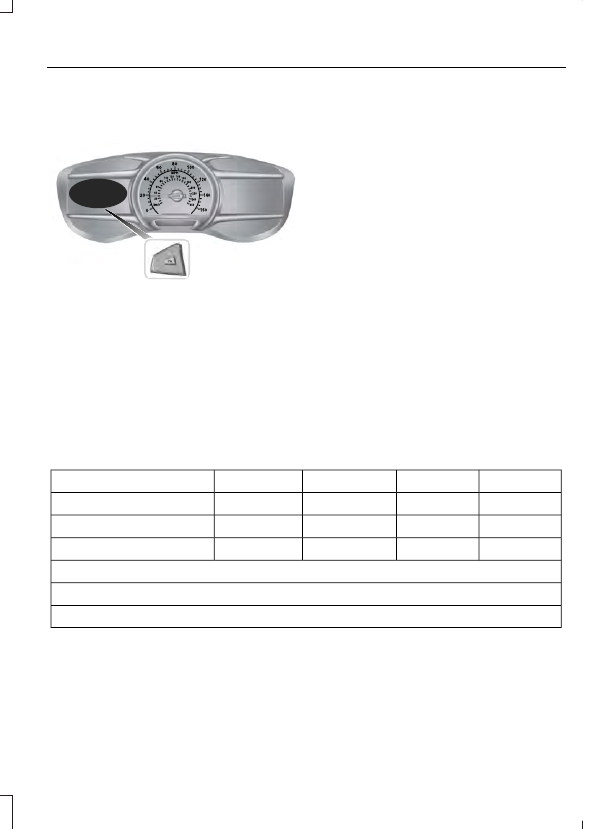
Information Display Controls
(Type 2)
E144638
•
Press the up and down arrow buttons
to scroll through and highlight the
options within a menu.
•
Press the right arrow button to enter a
sub-menu.
•
Press the left arrow button to exit a
menu.
•
Press and hold the left arrow button at
any time to return to the main menu
display (escape button).
•
Press the OK button to choose and
confirm settings or messages.
Main menu
From the main menu bar on the left side
of the information display, you can choose
from the following categories:
•
Display Mode
•
Trip 1 & 2
•
Fuel Economy
•
Driver Assist
•
Settings
Scroll up or down to highlight one of the
categories, then press the right arrow key
or OK to enter into that category. Press the
left arrow key as needed to exit back to the
main menu.
Display Mode
Use the up/down arrow buttons to choose
between the following display options.
Option 4
Option 3
Option 2
Option 1
Display Mode
-
-
X
X
XXX mi (km) to empty
X
X
-
-
Round tachometer
-
-
X
-
Vertical tachometer
Tire Pressure on demand screen
Digital Speedometer - XXX MPH - Press OK for km/h
Intelligent AWD
•
XXX mi (km) to empty: Shows the approximate distance the vehicle will travel.
•
Round tachometer: Indicates the engine speed in revolutions per minute. Driving with
your tachometer pointer continuously at the top of the scale may damage the engine.
During SelectShift Automatic™ transmission (SST) use, the currently selected gear
will appear in the display.