Ford E-350 (2010 year). Manual - part 19
 

  Index      Ford     Ford E-350 - service manual 2010 year in english


Search            


Content   ..  17  18  19  20   ..


Ford E-350 (2010 year). Manual - part 19


• The rear door handle is located in

the rear door below the glass.

To open the side or back cargo doors from the inside:

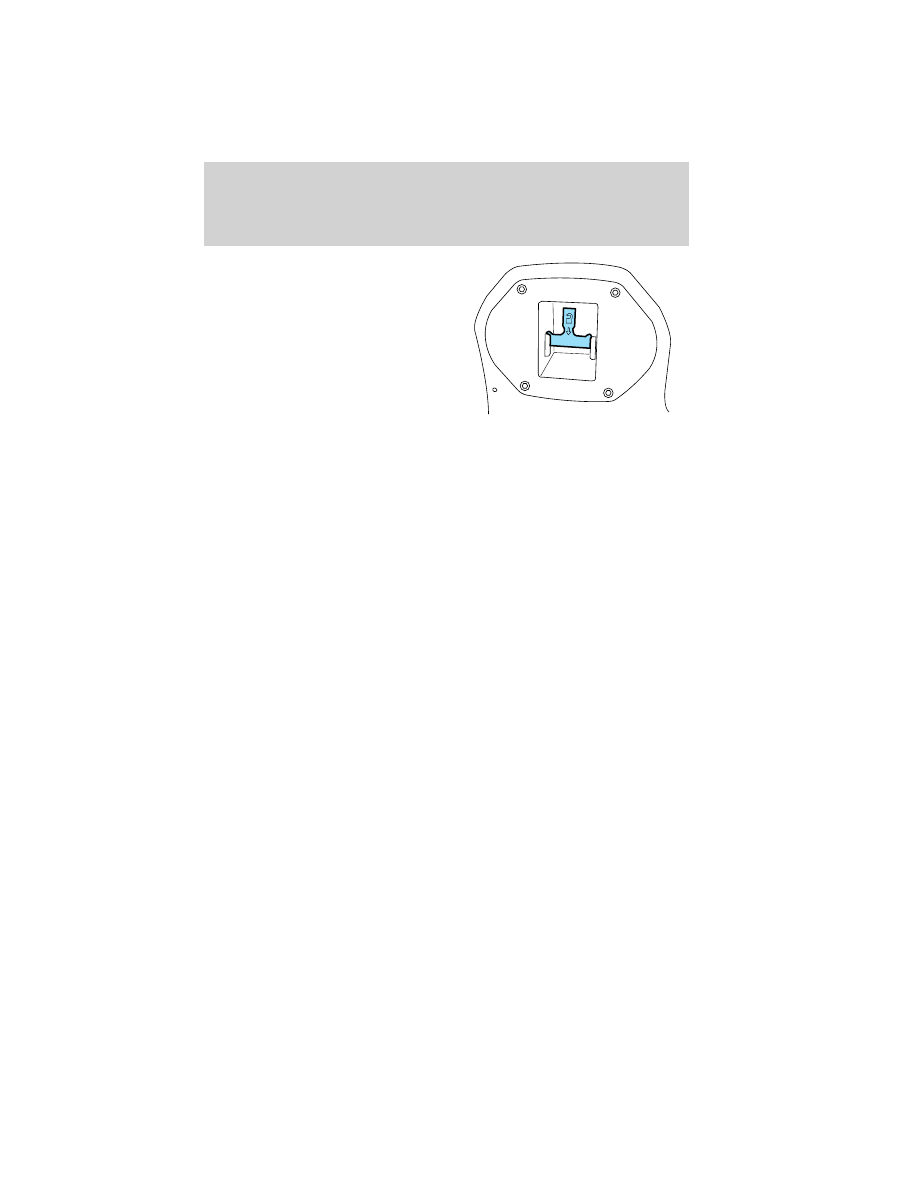
1. Unlock the E-Guard Cargo Protection System™ using the emergency
handle.

2. Unlatch the door using the inside release handle.

REMOTE ENTRY SYSTEM (IF EQUIPPED)

This device complies with part 15 of the FCC rules and with RSS-210 of
Industry Canada. Operation is subject to the following two conditions:
(1) This device may not cause harmful interference, and (2) This device
must accept any interference received, including interference that may
cause undesired operation.

Changes or modifications not expressly approved by the party
responsible for compliance could void the user’s authority to
operate the equipment.

The typical operating range for your remote entry transmitter is
approximately 33 feet (10 meters). A decrease in operating range could
be caused by:
• weather conditions,
• nearby radio towers,
• structures around the vehicle, or
• other vehicles parked next to your vehicle.

Locks and Security

77

The remote entry system allows you
to lock or unlock all vehicle doors
without a key.

Note: The lock and unlock features
work when the ignition is in any
position. The panic feature is active
when the ignition is in either the
accessory, off or on positions.

If there are problems with the
remote entry system, make sure to
take ALL remote entry transmitters with you to the authorized dealer
in order to aid in troubleshooting the problem.

Note: If the vehicle is equipped with the E-Guard Cargo Protection
System™ the remote transmitter Unlock command will only unlock the
front doors; the only way to unlock the side or rear cargo doors from
outside the vehicle is with the key.

Two step door unlocking

1. Press

and release to unlock the driver’s door. Note: The interior

lamps will illuminate if the control on the overhead lamp is not set to
the off position.

2. Press

and release again within three seconds to unlock the

passenger doors and the rear cargo doors.

The battery saver feature will turn off the interior lamp 10 minutes after
the ignition is turned to the off position.

One step door unlocking

If the one step door unlocking feature is activated, press

and release

once to unlock the passenger doors and the rear cargo doors. Note: The
interior lamps will illuminate (refer to the Illuminated entry feature
later in this section), if the control on the overhead lamp is not set to
the off position.

Switching from two step to one step door unlocking

Your vehicle comes with two step unlocking enabled. With the vehicle
locked, unlocking can be switched between two step and one step door
unlocking by pressing and holding both the

and

buttons

simultaneously on the remote entry transmitter for approximately four
seconds and release. The park lamps will flash twice to indicate that the

Locks and Security

78

vehicle has switched to one step unlocking. Repeat the procedure to
switch back to two-step unlocking.

Locking the doors

1. Press

and release to lock all the doors. If all doors are closed the

parking lamps illuminate.

2. Press

and release again within three seconds to confirm that all

the doors are closed and locked. Note: The doors will lock again, the
turn lamps will flash and the horn will chirp once. If any door is ajar the
lamps will not flash and the horn will chirp twice.

Car finder

Press

twice within three seconds. The horn will chirp and the turn

lamps will flash. It is recommended that this method be used to locate
your vehicle, rather than using the panic alarm.

Sounding a panic alarm

Press

to activate the alarm. Press the control again, or turn the

ignition to the accessory or on position to deactivate the alarm.

Note: The panic alarm will only operate when the ignition is in the off
position.

Replacing the battery

The remote entry transmitter uses one coin type three-volt lithium
battery CR2032 or equivalent.

To replace the battery:

1. Twist a thin coin between the two
halves of the remote entry
transmitter near the key ring. DO
NOT TAKE THE RUBBER COVER
AND CIRCUIT BOARD OFF THE
FRONT HOUSING OF THE
REMOTE ENTRY TRANSMITTER.

Locks and Security

79

2. Do not wipe off any grease on the
battery terminals on the back
surface of the circuit board.

3. Remove the old battery.

Note: Please refer to local
regulations when disposing of
transmitter batteries.

4. Insert the new battery. Refer to
the diagram inside the remote entry
transmitter for the correct
orientation of the battery. Press the battery down to ensure that the
battery is fully seated in the battery housing cavity.

5. Snap the two halves back together.

Note: Replacement of the battery will not cause the remote transmitter
to become deprogrammed from your vehicle. The remote transmitter
should operate normally after battery replacement.

Replacing lost remote entry transmitters

If you would like to have your remote entry transmitter reprogrammed
because you lost one, or would like to buy additional remote entry
transmitters, you can either reprogram them yourself, or take all
remote entry transmitters 
to your authorized dealer for
reprogramming.

How to reprogram your remote entry transmitters

You must have all remote entry transmitters (maximum of four)
available before beginning this procedure. If all remote entry transmitters
are not present during programming procedure, the ones missing during
programming will no longer operate the vehicle.

Note: Ensure the brake pedal is not
depressed during this sequence.

To reprogram the remote entry
transmitters:

1. Ensure the vehicle is
electronically unlocked.

2. Place the key in the ignition and
turn from the 2 (lock) position to 3
(off).

3

1

2

5

4

Locks and Security

80


Content   ..  17  18  19  20   ..