Ford E-350 (2010 year). Manual - part 17
Increasing speed while using speed control
To increase the set speed:
• Press and hold SET/ACCEL until you get to the desired speed, then
release. You can also use SET/ACCEL to operate the tap-up function.
Press and release SET/ACCEL to increase the vehicle set speed in
1 mph (1.6 km/h) increments.
• Use the accelerator pedal to get to the desired speed. When the
vehicle reaches that speed, press and release SET/ACCEL.
Reducing speed while using speed control
To reduce the set speed:
• Press and hold COAST until you get to the desired speed, then
release. You can also use COAST to operate the tap-down function.
Press and release COAST to decrease the vehicle set speed in 1 mph
(1.6 km/h) increments.
• Press the brake pedal until the desired vehicle speed is reached, then
press and release SET/ACCEL.
Turning off speed control
To turn off the speed control, press OFF or turn off the ignition.
Note: When you turn off the speed control or the ignition, your speed
control set speed memory is erased.
STEERING WHEEL CONTROLS (IF EQUIPPED)
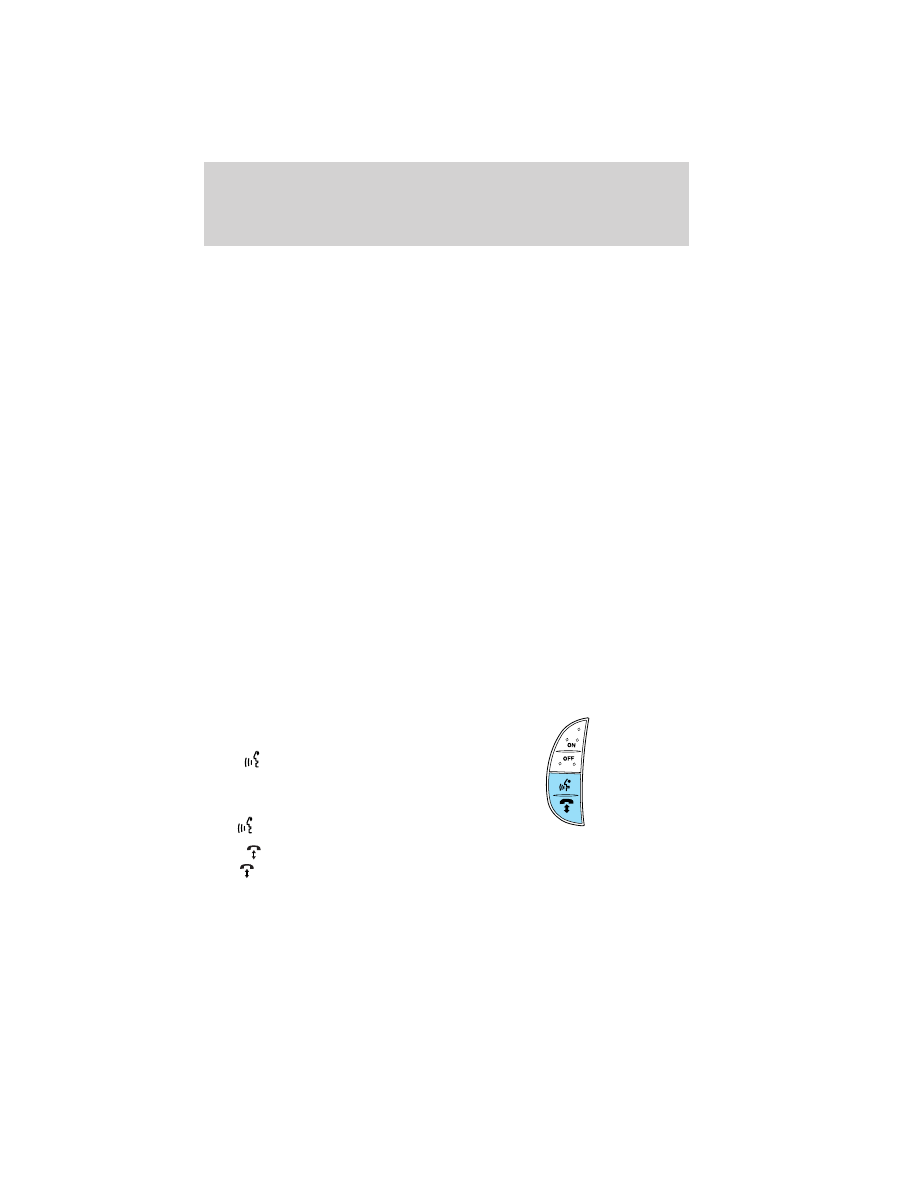
SYNC
威 system hands free
control feature (if equipped)
Press
briefly to use the voice
command feature. You will hear a
tone and LISTENING will appear in
the radio display. Press and
hold
to exit voice command.
Press
to activate phone mode or answer a phone call. Press and
hold
to end a call or exit phone mode.
For further information on the SYNC
威 system, refer to the SYNC威
supplement.
Driver Controls
69