Ford Contour (2000 year). Manual - part 11
 

  Index      Ford     Ford Contour - service manual 2000 year in english


Search            


Content   ..  9  10  11  12   ..


Ford Contour (2000 year). Manual - part 11


Controls and features

42

3. Press and hold a memory preset
control until the sound returns,
indicating the station is held in
memory on the control you
selected.

If the battery is disconnected, the
memory preset stations will need
to be reset.

Automatic memory store 
(if equipped)

Automatic memory store allows
you to set strong radio stations
without losing your original
manually set preset stations. This
feature is helpful on trips when you
travel between cities with different
radio stations.

Setting memory preset stations

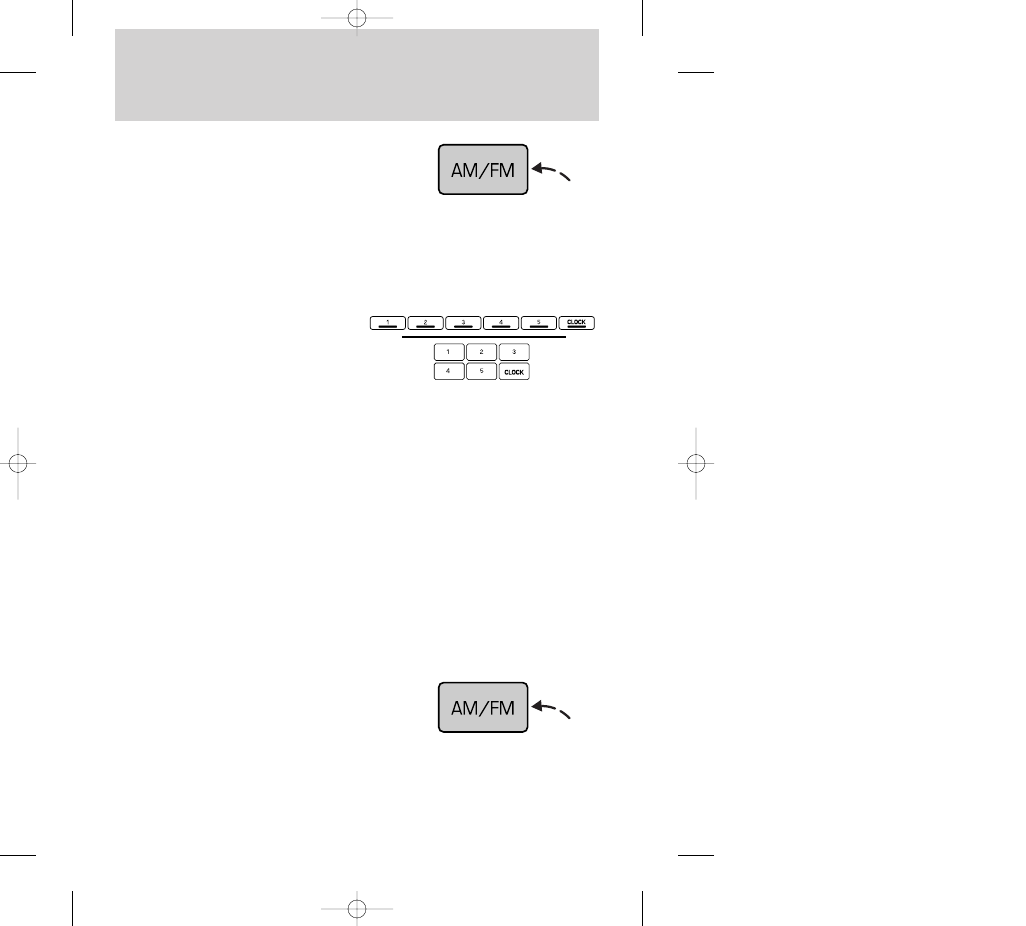
1. Select the frequency band with
the AM/FM select control.

2. Select a station. Refer to Tune
adjust 
or Seek function for more
information on selecting a station.

Starting automatic memory
store (if equipped)

1. Select a frequency using the
AM/FM select control.

13CCfen  17.6.99 10:52 Uhr  Seite 42

Controls and features

43

2. Press the AUTO PRESET
control.

3. When the first six strong stations
are filled, the station stored in
memory preset control 1 will start
playing.

If there are less than six strong
stations available on the frequency
band, the remaining memory
preset controls will all store the last
strong station available.

Deactivating automatic memory
store

To deactivate automatic memory
store and return to your audio
system’s manually set memory
stations, press the AUTO PRESET
control again.

Bass adjust

The bass adjust control allows you
to increase or decrease the audio
system’s bass output.

• Push the AUDIO control
repeatedly until the display reads
BASS.

• Press (+) or (–) on the volume
control to increase or decrease
bass output.

13CCfen  17.6.99 10:52 Uhr  Seite 43

• Press (+) or (–) on the volume
control to increase or decrease
treble output.

Speaker balance adjust

Speaker sound distribution can be
adjusted between the right and left
speakers.

Controls and features

44

Treble adjust

The treble adjust control allows
you to increase or decrease the
audio system’s treble output.

• Push the AUDIO control
repeatedly until the display reads
TREB.

• Push the AUDIO control
repeatedly until the display reads
BAL.

• Press the (+) side of the volume
control to shift sound to the right
speakers.

• Press the (–) side of the volume
control to shift sound to the left
speakers.

13CCfen  17.6.99 10:53 Uhr  Seite 44

Controls and features

45

Speaker fade adjust

Speaker sound distribution can be
adjusted between the front and
rear speakers.

• Push the AUDIO control
repeatedly until the display reads
FADE.

• Press the (+) side of the volume
control to shift sound to the front
speakers.

• Press the (–) side of the volume
control to shift sound to the rear
speakers.

Clock

Viewing the clock

Press the CLOCK control to display
the time on the audio system
display. 

Time is displayed:

• until an audio function control is
pressed.

• approximately ten seconds after
each audio system change.

• when the audio system is off and
the ignition is ON.

To remove the clock display, press
the control again.

CLOCK

13CCfen  17.6.99 10:53 Uhr  Seite 45


Content   ..  9  10  11  12   ..