Acura RDX (2021 year). Manual in english - page 24
382
uu
Bluetooth
®
HandsFreeLink
®
u
HFL Menus
Features
■
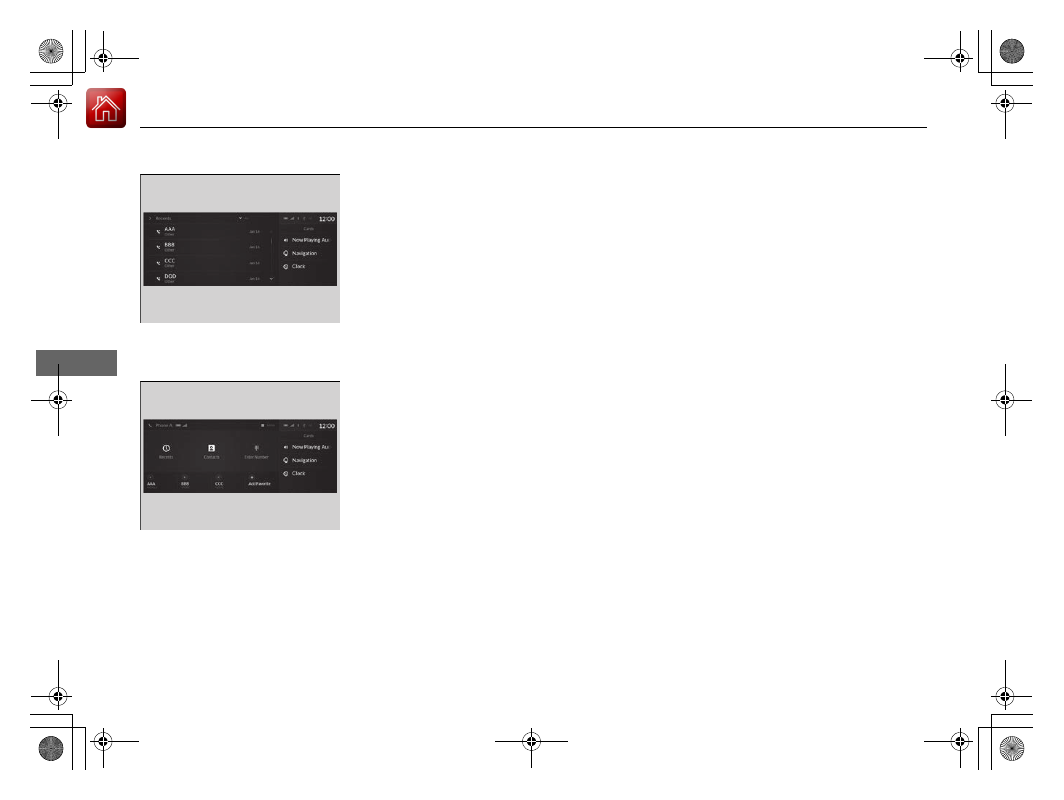
To make a call using the call history
Call history is stored by
All
,
Dialed
,
Missed
,
and
Received
.
1.
Go to the phone screen.
2
P. 371
2.
Select
Recents
.
u
You can sort by
All
,
Dialed
,
Missed
, or
Received
. Select the icon on the upper
right of the screen.
3.
Select a number.
u
Dialing starts automatically.
■
To make a call using a Favorite Contact
entry
1.
Go to the phone screen.
2
P. 371
2.
Select desired favorite contact.
u
Dialing starts automatically.