Acura RLX HYBRID (2020 year). Manual in english - page 8
128
Co
ntrols
Clock
Adjusting the Clock
The clock is automatically updated through the navigation system, so the time does
not need to be adjusted.
You can also adjust the time manually in the audio/information screen, with the
power mode in ON.
■
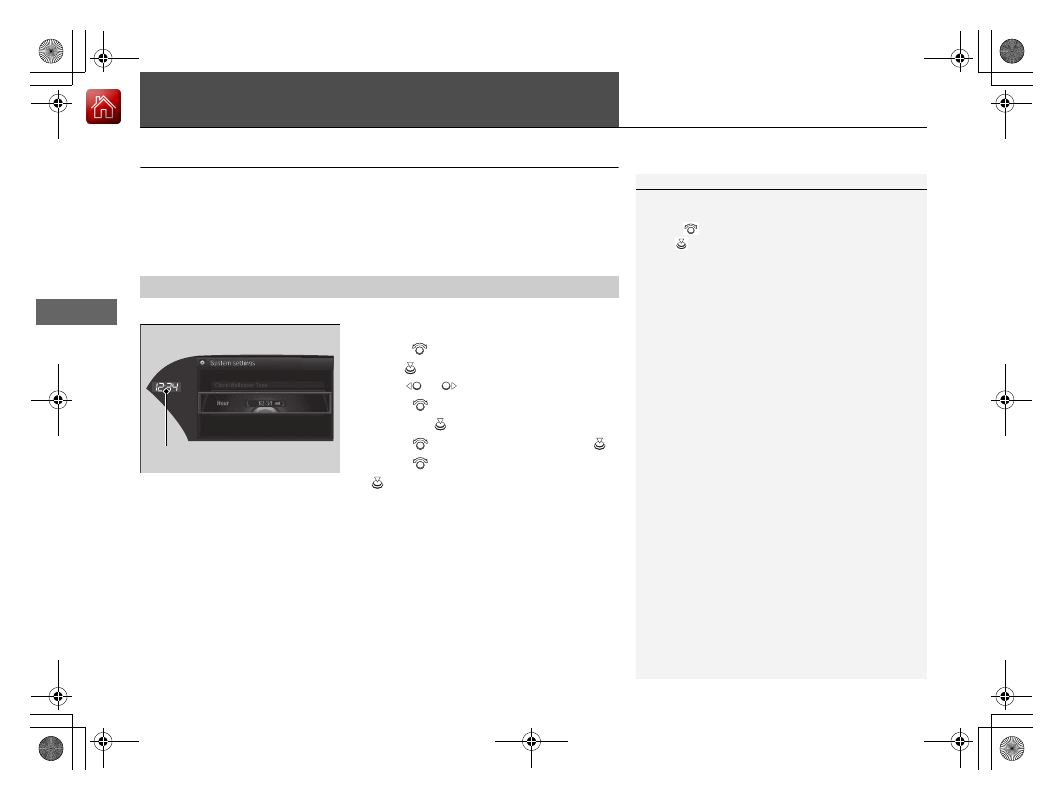
Using the Settings menu on the audio/information screen
1.
Press the
SETTINGS
button.
2.
Rotate
to select
System Settings
, then
press .
3.
Move
or
to select the
Clock
tab.
4.
Rotate
to select
Clock Adjustment
,
then press
.
5.
Rotate
to change hour, then press
.
6.
Rotate
to change minute, then press
.
■
Adjusting the Time
1
These indications are used to show how to operate
the interface dial.
Rotate
to select.
Press
to
enter.
You can customize the clock display to show the 12
hour clock or 24 hour clock.
2
P. 295
Hour
Clock/Wallpaper Type
System settings
Clock Display