Acura CSX. Manual - part 608
*37
*38
−
−
Tire Calibration
23-146
Navigation System
Return
Set
Reset
CCW
CW
Tuning
0.0%
ANG-Disp
0°
Return
Auto Tuning
OFF
Level0
xx.xx%
Set
Study
Tire
Cal. Tuning
Tire
Calibrate
ON
OFF
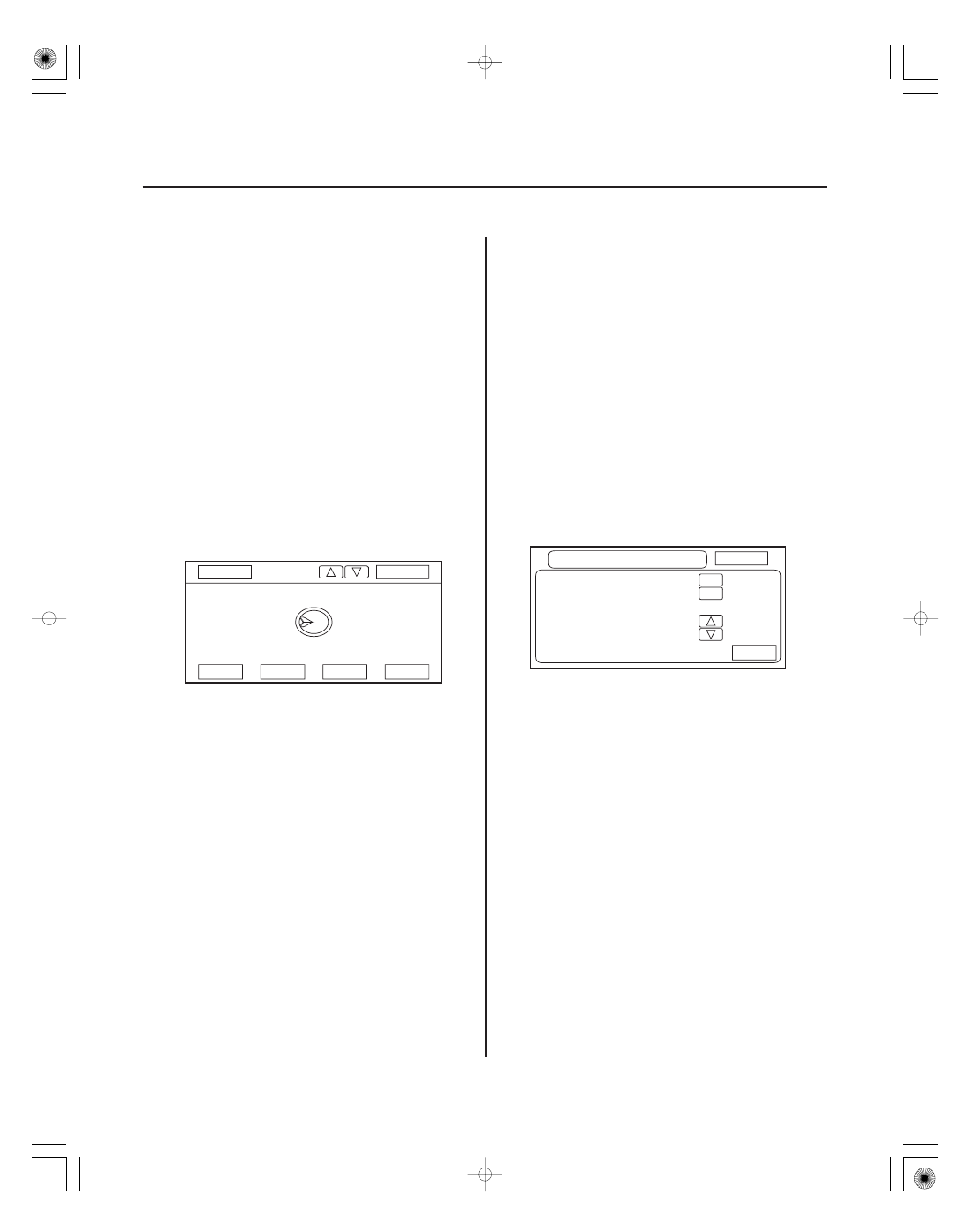
1. Stationary test: If the VP icon spins in place and the
ANG-Disp value slowly increases or decreases in
value, the yaw rate sensor is defective. Replace the
navigation unit.
2. Road test: Drive the vehicle on a very straight road.
Enter the diagnostic mode, select Yaw rate, and
touch the Tuning button. While driving down a
straight road, the white dots should trace a straight
line across the screen. However, if you are driving
on a straight road, and you notice the dots
constantly dropping down or heading up as you
drive, the navigation unit’s yaw sensor is defective.
You can touch Reset to clear ANG-Disp, and dotted
line.
3. If either test fails, please enter ‘‘Yaw rate sensor
defective’’ for the problem description, on the
‘‘Navigation core return form’’.
As the vehicle moves, the navigation system receives
speed pulses from the ECM/PCM. These pulses are
converted using a conversion factor to a mph speed
that moves the vehicle position (VP) on the map. The
navigation system has an internal tuning function that
generates and refines this factor based on actual
driving. The Level indicates the status of the tuning. At
navigation initialization, it begins at 0, and increases to
10 as the navigation system is used.
• The Auto Tuning is factory set to ON, and should
remain on.
• The Study indicates the tuning status. If it is less than
10, the unit is still calibrating.
• The Tire-Cal. Tuning and Set should not be used. It is
for factory use only.
08/08/21 14:07:33 61SNR030_230_0149