FANUC Series 16i/160i/160is-MODEL B, Series 18i/180i/180is-MODEL B, Series 21i/210i/210is-MODEL B. MAINTENANCE MANAUL - page 2
1. DISPLAY AND OPERATION
B-63525EN/02
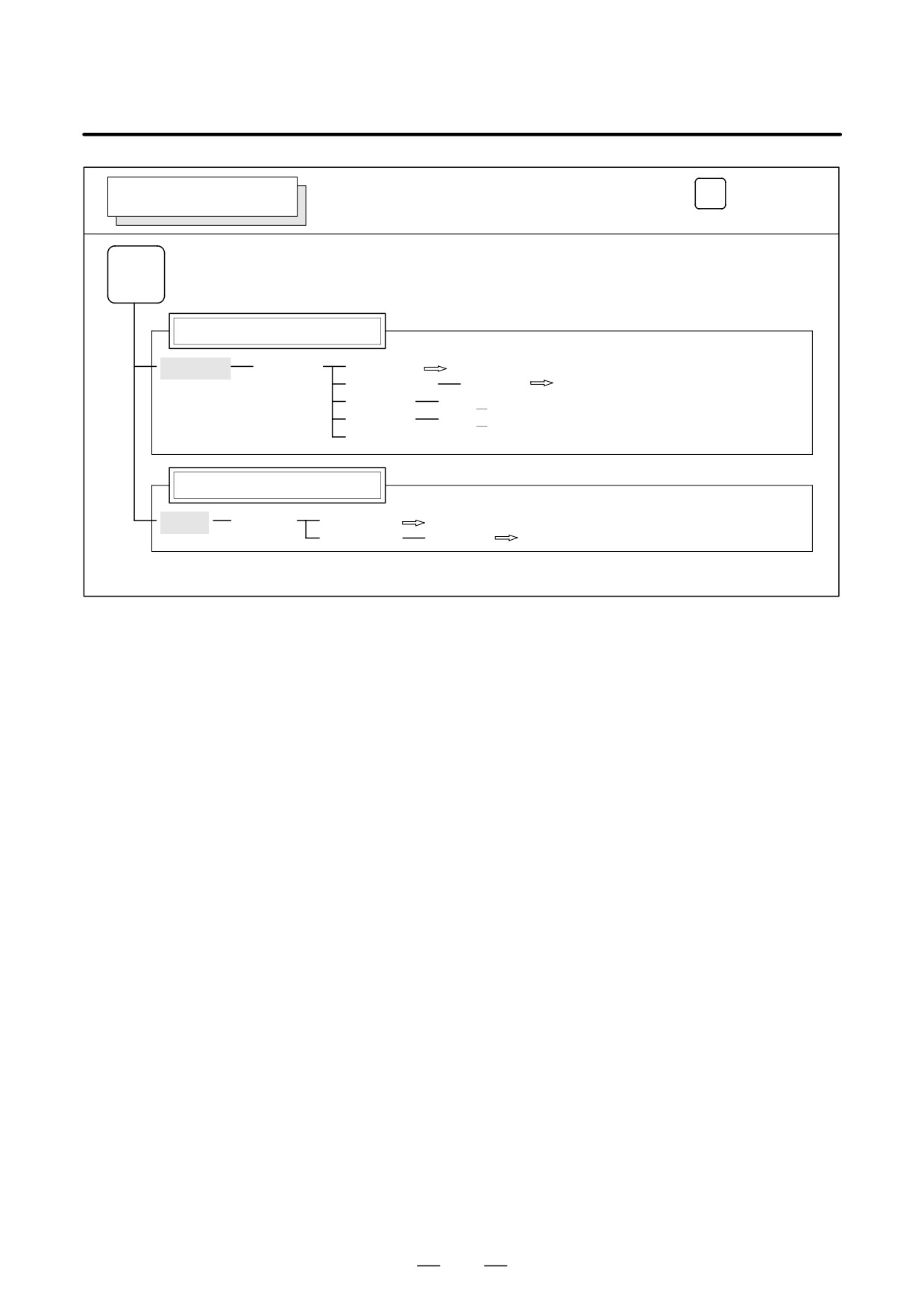
Operations and soft key display staturs for each function key are described
1.1
below:
FUNCTION KEYS
AND SOFT KEYS
1.1.1
To display a more detailed screen, press a function key followed by a soft
key. Soft keys are also used for actual operations.
Soft Keys
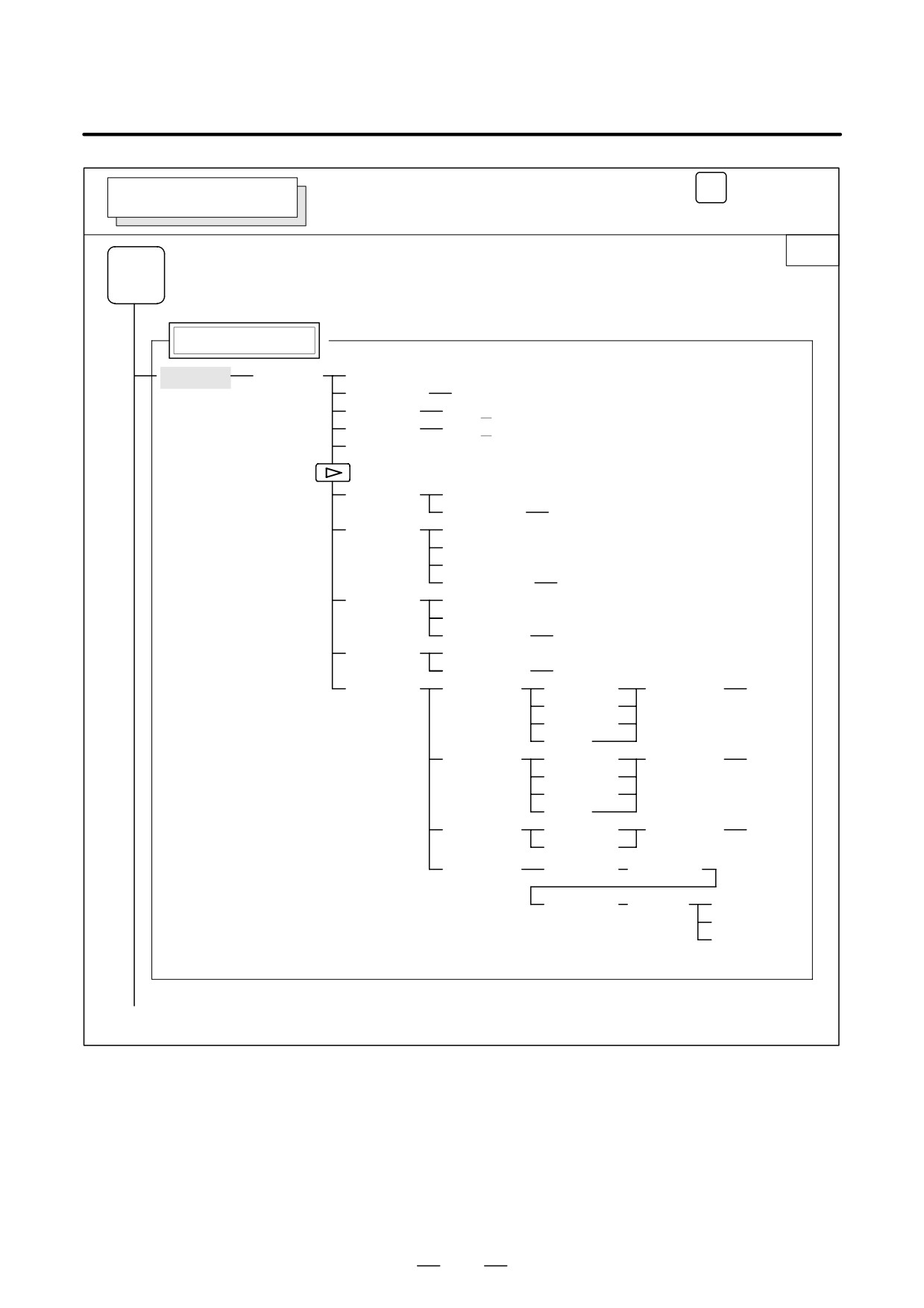
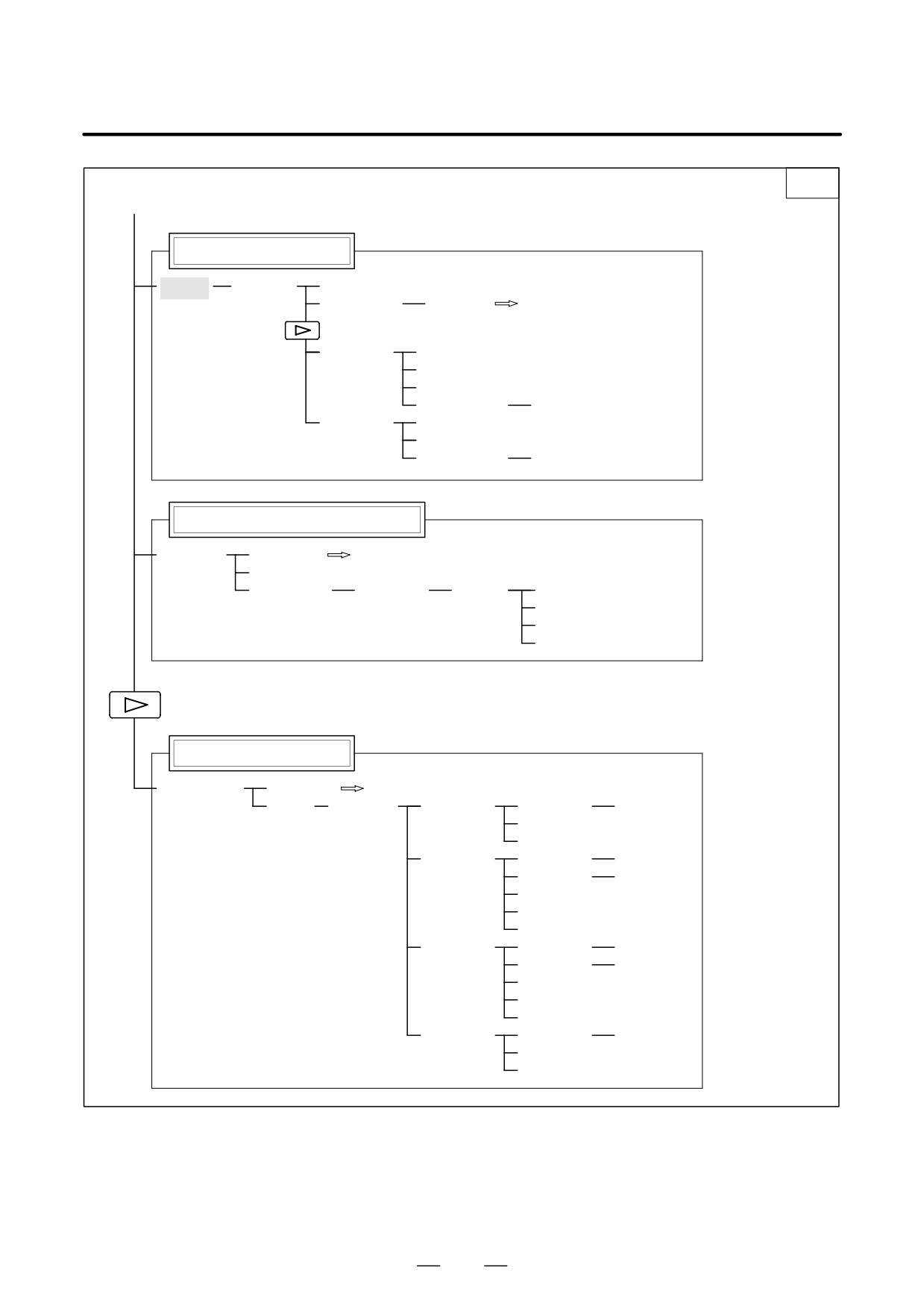
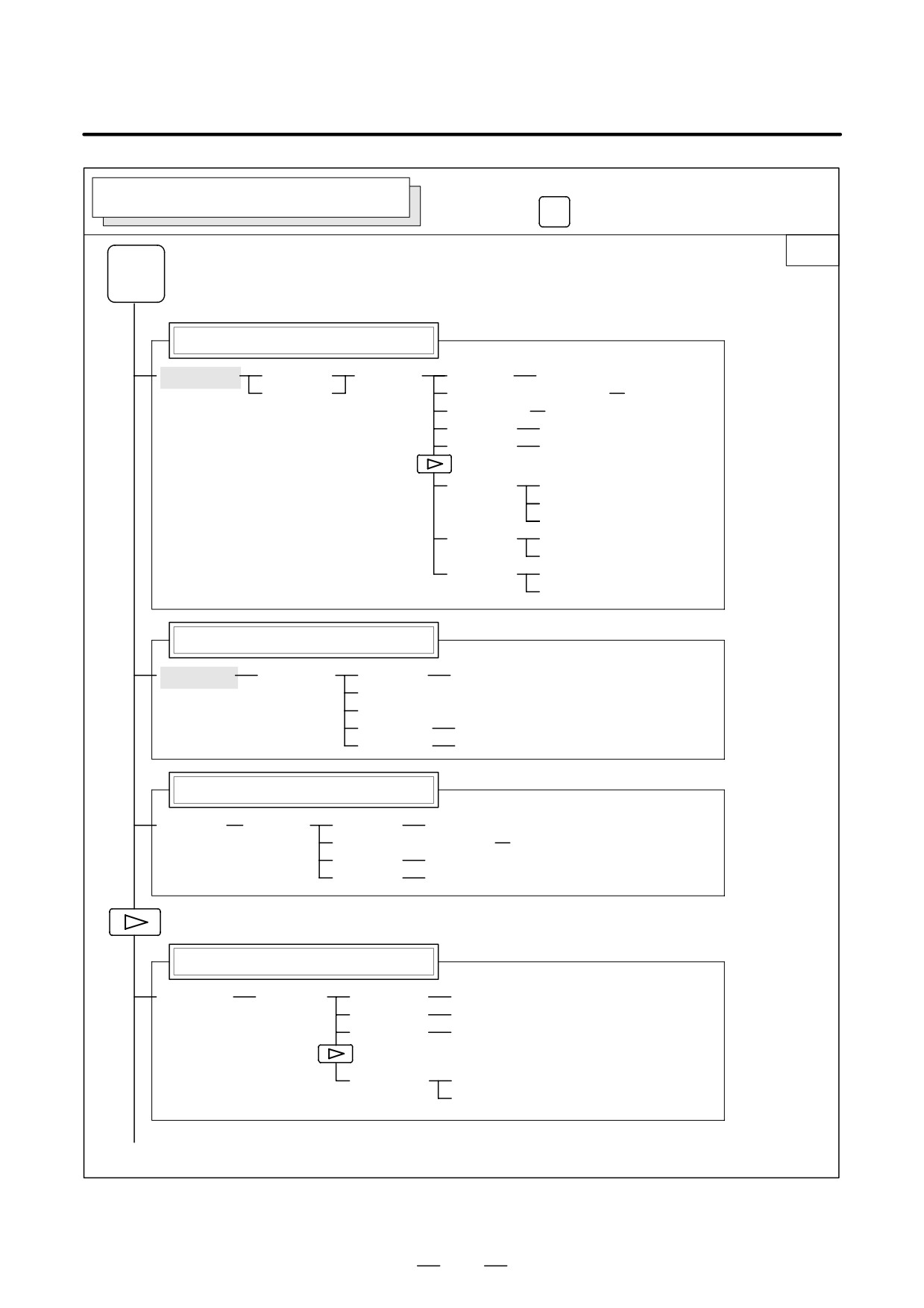
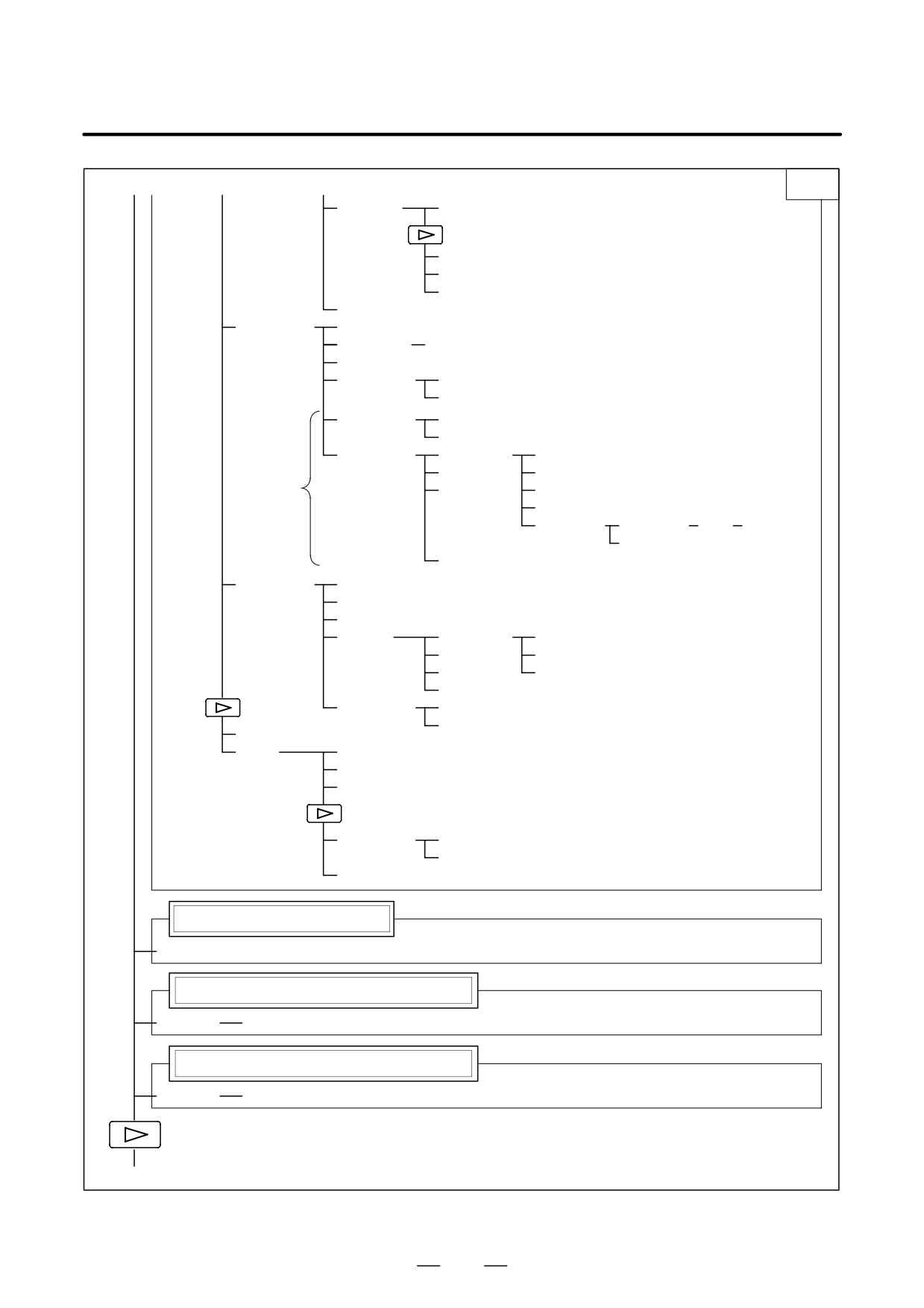
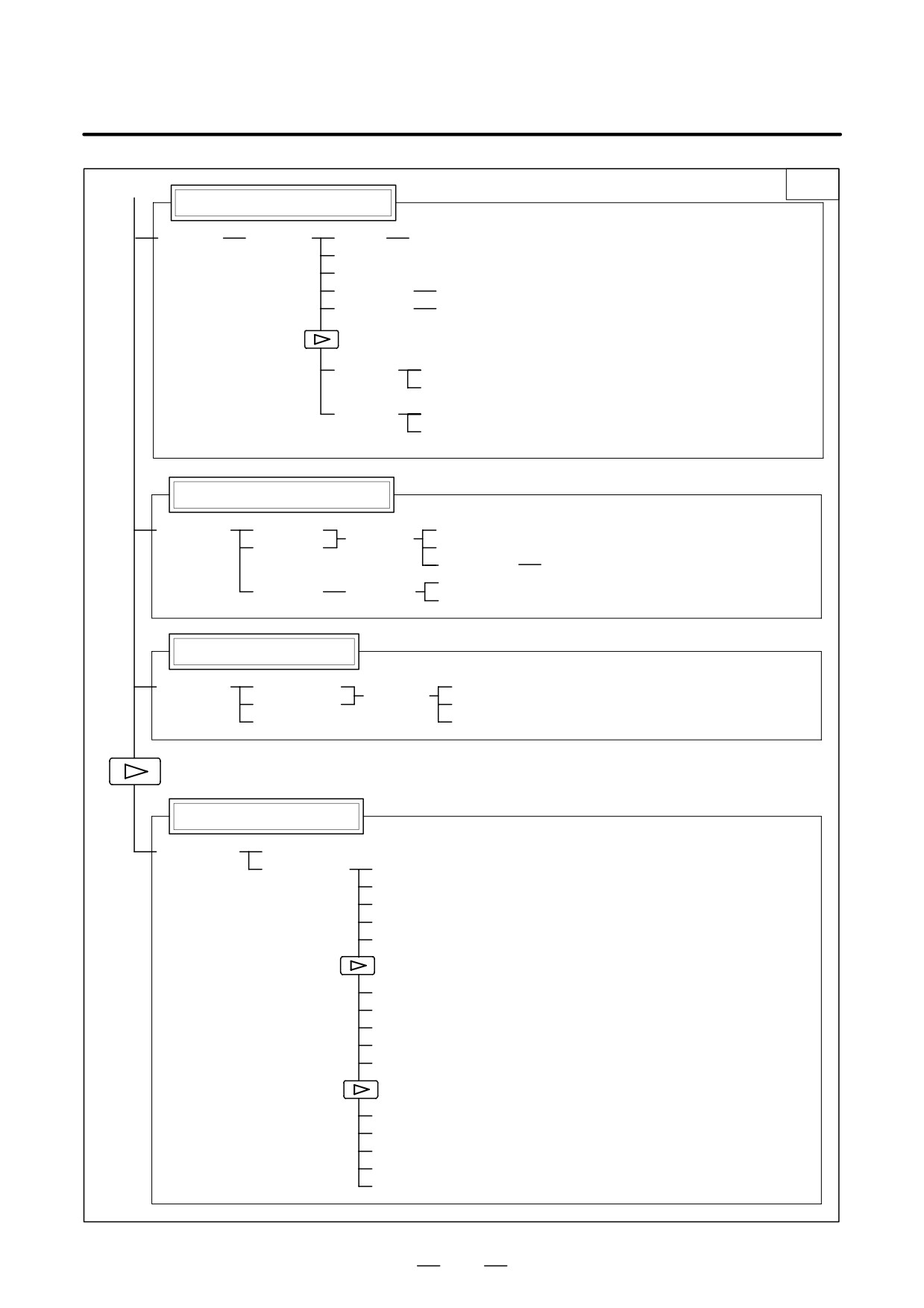
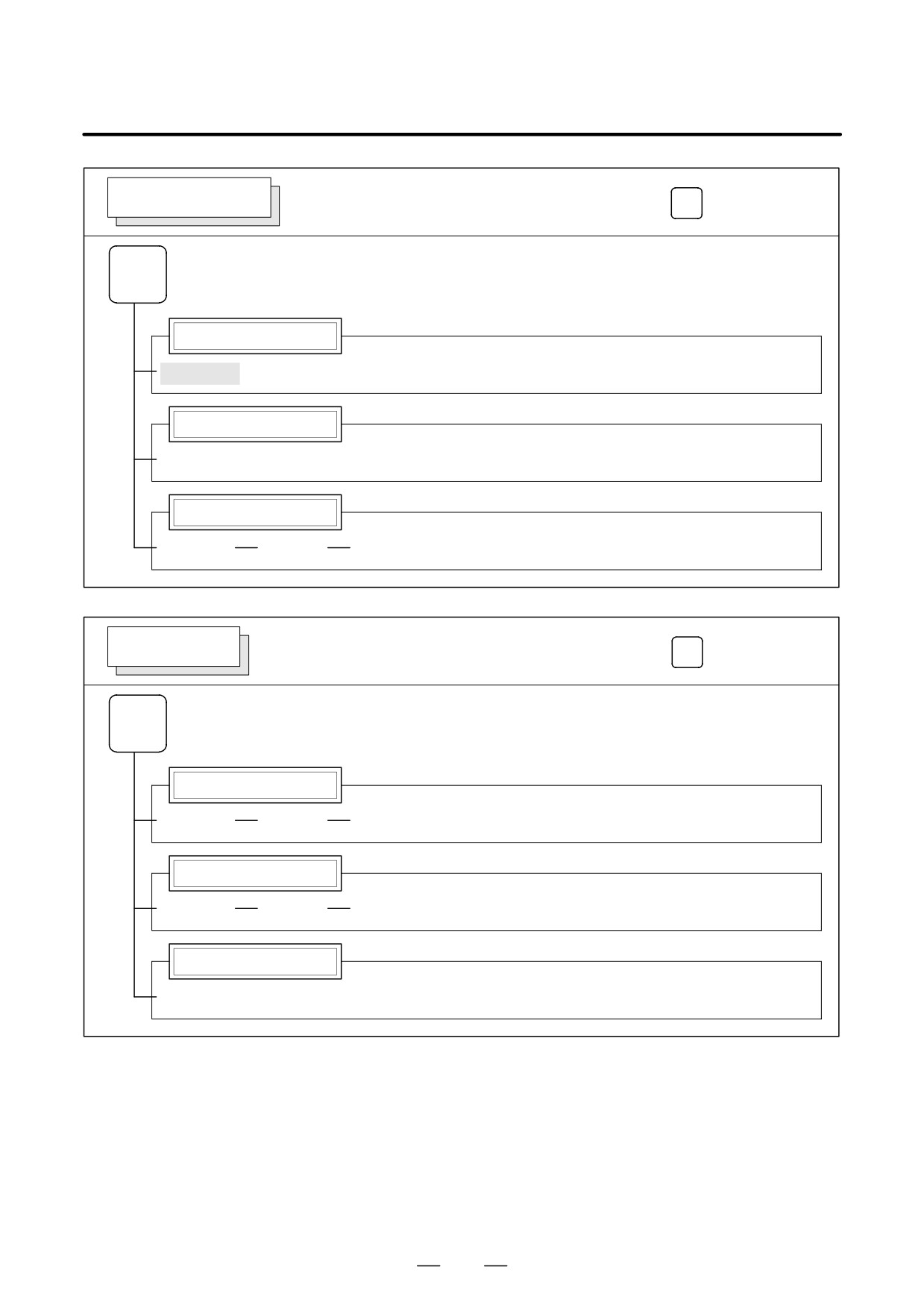
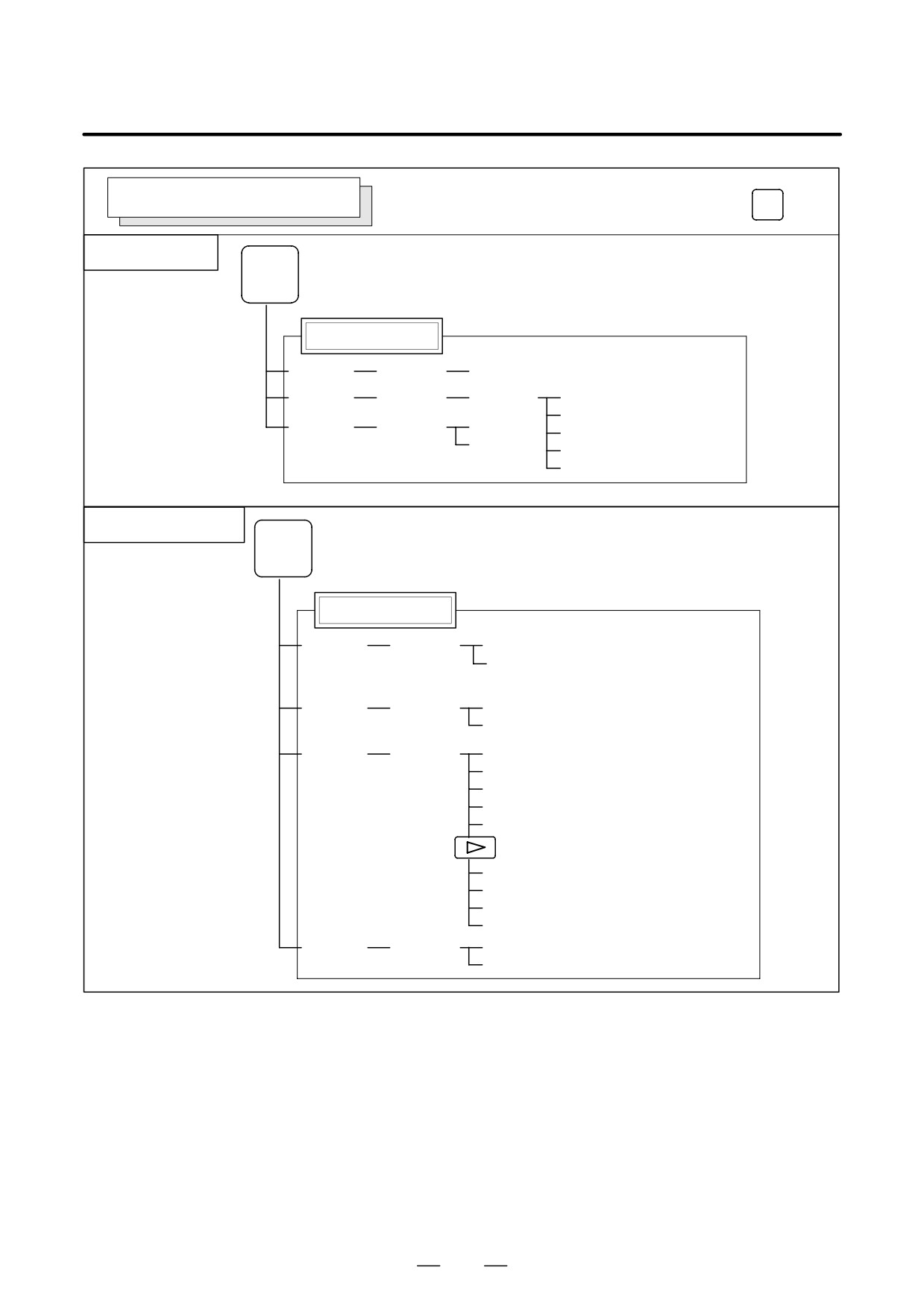
The following illustrates how soft key displays are changed by pressing
each function key.
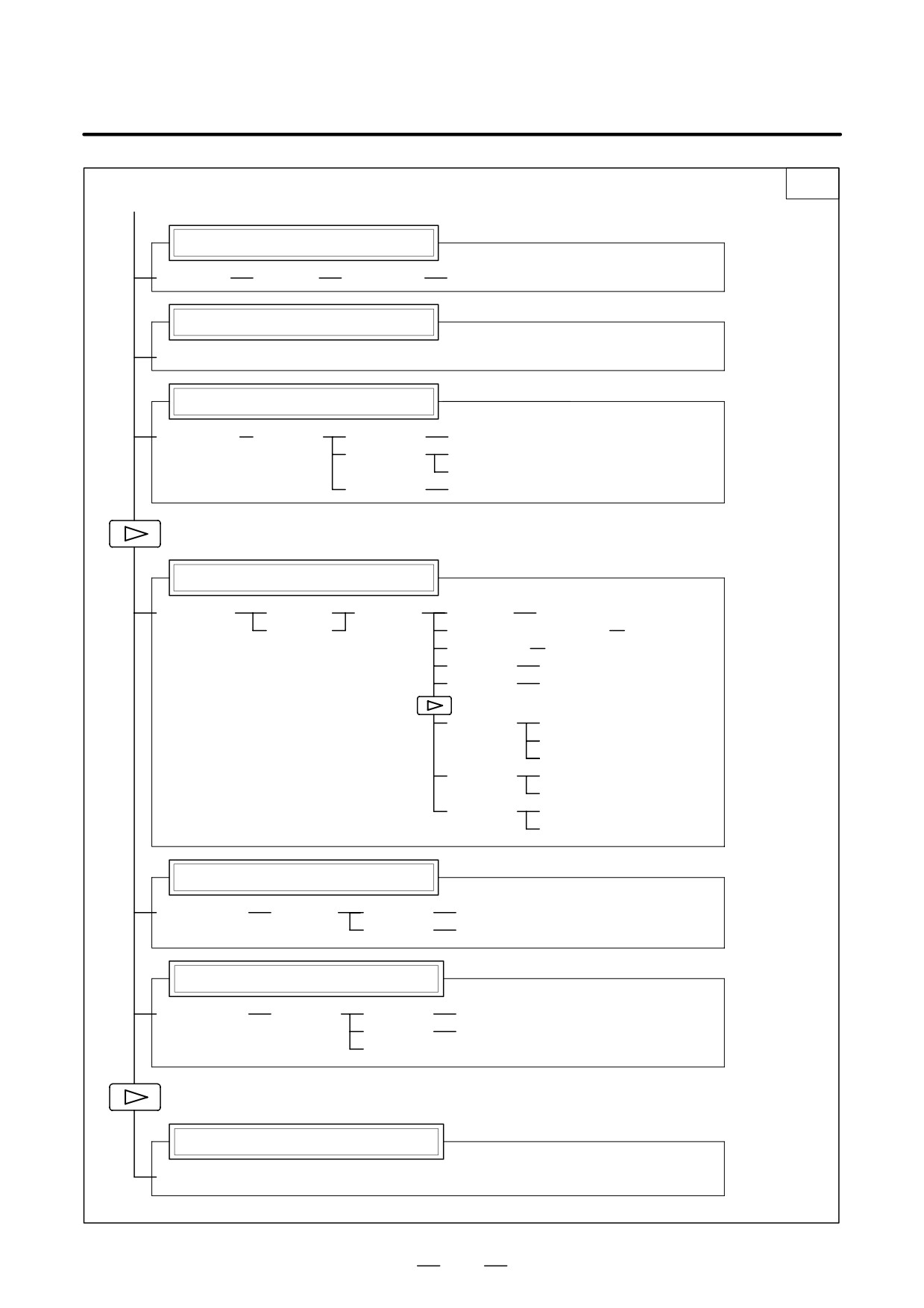
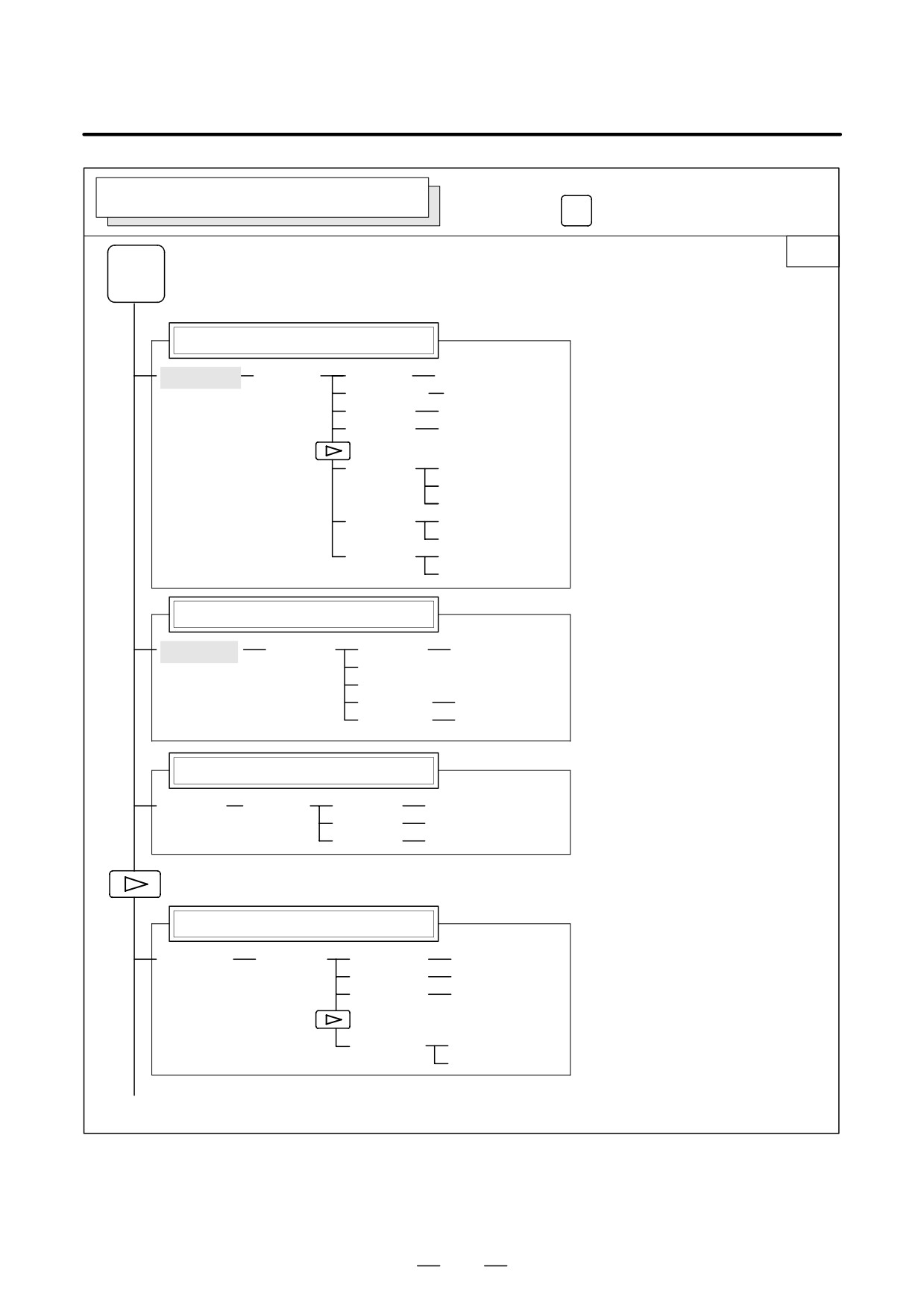
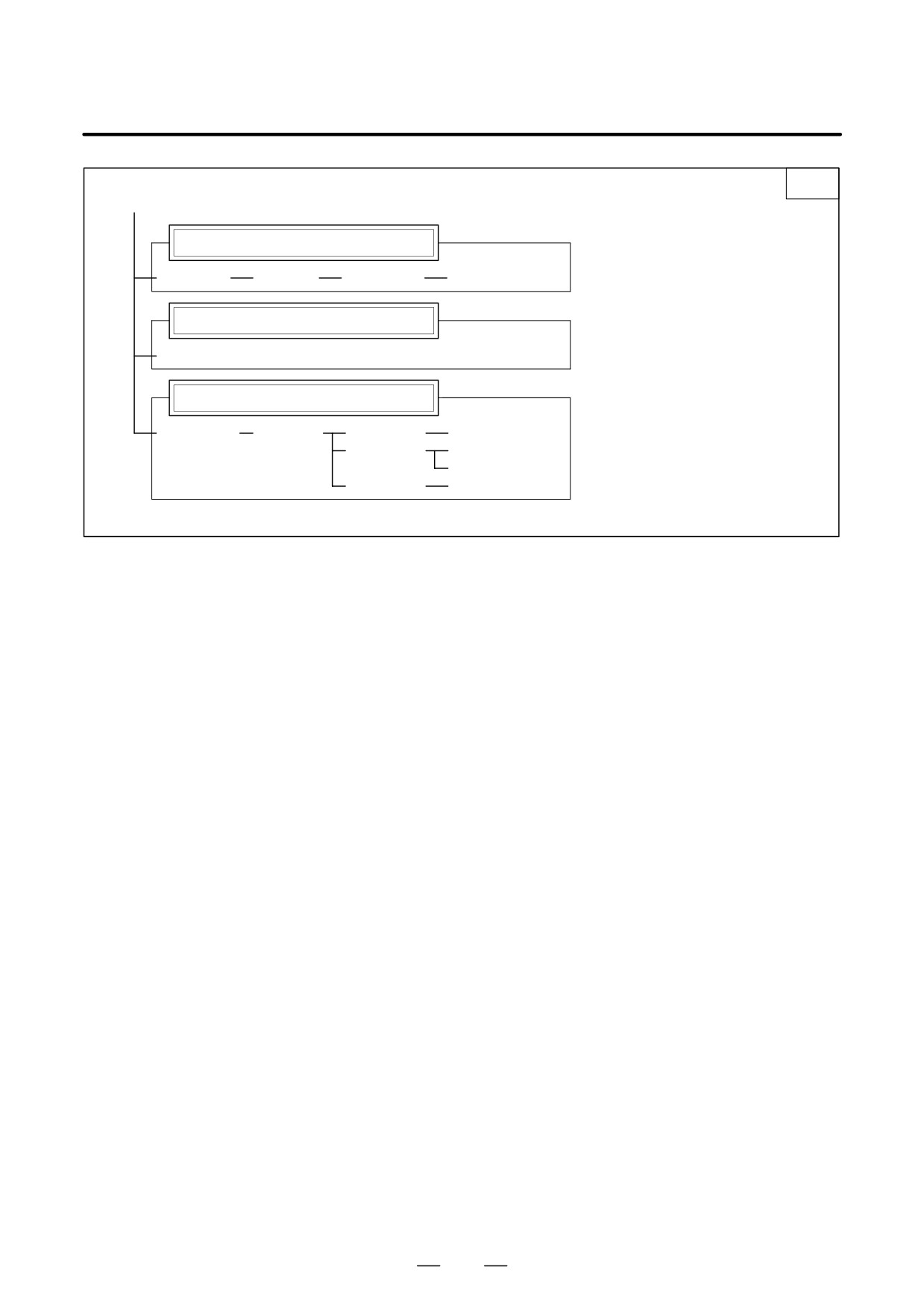
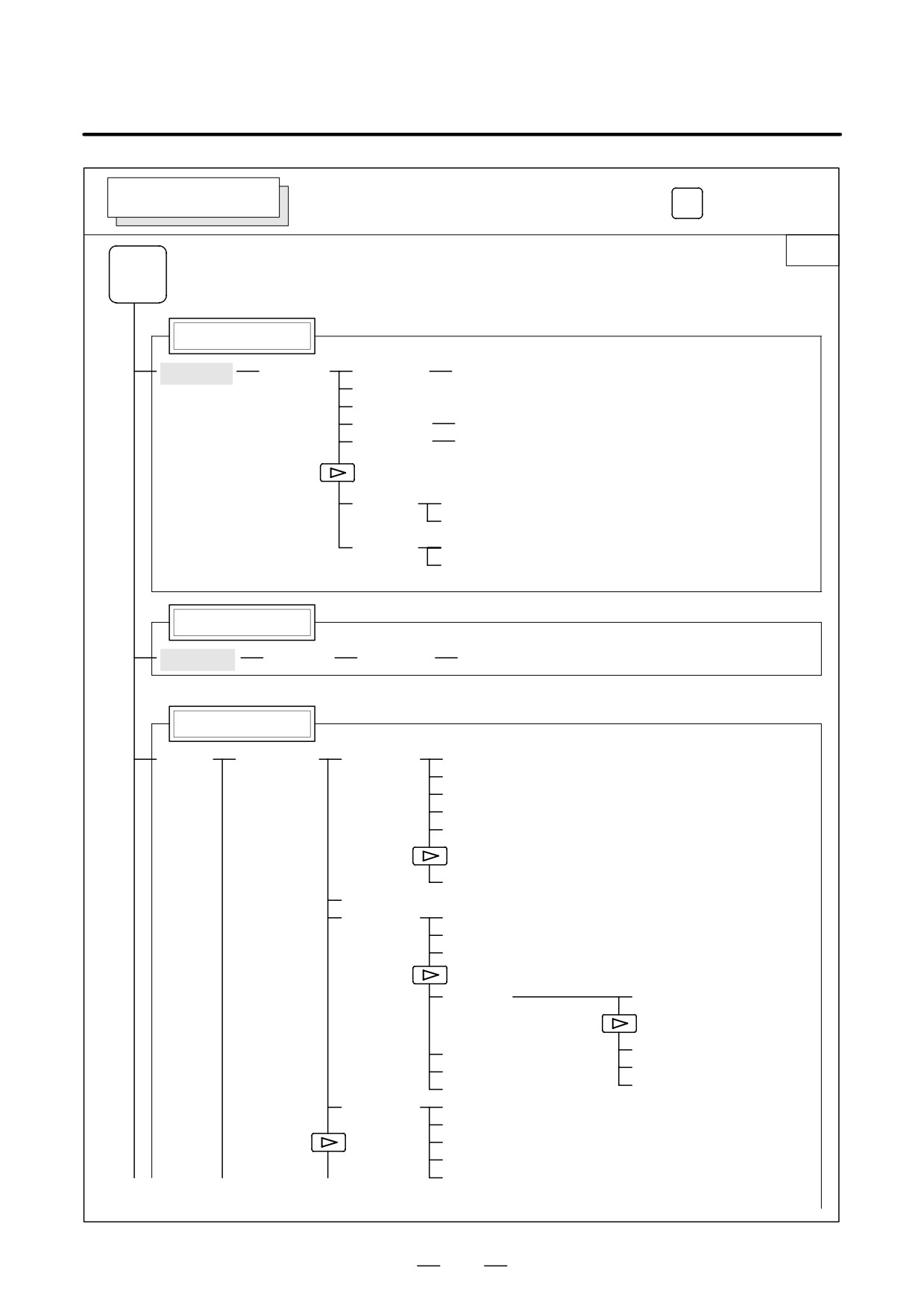
The symbols in the following figures mean as shown below :
:
Indicates screens
:
Indicates a screen that can be displayed by pressing a
function key(*1)
[
]
:
Indicates a soft key(*2)
(
)
:
Indicates input from the MDI panel.
[
]
:
Indicates a soft key displayed in green (or highlighted).
:
Indicates the continuous menu key (rightmost soft key)(*3).
*1 Press function keys to switch between screens that are used frequently.
*2 Some soft keys are not displayed depending on the option configuration.
*3 In some cases, the continuous menu key is omitted when the 12 soft keys
type is used.
2
B-63525EN/02
1. DISPLAY AND OPERATION
POSITION SCREEN
Soft key transition triggered by the function key
POS
POS
Absolute coordinate display
[ABS]
[(OPRT)]
[PTSPRE]
[EXEC]
[RUNPRE]
[EXEC]
Relative coordinate display
[REL]
[(OPRT)]
(Axis or numeral)
[PRESET]
[ORIGIN]
[ALLEXE]
[Axis name]
[EXEC]
[PTSPRE]
[EXEC]
[RUNPRE]
[EXEC]
Current position display
[ALL]
[(OPRT)]
(Axis or numeral)
[PRESET]
[ORIGIN]
[ALLEXE]
[Axis name]
[EXEC]
[PTSPRE]
[EXEC]
[RUNPRE]
[EXEC]
Handle interruption
[HNDL]
[(OPRT)]
[PTSPRE]
[EXEC]
[RUNPRE]
[EXEC]
Monitor screen
[MONI]
[(OPRT)]
[PTSPRE]
[EXEC]
[RUNPRE]
[EXEC]
3
1. DISPLAY AND OPERATION
B-63525EN/02
Soft key transition triggered by the function key
PROG
PROGRAM SCREEN
in the MEM mode
1/2
PROG
Program display screen
[PRGRM]
[(OPRT)]
[BG-EDT]
See “When the soft key [BG-EDT] is pressed”
[O number]
[O SRH]
[N number]
[N SRH]
(1)
[REWIND]
[P TYPE]
[Q TYPE]
[F SRH]
[CAN]
(N number)
[EXEC]
Program check display screen
[CHECK]
[ABS]
[(OPRT)]
[BG-EDT]
See “When the soft key [BG-EDT] is pressed”
[REL]
[O number]
[O SRH]
[N number]
[N SRH]
[REWIND]
[P TYPE]
[Q TYPE]
[F SRH]
[CAN]
(N number)
[EXEC]
Current block display screen
[CURRNT]
[(OPRT)]
[BG-EDT]
See “When the soft key [BG-EDT] is pressed”
Next block display screen
[NEXT]
[(OPRT)]
[BG-EDT]
See “When the soft key [BG-EDT] is pressed”
Program restart display screen
[RSTR]
[(OPRT)]
[BG-EDT]
See “When the soft key [BG-EDT] is pressed”
(2)(Continued on the next page)
4
B-63525EN/02
1. DISPLAY AND OPERATION
2/2
(2)
[FL.SDL]
[PRGRM]
Return to (1) (Program display)
File directory display screen
[DIR]
[(OPRT)]
[SELECT]
(File No. )
[F SET]
[EXEC]
Schedule operation display screen
[SCHDUL]
[(OPRT)]
[CLEAR]
[CAN]
[EXEC]
(Schedule data)
[INPUT]
5
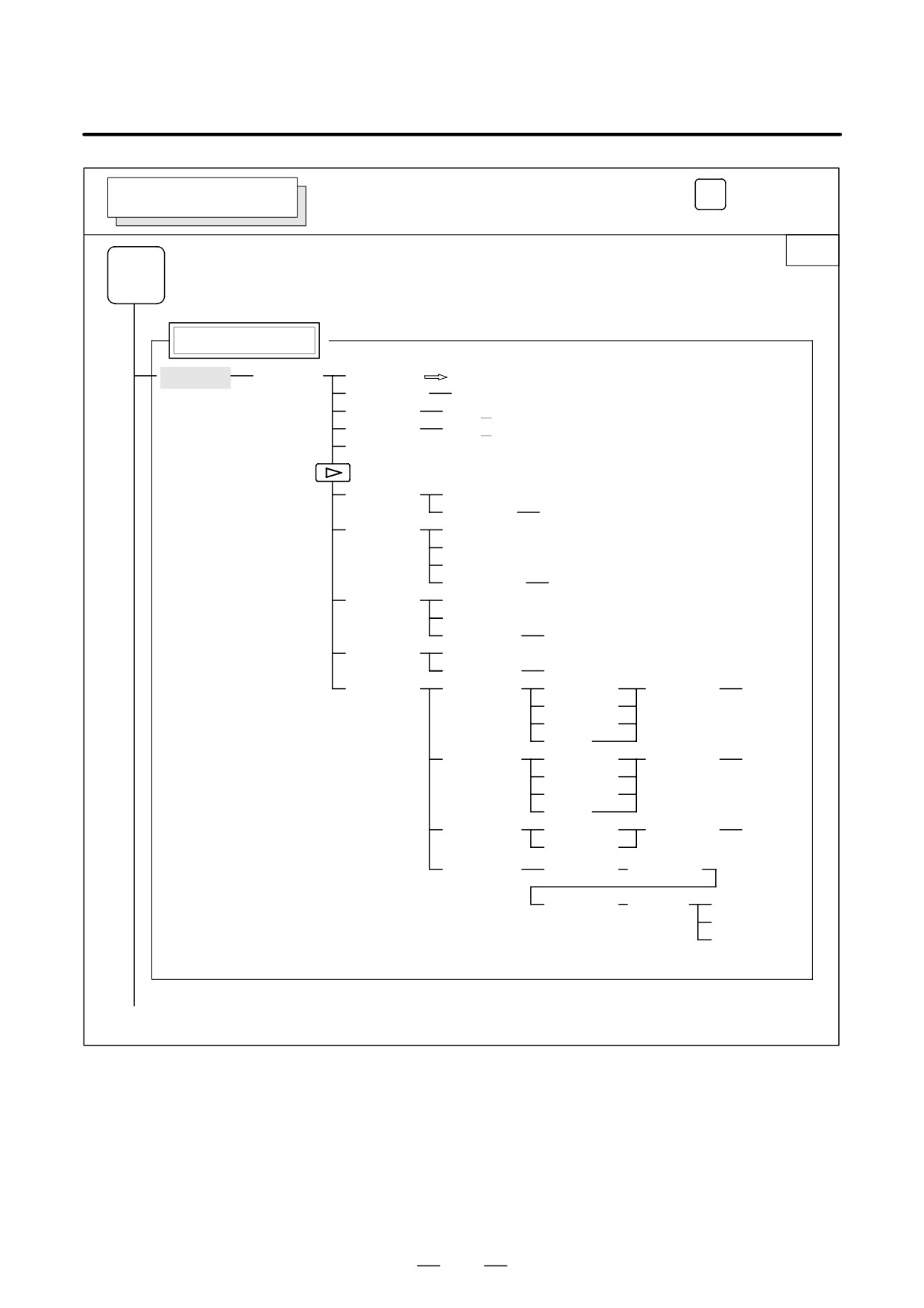
1. DISPLAY AND OPERATION
B-63525EN/02
Soft key transition triggered by the function key
PROG
PROGRAM SCREEN
in the EDIT mode
1/2
PROG
Program display
[PRGRM]
[(OPRT)]
[BG-EDT]
See “When the soft key [BG-EDT] is pressed”
(O number)
[O SRH]
(Address)
[SRH↓]
(Address)
[SRH↑]
[REWIND]
[F SRH]
[CAN]
(N number)
[EXEC]
[READ]
[CHAIN]
(The cursor moves to the end of a program.)
[STOP]
[CAN]
(O number)
[EXEC]
[PUNCH]
[STOP]
[CAN]
(O number)
[EXEC]
[DELETE]
[CAN]
(N number)
[EXEC]
[EX-EDT]
[COPY]
[CRSR∼]
(O number)
[EXEC]
[∼CRSR]
[∼BTTM]
[ALL]
[MOVE]
[CRSR∼]
(O number)
[EXEC]
[∼CRSR]
[∼BTTM]
[ALL]
[MERGE]
[∼CRSR]
(O number)
[EXEC]
[∼BTTM]
[CHANGE]
(Address)
[BEFORE]
(Address)
[AFTER]
[SKIP]
[1-EXEC]
[EXEC]
(1)(Continued on the next page)
6
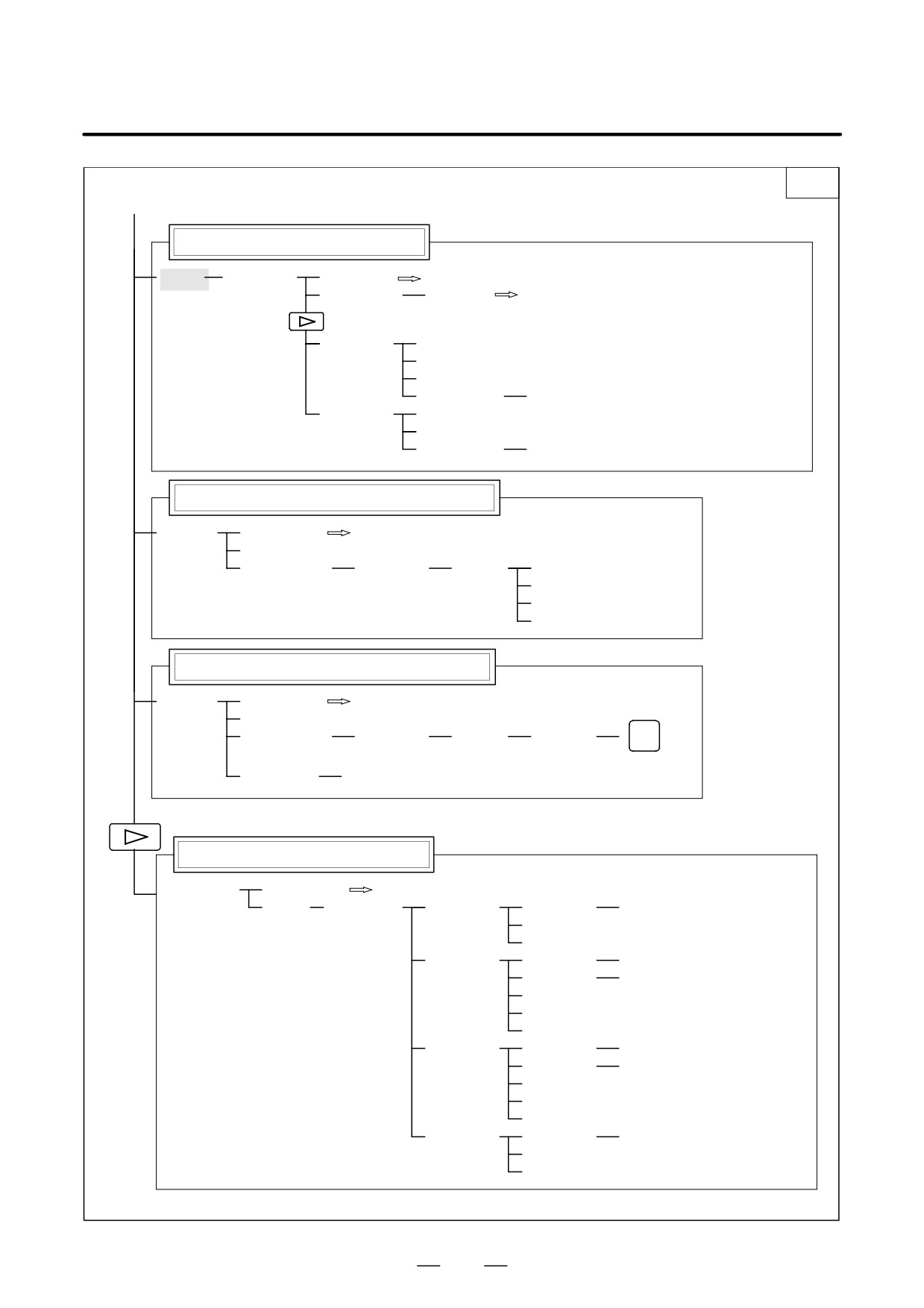
B-63525EN/02
1. DISPLAY AND OPERATION
2/2
(1)
Program directory display
[LIB]
[(OPRT)]
[BG-EDT]
See “When the soft key [BG-EDT] is pressed”
(O number)
[O SRH]
Return to the program
[READ]
[CHAIN]
[STOP]
[CAN]
(O number)
[EXEC]
[PUNCH]
[STOP]
[CAN]
(O number)
[EXEC]
Graphic Conversational Programming (T series)
[C.A.P.]
[PRGRM]
Return to the program
[G.MENU]
(G number)
[BLOCK]
(Data)
[LINE]
When a G number is omitted,
[CHAMF]
the standard screen appears.
[CNR.R]
[INPUT]
Graphic Conversational Programming (M series)
[C.A.P.]
[PRGRM]
Return to the program
[G.MENU]
(G number)
[BLOCK]
(Data)
[INPUT]
INSERT
When a G number is omitted, the standard screen appears.
[(OPRT)]
[INPUT]
Floppy directory display
[FLOPPY]
[PRGRM]
Return to the program
[DIR]
[(OPRT)]
[F SRH]
(Numeral)
[F SET]
[CAN]
[EXEC]
[READ]
(Numeral)
[F SET]
(Numeral)
[O SET]
[STOP]
[CAN]
[EXEC]
[PUNCH]
(Numeral)
[F SET]
(Numeral)
[O SET]
[STOP]
[CAN]
[EXEC]
[DELETE]
(Numeral)
[F SET]
[CAN]
[EXEC]
7
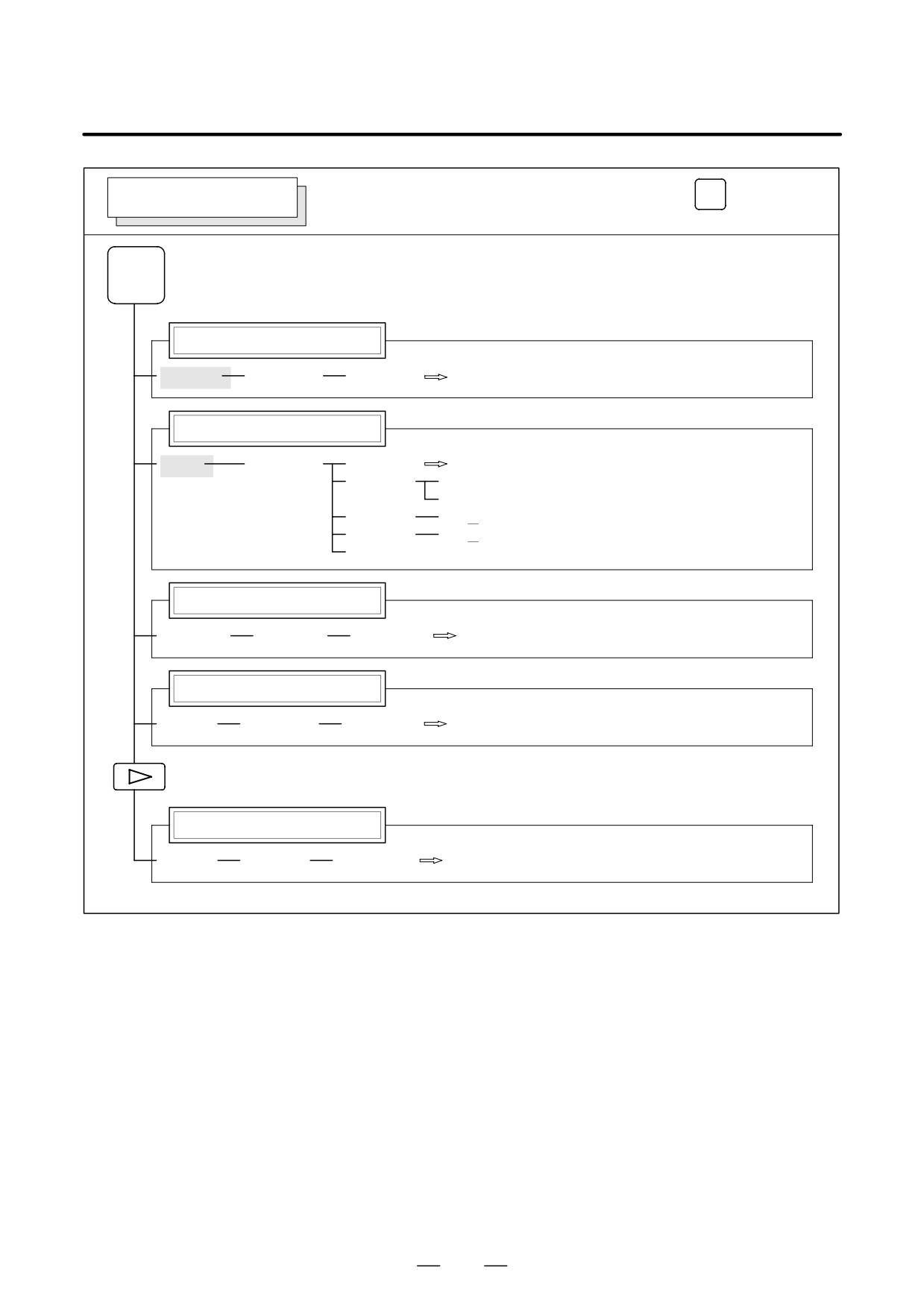
1. DISPLAY AND OPERATION
B-63525EN/02
Soft key transition triggered by the function key
PROG
PROGRAM SCREEN
in the MDI mode
PROG
Program display
[PRGRM]
[(OPRT)]
[BG-EDT]
See “When the soft key [BG-EDT] is pressed”
Program input screen
[MDI]
[(OPRT)]
[BG-EDT]
See “When the soft key [BG-EDT] is pressed”
[START]
[CAN]
[EXEC]
(Address)
[SRH↓]
(Address)
[SRH↑]
[REWIND]
Current block display screen
[CURRNT]
[(OPRT)]
[BG-EDT]
See When the soft key [BG-EDT] is pressed"
Next block display screen
[NEXT]
[(OPRT)]
[BG-EDT]
See “When the soft key [BG-EDT] is pressed”
Program restart display screen
[RSTR]
[(OPRT)]
[BG-EDT]
See “When the soft key [BG-EDT] is pressed”
8
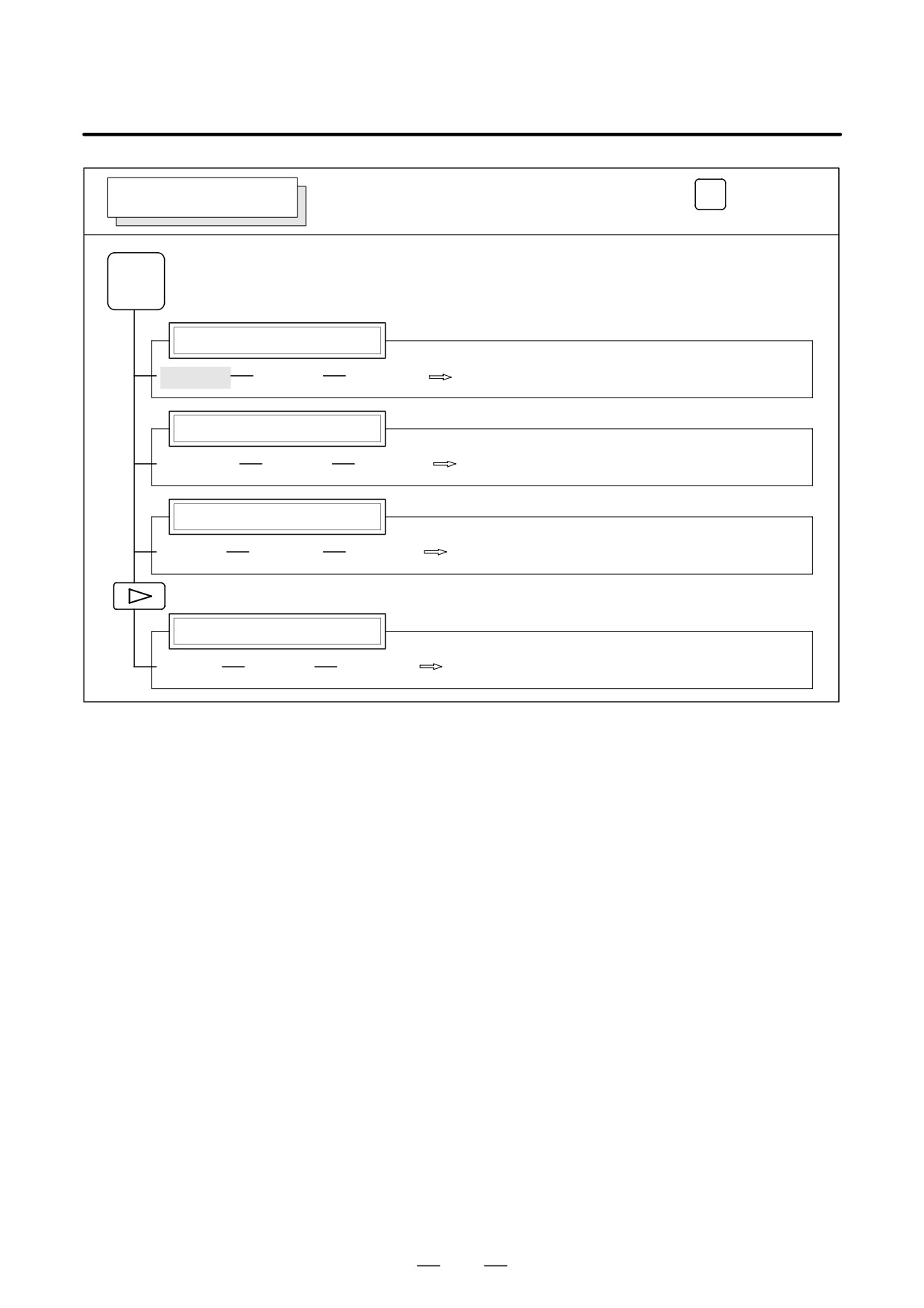
B-63525EN/02
1. DISPLAY AND OPERATION
Soft key transition triggered by the function key
PROG
PROGRAM SCREEN
in the HNDL, JOG, or REF mode
PROG
Program display
[PRGRM]
[(OPRT)]
[BG-EDT]
See “When the soft key [BG-EDT] is pressed”
Current block display screen
[CURRNT]
[(OPRT)]
[BG-EDT]
See “When the soft key [BG-EDT] is pressed”
Next block display screen
[NEXT]
[(OPRT)]
[BG-EDT]
See “When the soft key [BG-EDT] is pressed”
Program restart display screen
[RSTR]
[(OPRT)]
[BG-EDT]
See “When the soft key [BG-EDT] is pressed”
9
1. DISPLAY AND OPERATION
B-63525EN/02
Soft key transition triggered by the function key
PROG
PROGRAM SCREEN
in the TJOG or THDL mode
PROG
Program input screen
[PRGRM]
[(OPRT)]
[BG-EDT]
See “When the soft key [BG-EDT] is pressed”
(O number)
[O SRH]
Return to the program
(Address)
[SRH↓]
(Address)
[SRH↑]
[REWIND]
Program directory display
[LIB]
[(OPRT)]
[BG-EDT]
See “When the soft key [BG-EDT] is pressed”
(O number)
[O SRH]
Return to the program
10
B-63525EN/02
1. DISPLAY AND OPERATION
PROG
Soft key transition triggered by the function key
PROGRAM SCREEN
(When the soft key [BG-EDT] is pressed in all modes)
1/2
PROG
Program display
[PRGRM]
[(OPRT)]
[BG-END]
(O number)
[O SRH]
(Address)
[SRH↓]
(Address)
[SRH↑]
[REWIND]
[F SRH]
[CAN]
(N number)
[EXEC]
[READ]
[CHAIN]
(The cursor moves to the end of a program.)
[STOP]
[CAN]
(O number)
[EXEC]
[PUNCH]
[STOP]
[CAN]
(O number)
[EXEC]
[DELETE]
[CAN]
(N number)
[EXEC]
[EX-EDT]
[COPY]
[CRSR∼]
(O number)
[EXEC]
[∼CRSR]
[∼BTTM]
[ALL]
[MOVE]
[CRSR∼]
(O number)
[EXEC]
[∼CRSR]
[∼BTTM]
[ALL]
[MERGE]
[∼CRSR]
(O number)
[EXEC]
[∼BTTM]
[CHANGE]
(Address)
[BEFORE]
(Address)
[AFTER]
[SKIP]
[1-EXEC]
[EXEC]
(1)(Continued on the next page)
11
1. DISPLAY AND OPERATION
B-63525EN/02
2/2
(1)
Program directory display
[LIB]
[(OPRT)]
[BG-EDT]
(O number)
[O SRH]
Return to the program
[READ]
[CHAIN]
[STOP]
[CAN]
(O number)
[EXEC]
[PUNCH]
[STOP]
[CAN]
(O number)
[EXEC]
Graphic Conversational Programming
[C.A.P.]
[PRGRM]
Return to the program
[G.MENU]
(G number)
[BLOCK]
(Data)
[LINE]
[CHAMF]
When a G number is omitted, the standard
screen appears.
[CNR.R]
[INPUT]
Floppy directory display
[FLOPPY]
[PRGRM]
Return to the program
[DIR]
[(OPRT)]
[F SRH]
(Numeral)
[F SET]
[CAN]
[EXEC]
[READ]
(Numeral)
[F SET]
(Numeral)
[O SET]
[STOP]
[CAN]
[EXEC]
[PUNCH]
(Numeral)
[F SET]
(Numeral)
[O SET]
[STOP]
[CAN]
[EXEC]
[DELETE]
(Numeral)
[F SET]
[CAN]
[EXEC]
12
B-63525EN/02
1. DISPLAY AND OPERATION
Soft key transition triggered by the
OFFSET/SETTING SCREEN (T series)
function key
OFFSET
SETTING
1/2
OFFSET
SETTING
Tool offset screen
[OFFSET]
[WEAR]
[(OPRT)]
(Number)
[NO SRH]
[GEOM]
(Axis name and numeral)
[MEASUR]
(Axis name)
[INP.C.]
(Numeral)
[+INPUT]
(Numeral)
[INPUT]
[CLEAR]
[ALL]
[WEAR]
[GEOM]
[READ]
[CAN]
[EXEC]
[PUNCH]
[CAN]
[EXEC]
Setting screen
[SETING]
[(OPRT)]
(Number)
[NO SRH]
[ON:1]
[OFF:0]
(Numeral)
[+INPUT]
(Numeral)
[INPUT]
Work coordinate system setting screen
[WORK]
[(OPRT)]
(Number)
[NO SRH]
(Axis name and numeral)
[MEASUR]
(Numeral)
[+INPUT]
(Numeral)
[INPUT]
Macro variables display screen
[MACRO]
[(OPRT)]
(Number)
[NO SRH]
(Axis name)
[INP.C.]
(Numeral)
[INPUT]
[PUNCH]
[CAN]
[EXEC]
(1)(Continued on the next page)
13
1. DISPLAY AND OPERATION
B-63525EN/02
2/2
(1)
Pattern data input screen
[MENU]
[(OPRT)]
(Number)
[SELECT]
Software operator’s panel screen
[OPR]
Tool life management setting screen
[TOOLLF]
[(OPRT)]
(Number)
[NO SRH]
[CLEAR]
[CAN]
[EXEC]
(Numeral)
[INPUT]
Y-axis tool offset screen
[OFST
.2]
[WEAR]
[(OPRT)]
(Number)
[NO SRH]
[GEOM]
(Axis name and numeral)
[MEASUR]
(Axis name)
[INP.C.]
(Numeral)
[+INPUT]
(Numeral)
[INPUT]
[CLEAR]
[ALL]
[WEAR]
[GEOM]
[READ]
[CAN]
[EXEC]
[PUNCH]
[CAN]
[EXEC]
Workpiece shift screen
[WK.SHFT]
[(OPRT)]
(Numeral)
[+INPUT]
(Numeral)
[INPUT]
Chuck/tailstock barrier setting screen
[BARRIER]
[(OPRT)]
(Numeral)
[INPUT]
(Numeral)
[+INPUT]
[SET]
B-axis tool offset screen
[OFST.B]
14
B-63525EN/02
1. DISPLAY AND OPERATION
Soft key transition triggered by the
OFFSET/SETTING SCREEN (M series)
function key
OFFSET
SETTING
1/2
OFFSET
SETTING
Tool offset screen
[OFFSET]
[(OPRT)]
(Number)
[NO SRH]
(Axis name)
[INP.C.]
(Numeral)
[+INPUT]
(Numeral)
[INPUT]
[CLEAR]
[ALL]
[WEAR]
[GEOM]
[READ]
[CAN]
[EXEC]
[PUNCH]
[CAN]
[EXEC]
Setting screen
[SETING]
[(OPRT)]
(Number)
[NO SRH]
[ON:1]
[OFF:0]
(Numeral)
[+INPUT]
(Numeral)
[INPUT]
Work coordinate system setting screen
[WORK]
[(OPRT)]
(Number)
[NO SRH]
(Numeral)
[+INPUT]
(Numeral)
[INPUT]
Macro variables display screen
[MACRO]
[(OPRT)]
(Number)
[NO SRH]
(Axis name)
[INP.C.]
(Numeral)
[INPUT]
[PUNCH]
[CAN]
[EXEC]
(1)(Continued on the next page)
15
1. DISPLAY AND OPERATION
B-63525EN/02
2/2
(1)
Patten data input screen
[MENU]
[(OPRT)]
(Number)
[SELECT]
Software operator’s panel screen
[OPR]
Tool life management setting screen
[TOOLLF]
[(OPRT)]
(Number)
[NO SRH]
[CLEAR]
[CAN]
[EXEC]
(Numeral)
[INPUT]
16
B-63525EN/02
1. DISPLAY AND OPERATION
SYSTEM SCREEN
Soft key transition triggered by the function key
SYSTEM
1/3
SYSTEM
Parameter screen
[PARAM]
[(OPRT)]
(Number)
[NO SRH]
[ON:1]
[OFF:0]
(Numeral)
[+INPUT]
(Numeral)
[INPUT]
[READ]
[CAN]
[EXEC]
[PUNCH]
[CAN]
[EXEC]
Diagnosis screen
[DGNOS]
[(OPRT)]
(Number)
[NO SRH]
PMC screen
[PMC]
[PMCLAD]
[SEARCH]
[TOP]
[BOTTOM]
[SRCH]
[W-SRCH]
[N-SRCH]
[F-SRCH]
[ADRESS]/[SYMBOL]
[TRIGER]
[TRGON]
[TRGOFF]
[START]
[DUMP]
[SEARCH]
[BYTE]
[DPARA]/[NDPARA]
[WORD]
[TRGSRC]
[D.WORD]
[INIT]
[WINDOW]
[DIVIDE]
[CANCEL]
[DELETE]
[SELECT]
[WIDTH]
(1)
(2)
(3)
(Continued on the next page)
17
1. DISPLAY AND OPERATION
B-63525EN/02
(1)
(2)
(3)
2/3
[DUMP]
[SEARCH]
[BYTE]
[WORD]
[D.WORD]
[DRARA]/[NDPARA]
[PMCDGN]
[TITLE]
[STATUS]
[SEARCH]
[ALARM]
[TRACE]
[T.DISP]/[TRCPRM]
[EXEC]
[M.SRCH]
[SEARCH]
[INPUT]
[ANALYS]
[SCOPE]
[SGNPRM]
With
[DELETE]
[START]/[STOP]
PMC-RC
[INIT]
[T-SRCH]
only
[ADRESS]/[SYMBOL]
[EXCHG]
[SELECT]
[TO]
[EXEC]
[CANCEL]
[ADRESS]/[SYMBOL]
[PMCPRM]
[TIMER]
[COUNTR]
[KEEPRL]
[DATA]
[G.DATA]
[C.DATA]
[G.CONT]
[G-SRCH]
[NO.SRH]
[SEARCH]
[INIT]
[SETTING]
[YES]/[MANUAL]/[ROM]
[NO]/[AUTO]/[RAM]
[STOP]/[RUN]
[I/O]
[EXEC]
[CANCEL]
(No.)
[SPEED]
[INPUT]
[INIT]
[MDI]/[ROM]
System configuration screen
[SYSTEM]
ID information screen: αi servo information screen
[SYSTEM]
[SV-INF]
ID information screen: αi spindle information screen
[SYSTEM]
[SP-INF]
(4) (Continued on the next page)
18
B-63525EN/02
1. DISPLAY AND OPERATION
(4)
3/3
Pitch error compensation screen
[PITCH]
[(OPRT)]
(No.)
[NO SRH]
[ON:1]
[OFF:0]
(Numeral)
[+INPUT]
(Numeral)
[INPUT]
[READ]
[CAN]
[EXEC]
[PUNCH]
[CAN]
[EXEC]
Servo parameter screen
[SV.PRM]
[SV.SET]
[ON:1]
[(OPRT)]
[SV.TUN]
[OFF:0]
(Numeral)
[INPUT]
[TRACE]
[SV.TRC]
[(OPRT)]
[TRNSF]
Spindle parameter screen
[SP.PRM]
[SP.SET]
[ON:1]
[(OPRT)]
[SP.TUN]
[OFF:0]
[SP.MON]
[INPUT]
Waveform diagnosis screen
[W.DGNS]
[W.PRM]
[W.GRPH]
[STSRT]
[TIME→]
[←TIME]
[H-DOBL]
[H-HALF]
[STSRT]
[CH-1↑]
[CH-1↓]
[V-DOBL]
[V-HALF]
[STSRT]
[CH-2↑]
[CH-2↓]
[V-DOBL]
[V-HALF]
19
1. DISPLAY AND OPERATION
B-63525EN/02
MESSAGE SCREEN
Soft key transition triggered by the function key
MESSAGE
MESSAGE
Alarm display screen
[ALARM]
Message display screen
[MSG]
Alarm history screen
[HISTRY]
[(OPRT)]
[CLEAR]
HELP SCREEN
Soft key transition triggered by the function key
HELP
HELP
Alarm detail screen
[ALARM]
[(OPRT)]
[SELECT]
Operation method screen
[OPERAT]
[(OPRT)]
[SELECT]
Parameter table screen
[PARAM]
20
B-63525EN/02
1. DISPLAY AND OPERATION
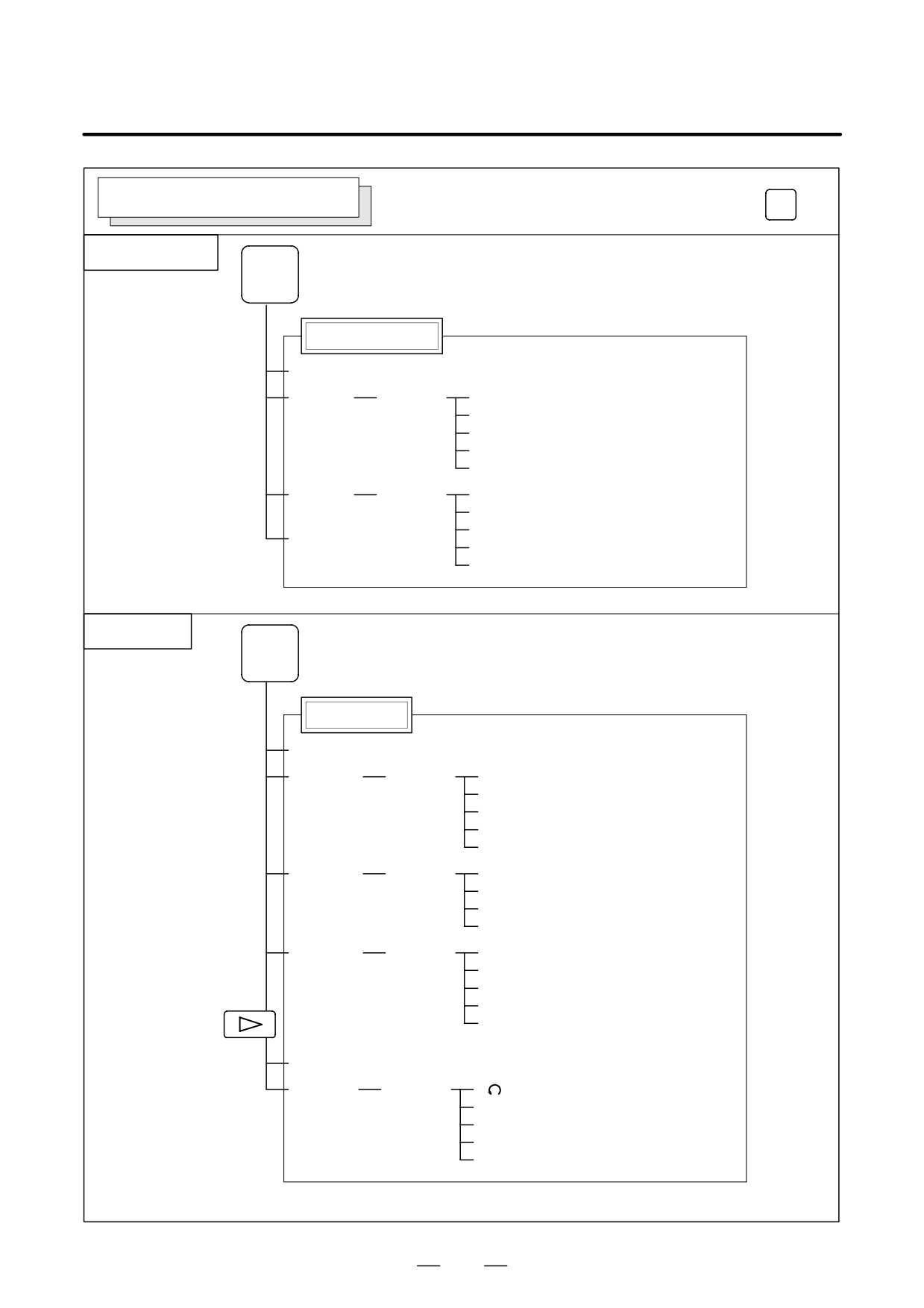
GRAPHIC SCREEN (T series)
Soft key transition triggered by the function key
GRAPH
Tool path graphics
GRAPH
Mode 0
Tool path graphics
[G.PRM]
[(OPRT)]
[NORMAL]
[GRAPH]
[(OPRT)]
[ZOOM]
[HEAD]
[ERASE]
[ZOOM]
[(OPRT)]
[ACT]
[PROCES]
[HI/LO]
[EXEC]
[STOP]
A.ST/Path graphics
GRAPH
Mode 1 to 3
A.ST/Path graphics
[G.PRM]
[(OPRT)]
[NORMAL]
[ENTRY]
[A.PRM]
[(OPRT)]
[NORMAL]
[ENTRY]
[GRAPH]
[(OPRT)]
[HEAD]
[ERASE]
[PROCES]
[EXEC]
[STOP]
[SIDE]
[FRONT]
[OPEN]
[ZOOM]
[(OPRT)]
[EXEC]
[HI/LO]
21
1. DISPLAY AND OPERATION
B-63525EN/02
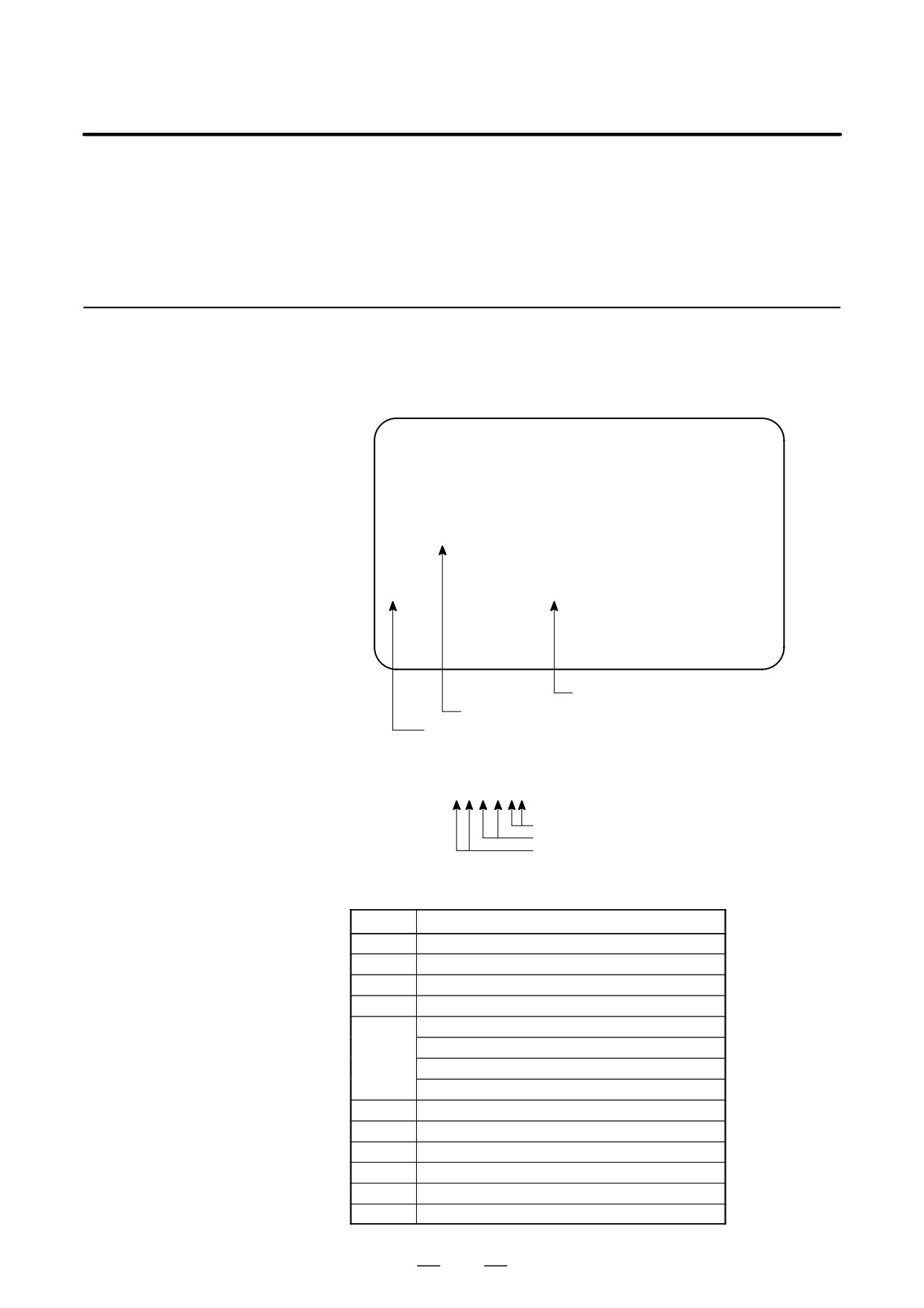
GRAPHIC SCREEN (M series)
Soft key transition triggered by the function key
GRAPH
Tool path graphics
GRAPH
Tool path graphics
[PARAM]
[EXEC]
[(OPRT)]
[AUTO]
[STSRT]
[STOP]
[REWIND]
[CLEAR]
[ZOOM]
[(OPRT)]
[EXEC]
[←]
[→]
[POS]
[↑]
[↓]
Solid graphics
GRAPH
Solid graphics
[PARAM]
[BLANK]
[(OPRT)]
[ANEW]
[+ROT]
[-ROT]
[+TILT]
[-TILT]
[EXEC]
[(OPRT)]
[A.ST]]
[F.ST]
[STOP]
[REWIND]
[REVIEW]
[(OPRT)]
[ANEW]
[+ROT]
[-ROT]
[+TILT]
[-TILT]
[PARAM]
[3-PLN]
[(OPRT)]
[
]
[←]
[→]
[↑]
[↓]
22
B-63525EN/02
1. DISPLAY AND OPERATION
1.2
SCREEN DISPLAYED
IMMEDIATELY AFTER
POWER IS TURNED
ON
1.2.1
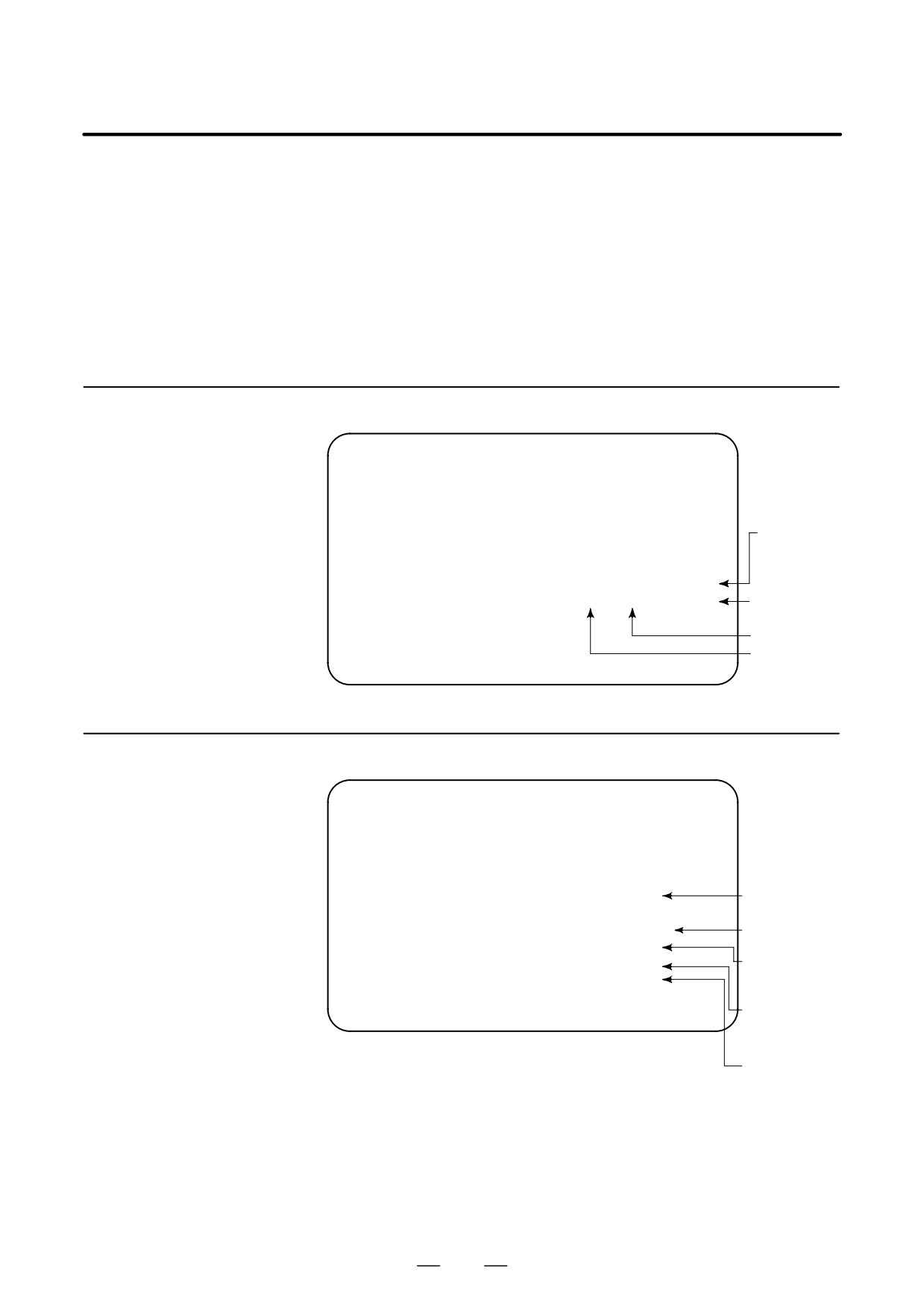
Types of PCBs mounted on the slots are displayed.
If a hardware trouble or an incorrect mounting is found, this screen is
Slot Status Display
displayed.
D Slot state screen
SLOT CONFIGURATION DISPLAY
0: 003E4000
0:
1: 30464202
1:
2: 00504303
2:
3:
3:
4:
4:
5:
5:
…
…
Physical slot number (2ndary side)
Module ID of the PCB mounted (*1)
Physical slot number (primary side)
*1) Module ID of PCB
ff j j ∆ ∆
Internal slot number
Module function (software ID)
Type of PCB (module ID)
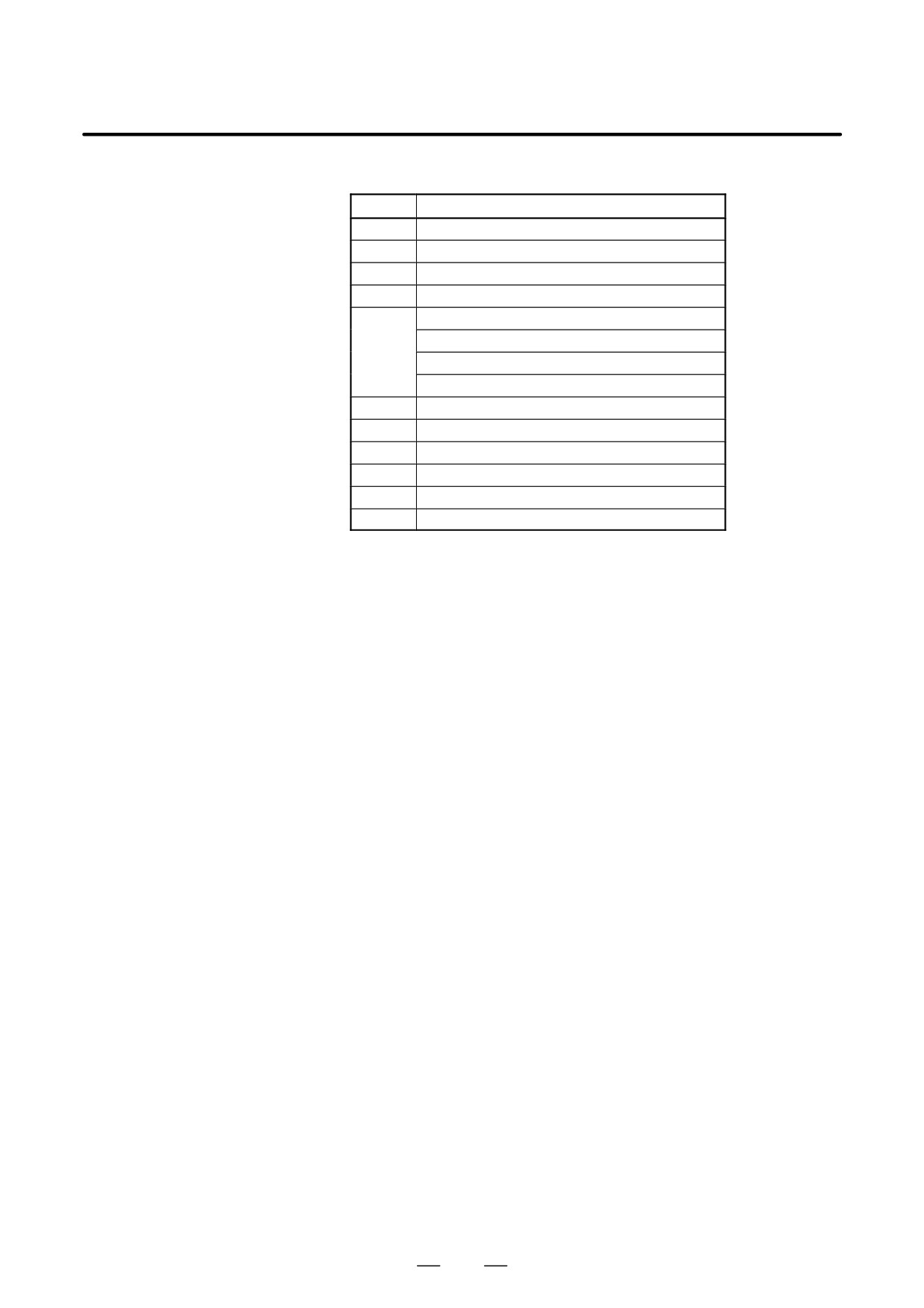
D Module ID
ID
Name
D5
Series 16i motherboard
C5
Series 18i motherboard
CC
Series 160i motherboard
EC
Series 180i motherboard
CD
Serial communication board: remote buffer/DNC2
Serial communication board: DNC1
C language board
CAP II board
CE
Sub-CPU board
CF
RISC board
A3
Data server board
D3
Loader control board
AA
HSSB interface board
C9
PC function card
23
1. DISPLAY AND OPERATION
B-63525EN/02
D Software ID
40 : Main CPU
41 : C language
43 : Sub CPU
49 : CAP II
4A : Remote buffer
4F : PMC-RE
53 : Loader control
59 : RISC board for high-precision contour control
5E : HSSB interface (with PC)
1.2.2
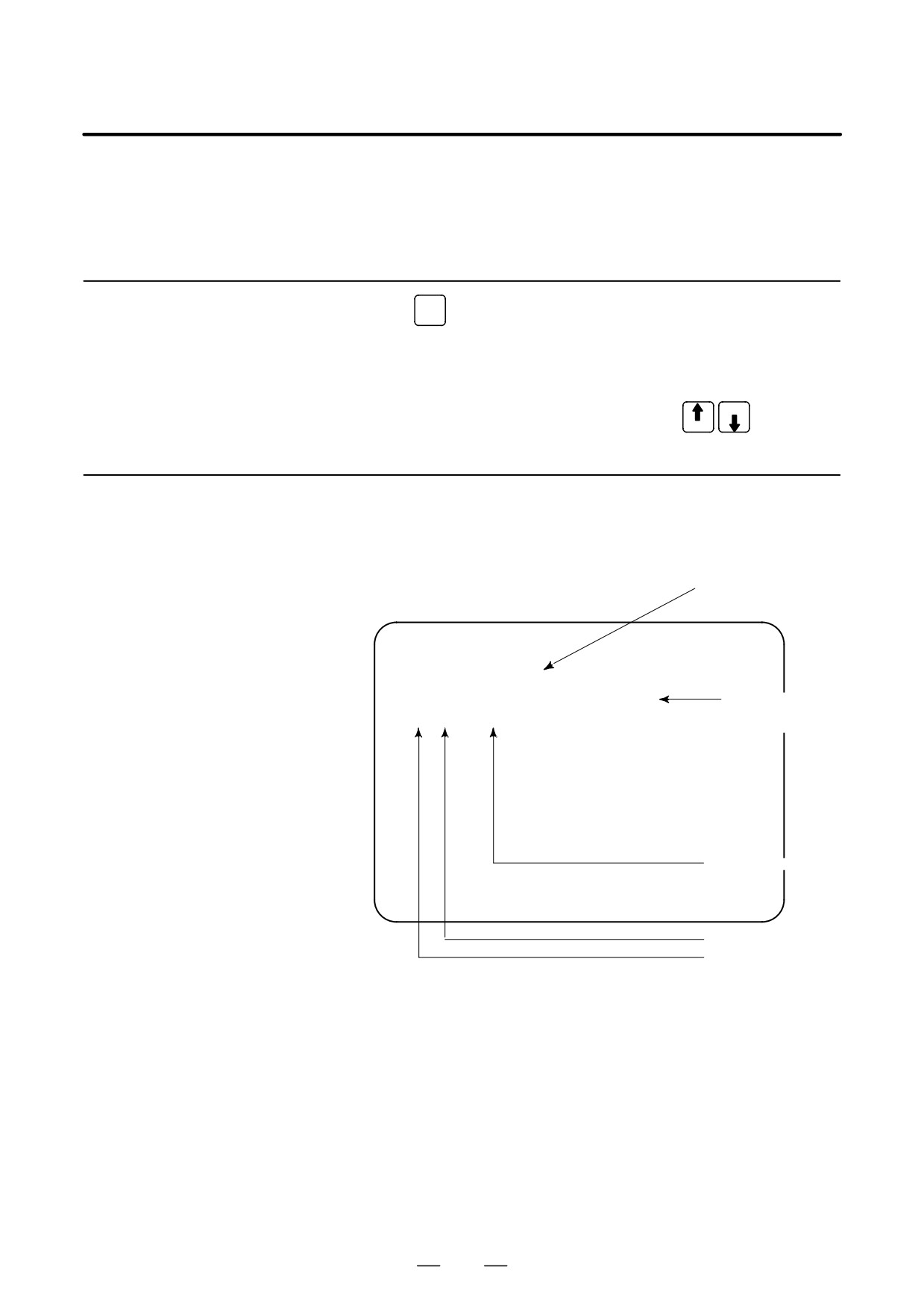
Setting Module Screen
END : Setting
completed
B0H1-01
COPYRIGHT FANUC LTD 1996-2001
SLOT 01 (3046) : END
Space :
SLOT 02 (0050) :
Setting incom-
pleted
Module ID
Slot number
1.2.3
Configuration Display
of Software
CNC control
B0H1-01
software
COPYRIGHT FANUC LTD 1996-2001
SERVO : 90B0-01
Digital servo
ROM
SUB : xxxx-xx
OMM : yyyy-yy
Sub CPU
(Remote buffer)
PMC : zzzz-zz
Order made
macro/macro
compiler
PMC
24
B-63525EN/02
1. DISPLAY AND OPERATION
After the system has been installed correctly, you can find the PCBs
1.3
installed and the softwares integrated on the system configuration screen.
SYSTEM
CONFIGURATION
SCREEN
1.3.1
SYSTEM
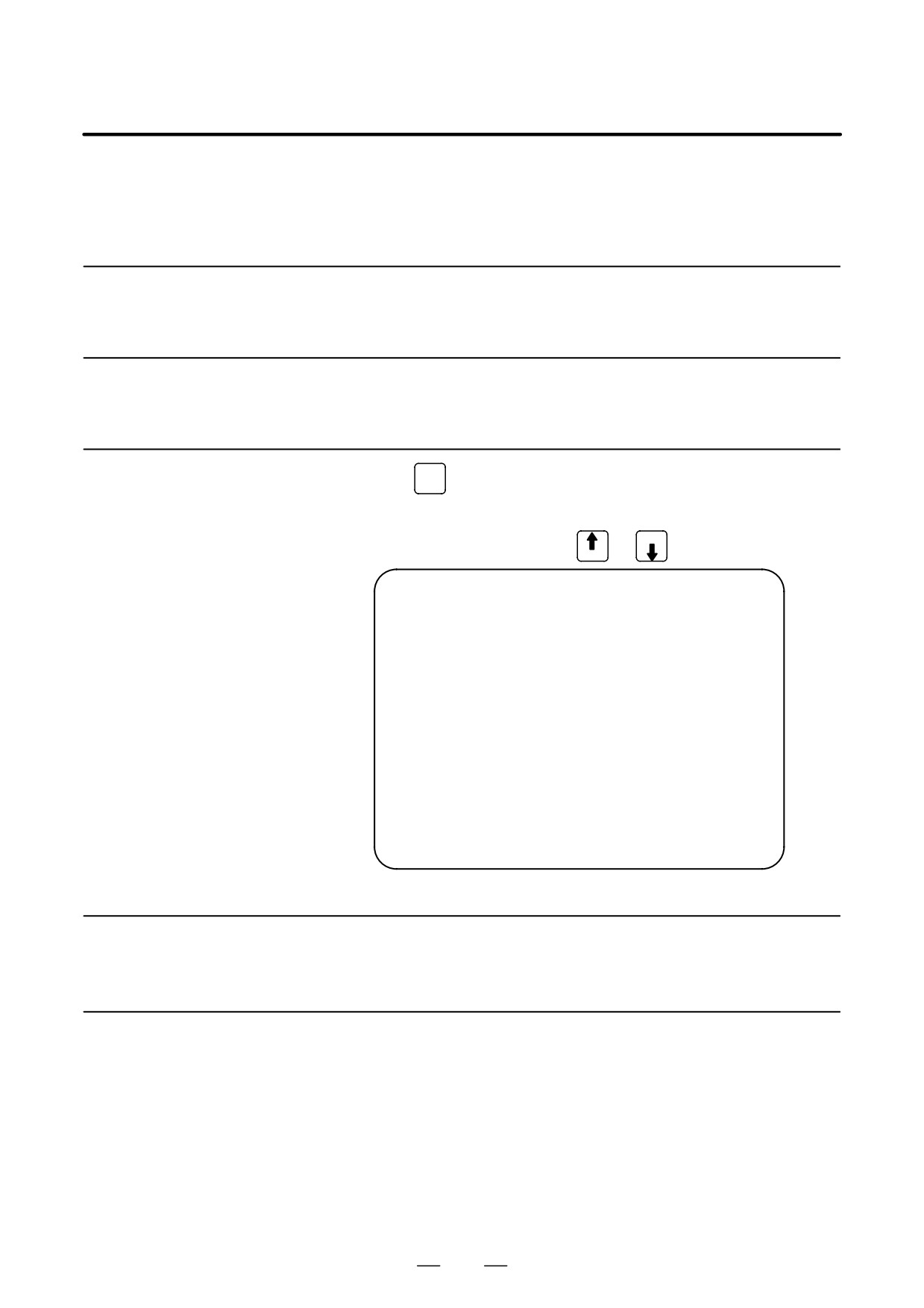
(1) Press
key.
Display Method
(2) Press soft key [SYSTEM], then the system configuration screen is
displayed.
(3) The system configuration screen is composed of three screens and
PAGE
each of them can be selected by the page key
PAGE
1.3.2
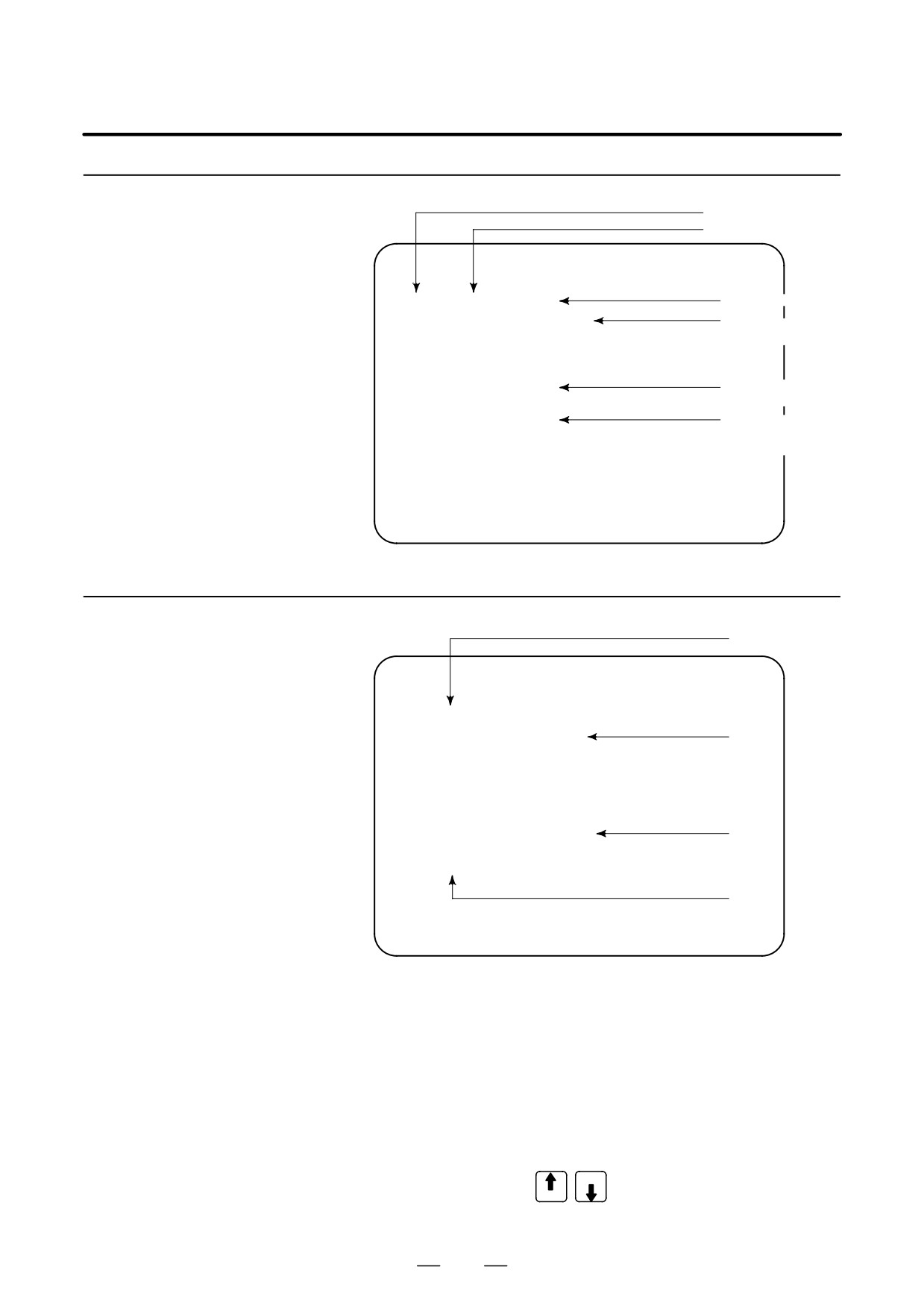
Configuration of PCBs
D Screen
Software series of mod-
ule with CPU
SYSTEM CONFIG (SLOT)
PAGE01
SLOT MODULE ID SERIES VERSION
00 3008 : 40
B0H1
0001
Software version
of module with
01 00CF : 66
B435
0001
CPU
Software ID (type)
Module ID
Slot No.
(80 to 8F is 2nd side)
25
1. DISPLAY AND OPERATION
B-63525EN/02
D Module ID
ID
Name
D5
Series 16i motherboard
C5
Series 18i motherboard
CC
Series 160i motherboard
EC
Series 180i motherboard
CD
Serial communication board: remote buffer/DNC2
Serial communication board: DNC1
C language board
CAP-II board
CE
Sub-CPU board
CF
RISC board
A3
Data server board
D3
Loader control board
AA
HSSB interface board
C9
PC function card
D Software ID
40 : Main CPU
41 : C language
43 : Sub CPU
49 : CAP II
4A : Remote buffer
4F : PMC-RE
53 : Loader control
59 : RISC board for high-precision contour control
5E : HSSB interface (with PC)
26
B-63525EN/02
1. DISPLAY AND OPERATION
1.3.3
Kind of software
Software Configuration
Software series
Screen
SYSTEM CONFIG
(SOFTWARE)
01234 N12345
PAGE:02
SYSTEM
B0H0
0001
Software version
BASIC+OPTION-A1
Software
SERVO
90B0
0001
configuration
PMC(SYS)
406G
0001
406G
0001
PMC(LAD) FS16
0001
Character written
on PMC title screen
MACRO LIB BZG1
0001
MACRO APL AAAA
BBBB
Character written
BOOT
60M5
0001
on macro compiler
or on CAP.
GRAPHIC-1 60V5
0001
GRAPHIC-2 60V6
0001
EMBED ETH 656A
0001
MEM **** *** ***
12:14:59
[ PARMA ][ DGNOS ][ PMC ][ SYSTEM ][(OPRT)]
1.3.4
Configuration of the modules displayed on PCB.
(1)
Module Configuration
Screen
SYSTEM CONFIG
(MODULE)
01234 N12345
PAGE:03
SLOT
00
MOTHER BOARD
(2)
AXIS CTRL CARD
:
08
DISPLAY CTRL CARD :
0E
CPU CARD
:
11
FROM DIMM
:
C7
SRAM DIMM
:
05
(4)
DRAM DIMM
:
A9
PMC CPU
:
01
(3)
MEM **** *** ***
12:14:59
[ PARMA ][ DGNOS ][ PMC ][ SYSTEM ][(OPRT)]
Contents of display
(1) Slot number (The number is corresponding to PCB configuration
screen)
(2) Type of PCB mounted
(3) Name of card PCB or DIMM module
(4) Hardware ID of mounted card PCB or DIMM module
Refer to “2.5.4 Printed Circuit Boards of the Control Unit” for
correspondence with each hardware ID and drawing number.
PAGE
Pressing the PAGE key
displays the system configuration
PAGE
screen of other PCBs.
27
1. DISPLAY AND OPERATION
B-63525EN/02
1.3.5
D αi series servo and αi series spindle
When the αi servo/αi spindle system is connected, ID information
ID Information Screen
owned by connected units (motor, amplifier, module, etc.) for αi
(αi Servo Information
servo/αi spindle can be displayed on the CNC screen.
Screen/αi Spindle
See below for details.
Information Screen)
D αi servo information screen (Chapter 9 Digital Servo)
D αi spindle information screen (Chapter 10 AC Spindle (Serial
Spindle))
28
B-63525EN/02
1. DISPLAY AND OPERATION
1.4
ALARM HISTORY
SCREEN
1.4.1
Alarm History
Screen
1.4.1.1
Alarms generated in the NC are recorded. The latest 25 alarms generated
are recorded. The 26th and former alarms are deleted.
General
1.4.1.2
MESSAGE
(1) Press
key .
Screen Display
(2) Press soft key [HISTRY] and an alarm history screen is displayed.
PAGE
(3) Other pages are displayed by
or
key.
PAGE
ALARM HISTORY
O1234 N12345
01/04/18 20:56:26
506 OVERTRAVEL :
+X
01/04/18 19:58:11
000 TURN OFF POWER
01/04/18 19:52:45
000 TURN OFF POWER
01/04/18 19:48:43
300 APC ALARM
: X-AXIS ZERO RETURN REQUEST
01/04/18 18:10:10
507 OVERTRAVEL :
+B
[ ALARM ][ MSG ][ HISTRY ][
][(OPRT)]
(1) Press soft key [(OPRT)].
1.4.1.3
Clearing Alarm History
(2) Press soft key [(CLEAR], then the alarm history is cleared.
1.4.1.4
When an external alarm (No. 1000 to 1999) or a macro alarm (No. 3000
to 3999) is output, the alarm history function can record both the alarm
Alarm Display
number and message if so specified in the following parameter. If
recording of the message is not set or if no message is input, only an
external alarm or macro alarm is displayed.
29
1. DISPLAY AND OPERATION
B-63525EN/02
#7
#6
#5
#4
#3
#2
#1
#0
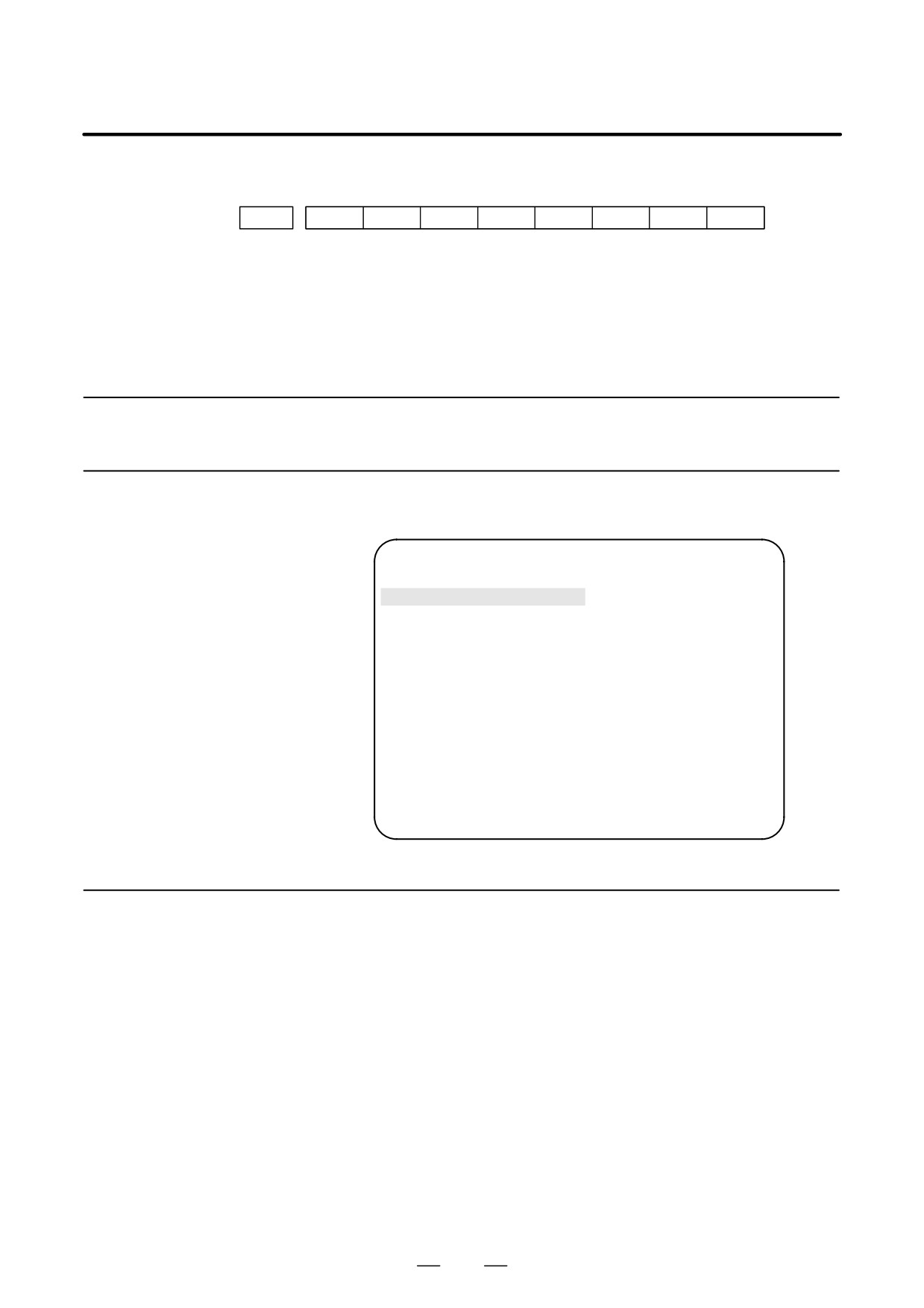
3112
EAH
[Data type] Bit
#3 (EAH) The alarm history function:
0 : Does not record the messages output with external alarms or macro
alarms.
1 : Records the messages output with external alarms or macro alarms.
1.4.2
System Alarm History
1.4.2.1
Up to three system alarms issued in the past are stored, and information
about those alarms can be displayed on the system alarm history screen.
General
SYSTEM ALARM HISTORY
O1234 N12345
1
2001-03-13 12:13:19
930
CPU INTERRUPT
2
2001-03-11 07:23:07
900
ROM PARITY
3
2001-02-27
973
NON MASK INTERRUPT
EDIT **** *** ***
08:20:52
[
][
][ NMIHIS ][
][
]
1.4.2.2
By setting bit 2 (NMH) of parameter No. 3103 to 1, information about up
to three system alarms including the latest system alarm can be displayed.
System alarm history
The latest system alarm information is displayed at the top of the list, and
screen (history list
a lower item in the list indicates older system alarm information.
screen)
Procedure
1
Set bit 2 (NMH) of parameter No. 3103 to 1.
2
Press the function key <MESSAGE>.
3
Press the [NMIHIS] chapter selection soft key.
The following information is displayed:
1. System alarm occurrence date and time
2. System alarm number
3. System alarm message (No message is displayed for some
system alarms.)
30
B-63525EN/02
1. DISPLAY AND OPERATION
SYSTEM ALARM HISTORY
O1234 N12345
1
2001-03-13 12:13:19
930
CPU INTERRUPT
2
2001-03-11 07:23:07
900
ROM PARITY
3
2001-02-27
973
NON MASK INTERRUPT
EDIT **** *** ***
08:20:52
[
][
][ NMIHIS ][
][
]
[ SELECT ][ RETURN ][ CLEAR ][
][
]
[SELECT] soft key
This soft key displays the details of a system alarm.
Procedure
1
Press the [(OPRT)] soft key on the system configuration screen.
PAGE
2
By using the cursor keys
, move the cursor to the system
PAGE
alarm number whose details are to be displayed.
3
Press the
[SELECT] soft key.
4
The details of the selected system alarm are displayed.
[CLEAR] soft key
This soft key clears all system alarm information stored.
When bit 4 (OPC) of parameter No. 3110 is set to 1, this soft key is
displayed. When bit 4 (OPC) of parameter No. 3110 is set to 0, this soft
key is not displayed.
Procedure
1
Set bit 4 (OPC) of parameter No. 3110 to 1.
2
Press the [(OPRT)] soft key on the system configuration screen.
3
Press the [CLEAR] soft key.
4
Information about all of the three system alarms stored is cleared.
[RETURN] soft key
Pressing the [RETURN] soft key while system alarm history screen
(detail screen) is displayed returns the screen display to the system alarm
list screen.
31