FANUC Series 30i/300i/300is-MODEL A. Machining Center System. User's manual - page 160
OPERATION
B-63944EN/03
- 1236 -
7. ALARM AND SELF-DIAGNOSIS
FUNCTIONS
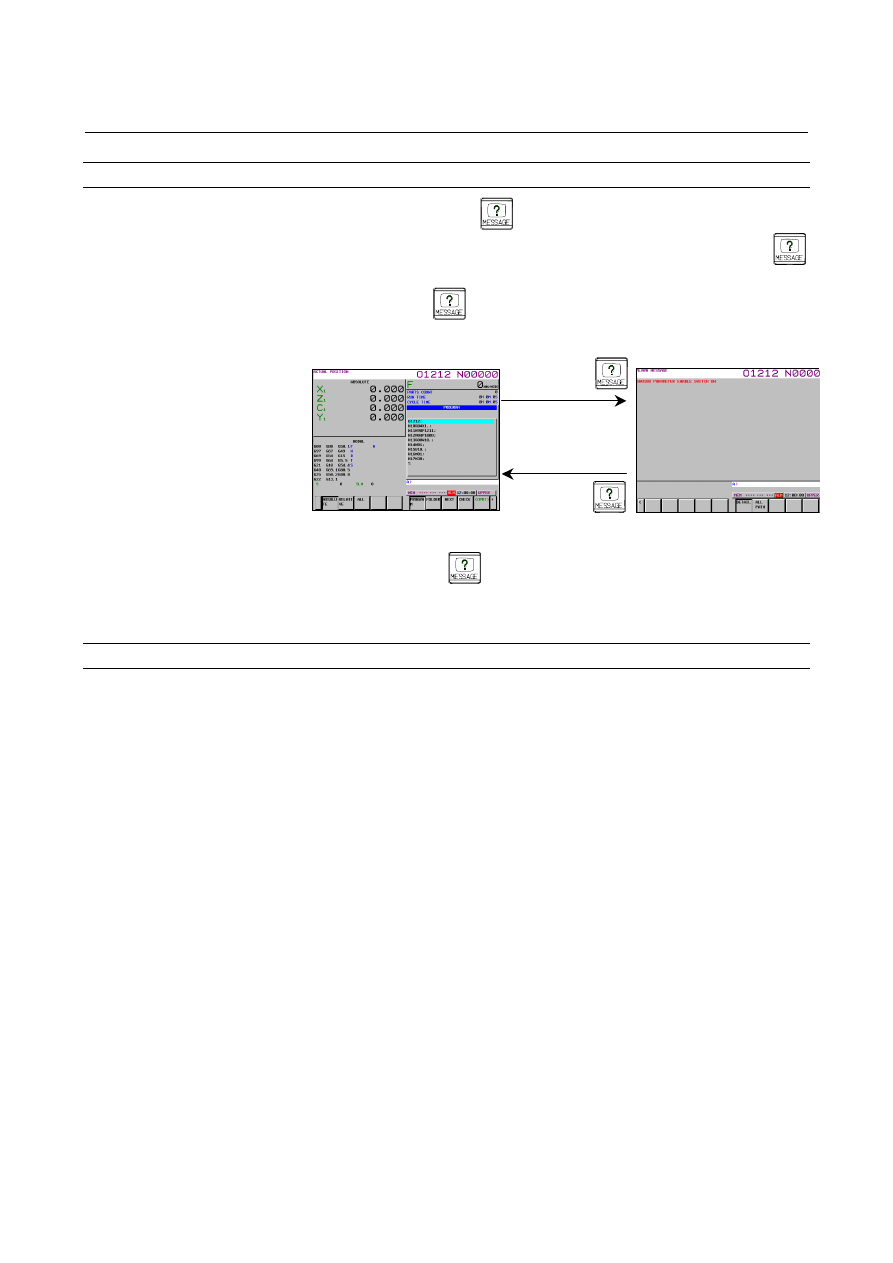
Switching between screens by the function key
When function key
is pressed on the alarm screen, the screen
displayed before the alarm screen appears. Press function key
to switch to the alarm screen for checking for alarms and then press
function key
to return to the previous screen.
(Example)
If function key
is pressed when
the alarm screen was displayed automatically due to occurrence of an
alarm, the screen displayed before the alarm screen appears again.
Restrictions
•
Switching to the interactive macro screen is not performed.
•
The screens to which the alarm screen can be switched are only
the screen selected by the chapter selection soft key.
PROGRAM screen
Function key
Function key
ALARM screen