FANUC Series 0i-MODEL F Plus. CONNECTION MANUAL (FUNCTION) - page 353
18. DIAGNOSIS FUNCTION
B-64693EN-1/01
- 2778 -
- Change of displayed page
Displayed page is switched by pressing page key
/
.
- Change of displayed axis
Displayed axis is switched by pressing cursor key
/
.
- Preservation of data when alarm is occurred
When status display is in the state of [SAMPLING], and servo alarm/spindle alarm is occurred newly,
"Data at the latest alarm occurrence" and "Data of 1-4 immediately before occurrence of the alarm" of the
alarm occurrence axis are preserved.
As a result, [SAMPLING] of status display on the right of the screen changes into [LATCHED].
NOTE
As for both servos and spindles, when the alarm as two or more axes at the
same time is occurred, only the data of the axis of the least index of an axis is
preserved.
- Clear of preserved data
After releasing all servo/spindle alarm, clear "Data at the latest alarm occurrence" and "Data of 1-4
immediately before occurrence of the alarm".
As a result, [LATCHED] of status display on the right of the screen changes into [SAMPLING].
Moreover, the waveform data (various data of each axis) displayed on the trouble diagnosis graphic
screen is cleared at the same time.
Clear operation procedure of preserved data (for 8.4/10.4-inch display unit)
Procedure
1
The soft key display changes as follows if soft key [(OPER)] is pressed on the trouble diagnosis
monitor screen, the trouble diagnosis graphic screen or the trouble diagnosis parameter screen.
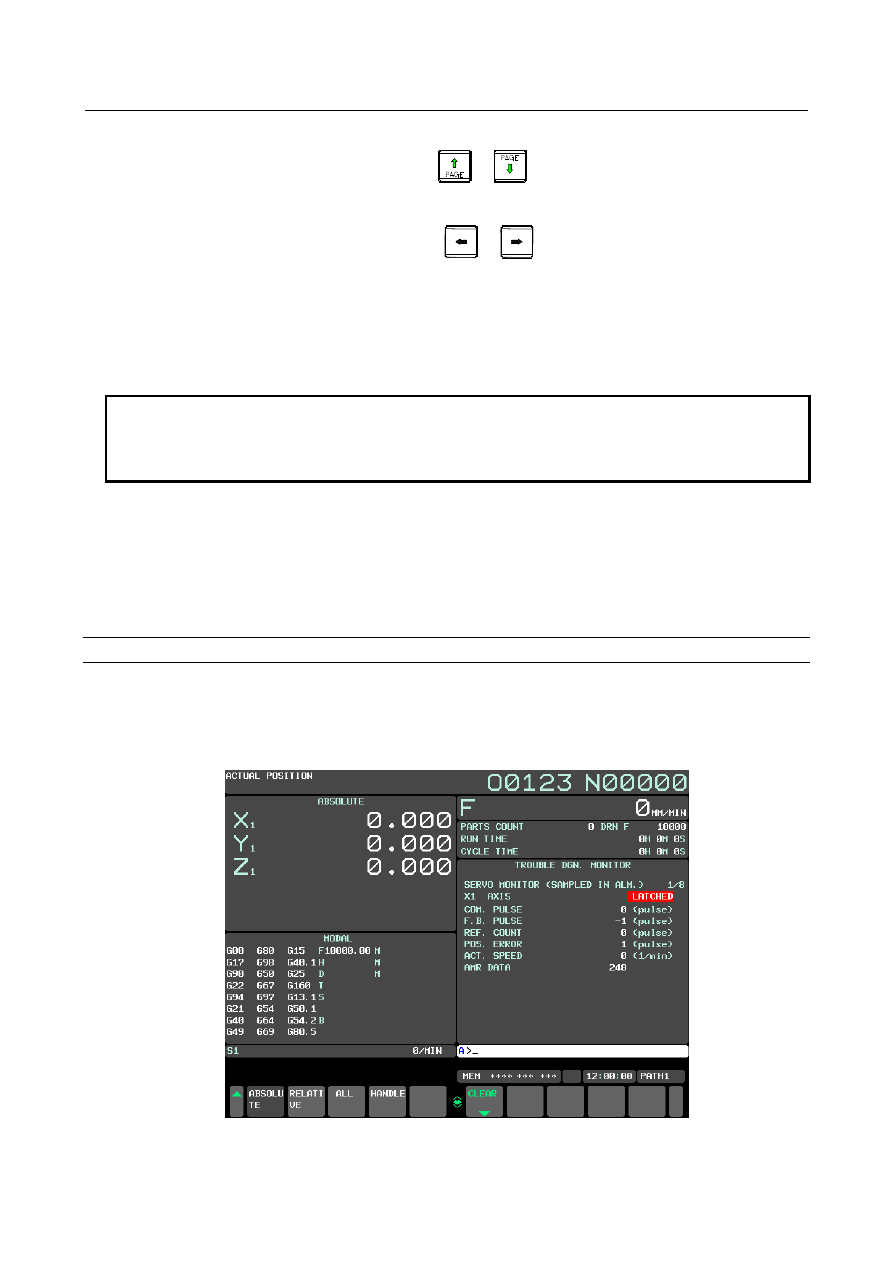
(The below figure is a trouble diagnosis monitor screen.)
Fig.18.4.4 (d) Trouble diagnosis monitor screen (10.4-inch display unit)