Boeing 737 - 600/700/800/900. Operations Manual (1997 year) - page 64
Flight Management, Navigation -
FMC Takeoff and Climb
Boeing 737 Operations Manual
Climb Phase
VNAV commands acceleration to:
•
250 knots
•
waypoint speed constraints, or
• the speed restriction associated with the origin airport, whichever is more
restrictive.
At the climb thrust reduction point, climb thrust can be selected. Passing 10,000
feet, VNAV commands an acceleration to the economy climb speed, which is
maintained until entering the cruise phase. Waypoint speed constraints take
priority if slower than target speed.
[Option - With automatic thrust reduction after takeoff]
At the climb thrust reduction point, the FMC commands a reduction to the selected
climb thrust. Passing
10,000 feet, VNAV commands an acceleration to the
economy climb speed, which is maintained until entering the cruise phase.
Waypoint speed constraints take priority if slower than target speed.
[Option - With quiet climb]
When cutback mode is selected ON, the FMC calculates and commands a cutback
thrust rating at the required cutback altitude. A new N1 is calculated during climb
and normal climb thrust is restored at the RESTORE altitude. Passing 10,000 feet,
VNAV commands an acceleration to the economy climb speed, which is
maintained until entering the cruise phase. Waypoint speed constraints take
priority if slower than target speed.
During the climb, VNAV complies with the LEGS page waypoint altitude and
speed constraints. A temporary level-off for a crossing altitude restriction is
accomplished at the current commanded speed.
When the climb speed profile causes an anticipated violation of a waypoint
altitude constraint, the FMC displays the CDU scratchpad message UNABLE
NEXT ALTITUDE. A different speed profile that provides a steeper climb angle
must be manually selected.
If a CLB 1 or CLB 2 derate is selected, the derate is maintained for the initial part
of the climb. Thrust eventually increases to maximum climb thrust by 15,000 feet.
11.41.2
October 15, 2001
Flight Management, Navigation -
FMC Takeoff and Climb
Boeing 737 Operations Manual
Climb Page
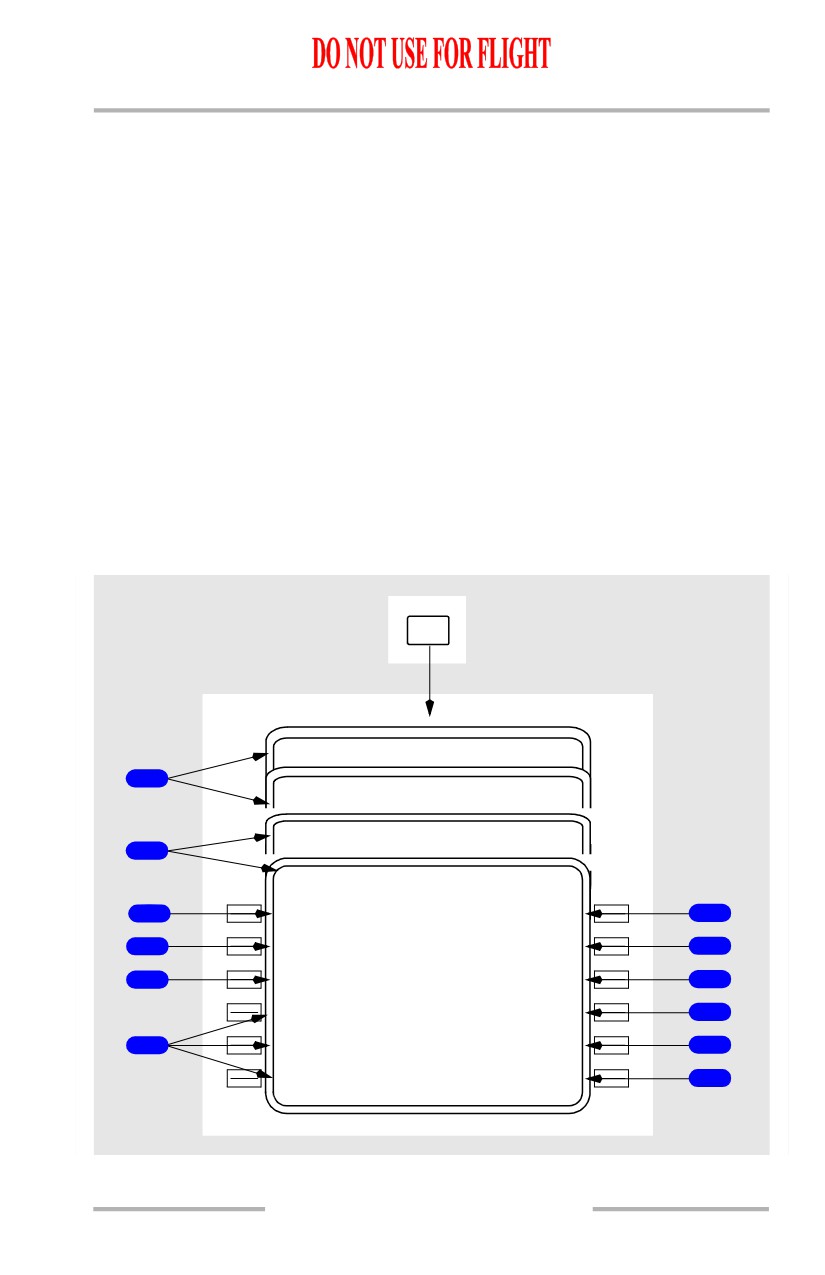
The climb page is used to evaluate, monitor, and modify the climb path. The data
on the climb page comes from preflight entries made on the route and performance
pages.
[Option - FMC U10.3 and later]
The climb page is automatically selected by pushing the CLB function key on the
ground and during takeoff and climb. The TAKEOFF REF page automatically
transitions to the climb page after takeoff.
[Option - FMC U10.3 and later with FANS MCDU]
The climb page is automatically selected by pushing the VNAV function key on
the ground and during takeoff and climb. The climb page is the first of the three
pages selected with the VNAV function key. Access from other performance
pages is via the NEXT/PREV PAGE key. The TAKEOFF REF page automatically
transitions to the climb page after takeoff.
The FMC climb mode can be economy or fixed speed. In either mode, similar data
is displayed on the page.
CLB
ACT ECO N CLB
1 / 1
1
ACT MA X RATE CLB
1 / 1
ACT MA X ANGLE CLB
1 / 1
1
ACT
28
0
K
T CLB
1 / 1
C R Z A L T
A T M A C E Y
2
FL3
5
0
6000A
6
T G T S P D
T O M A C E Y
3
280/.7
2
0
2004.3Z /
19N M
7
S P D R E S T
E R R M A C E Y
4
250/100
0
0
310L O
8
- - - - - - - -
-
-
- -
C L B - 1
N 1
<ECO N
97.3/
97.3%
9
-
-
-
- - - - - - - - -
5
<MAX RAT E
ENG OUT>
10
<MAX ANGL E
RTA>
11
October 15, 2001
11.41.3
Flight Management, Navigation -
FMC Takeoff and Climb
Boeing 737 Operations Manual
[Option - With FANS MCDU]
PREV
AC T
CRZ
2 / 3
PAGE
NEXT
DES
3 / 3
PAGE
On Ground,
Takeoff mode, or
VNAV
Climb mode
ACT ECO N CLB
1 / 3
1
ACT MA X RATE CLB
1 / 3
ACT MA X ANGLE CLB
1 / 3
1
ACT
28
0
K
T CLB
1 / 3
C R Z A L T
A T M A C E Y
2
FL3
5
0
6000A
6
T G T S P D
T O M A C E Y
3
280/.7
2
0
2004.3Z /
19N M
7
S P D R E S T
E R R M A C E Y
4
250/100
0
0
310L O
8
- - - - - - - -
-
-
- -
C L B - 1
N 1
<ECO N
97.3/
97.3%
9
-
-
-
- - - - - - - - -
5
<MAX RAT E
ENG OUT>
10
<MAX ANGL E
RTA>
11
1
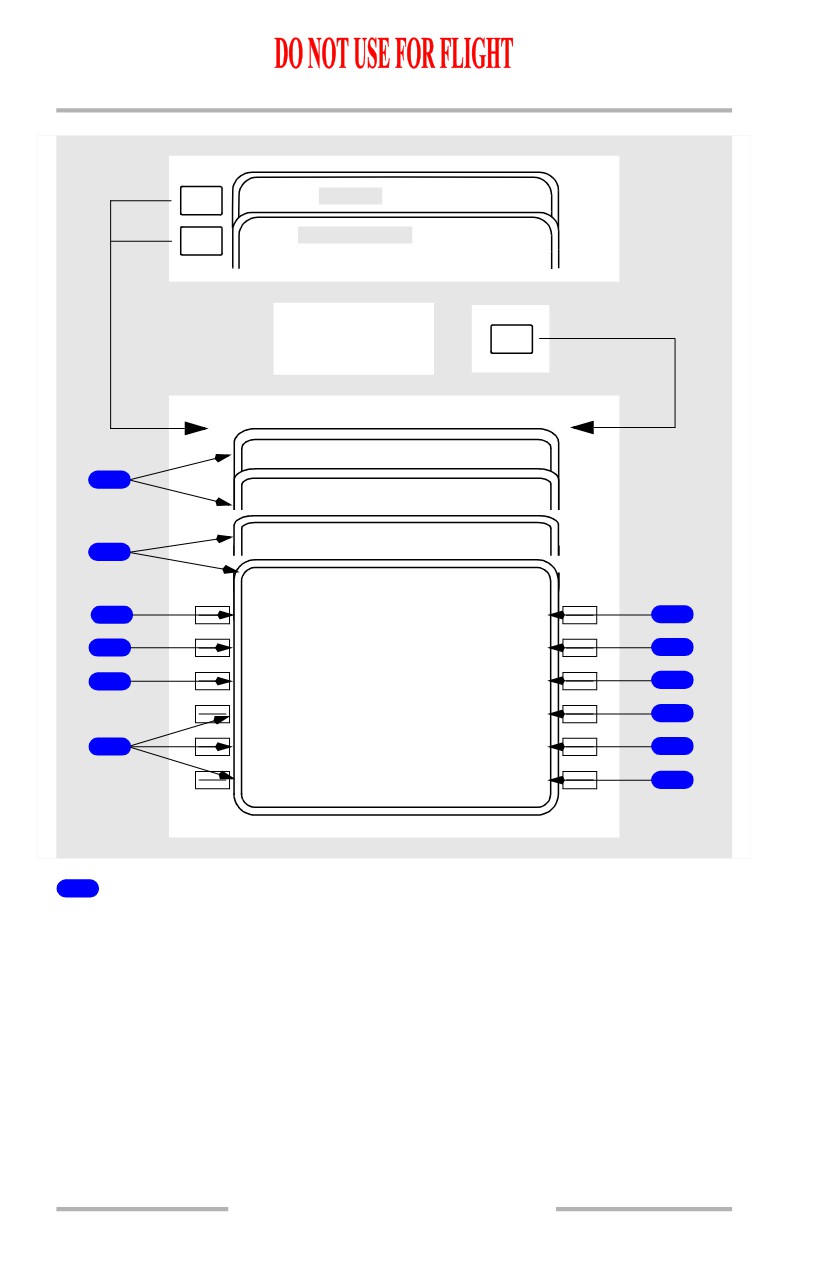
Page Title
The page title displays the type of climb. Normally, the title displays ECON for
the economy climb mode. Fixed speed climbs modify the title.
ECON indicates the speed is based on a cost index.
MAX RATE indicates the speed is based on the maximum altitude over the
shortest period of time.
MAX ANGLE indicates the speed is based on the maximum altitude over the
shortest horizontal distance.
11.41.4
October 15, 2001
Flight Management, Navigation -
FMC Takeoff and Climb
Boeing 737 Operations Manual
Fixed climb speeds display XXXKT for a fixed CAS climb speed or M.XXX for
a fixed Mach climb speed profile. Reasons for fixed speeds are:
• takeoff/climb acceleration segment constraints
• waypoint speed constraints
• an altitude constraint associated with a speed constraint
• a speed restriction
• a crew entered speed.
Displays ACT when the climb phase is active.
2
Cruise Altitude (CRZ ALT)
The cruise altitude from the PERF INIT page is displayed. A new altitude can be
manually entered.
2
Cruise Altitude (CRZ ALT)
[Option - With speed and altitude intervention]
The cruise altitude from the PERF INIT page is displayed. The altitude can be
changed by two methods:
• a new altitude can be manually entered from the CDU at any time.
Changing the altitude in this manner creates a modification.
• setting the MCP altitude above the current FMC CRZ altitude, provided
no intermediate altitude constraints exist between the current airplane
altitude and the MCP target altitude. Selecting the new altitude on the
MCP and pushing the altitude intervention button places the new altitude
in the CRZ ALT data line. Entering a new cruise altitude in this manner
does not create a modification.
3
Target Speed (TGT SPD)
Displays computed values or manually entered values for the selected mode.
Computed speed is limited to a maximum of 335 knots/M.809.
Airspeed and/or Mach may be entered using the keyboard. Title will display
manually entered value.
The active controlling speed is highlighted in reverse video.
4
Speed Restriction (SPD REST)
The speed restriction line displays the speed restriction/altitude from one of the
following sources:
• the navigation database value for the origin airport
• waypoint related restriction from the RTE LEGS page if restriction limits
climb speed
• a default speed of 250 knots and 10,000 feet (example 250/10000)
October 15, 2001
11.41.5
Flight Management, Navigation -
FMC Takeoff and Climb
Boeing 737 Operations Manual
• displays XXX/FLAPS if the active speed restriction is lower than the
minimum speed for the selected flap setting
• displays XXX/HOLD when decelerating to hold speed prior to hold entry
fix.
Dashes displayed if no active speed restriction exists.
Manual crew entries or deletions may be made. HOLD or FLAPS speed may not
be deleted or modified.
Note: If the FMC default speed restriction is overwritten, it will be deleted and
not return after the overwrite condition passes. (e.g. the default of
250/10000 is overwritten to 230/3000, after 3000 feet is passed there will
be no speed restriction and VNAV will accelerate to the unrestricted climb
speed.
The active controlling speed is highlighted in reverse video.
[Option - With quiet climb]
When cutback mode is selected ON, the cutback airspeed and RESTORE altitude
is the active speed/altitude restriction. Deletion or modification of the cutback
speed/altitude restriction is not allowed.
5
Climb Page Prompts
PUSH - selects various CLB pages.
Following line selection, the prompt for that page blanks.
6
AT XXXXX
The waypoint constraint line displays the next waypoint having an altitude
constraint. Constraints are entered on the RTE LEGS page or by departure
procedure selection. The constraints can be deleted on this page or the RTE LEGS
page. The waypoint may be a HOLD AT point.
Display is blank if no restriction exists.
7
TO XXXXXX
Displays ETA and distance to go to waypoint on AT XXXXXX line.
If no waypoint constraint exists, values are for CRZ ALT.
8
Error (ERR XXXXX)
Displays predicted altitude undershoot for the waypoint on AT XXXXXX line.
During VNAV operation, the FMC commands a level off if an overshoot is
predicted.
Display is blank, including the label, if no error exists.
11.41.6
October 15, 2001
Flight Management, Navigation -
FMC Takeoff and Climb
Boeing 737 Operations Manual
9
Climb N1 (CLB N1, CLB - X N1)
[Option - FMC U10.3 and later]
Displays the computed climb N1 value.
9
Climb N1 (CUTBACK N1, CLB N1, CLB - X N1)
[Option - FMC U10.3 and later with quiet climb]
Displays the computed climb N1 value.
10
Engine Out (ENG OUT)
Selection displays RT ENG OUT and LT ENG OUT prompts. See ENG OUT
CLB page description.
[Option - With engine out SIDS]
Selection will also load the engine-out SID if the following conditions are true:
• an engine-out SID exists for the ACTIVE departure runway
• an engine-out SID is not already selected for the active route
• the flaps are not up and have not been up since the takeoff was started
• flight phase is takeoff or climb
• the airspeed is greater than 80 kts (airborne).
[Option - FMC U10.4 and later]
When the above conditions are met and there is a loss of thrust or split between
the thrust levers, the FMC will automatically load the engine-out SID upon
detection of the engine-out condition.
11
Required Time of Arrival (RTA)
Displays the RTA PROGRESS page.
ERASE prompt replaces RTA during a page modification.
11.41.7
Flight Management, Navigation -
FMC Takeoff and Climb
Boeing 737 Operations Manual
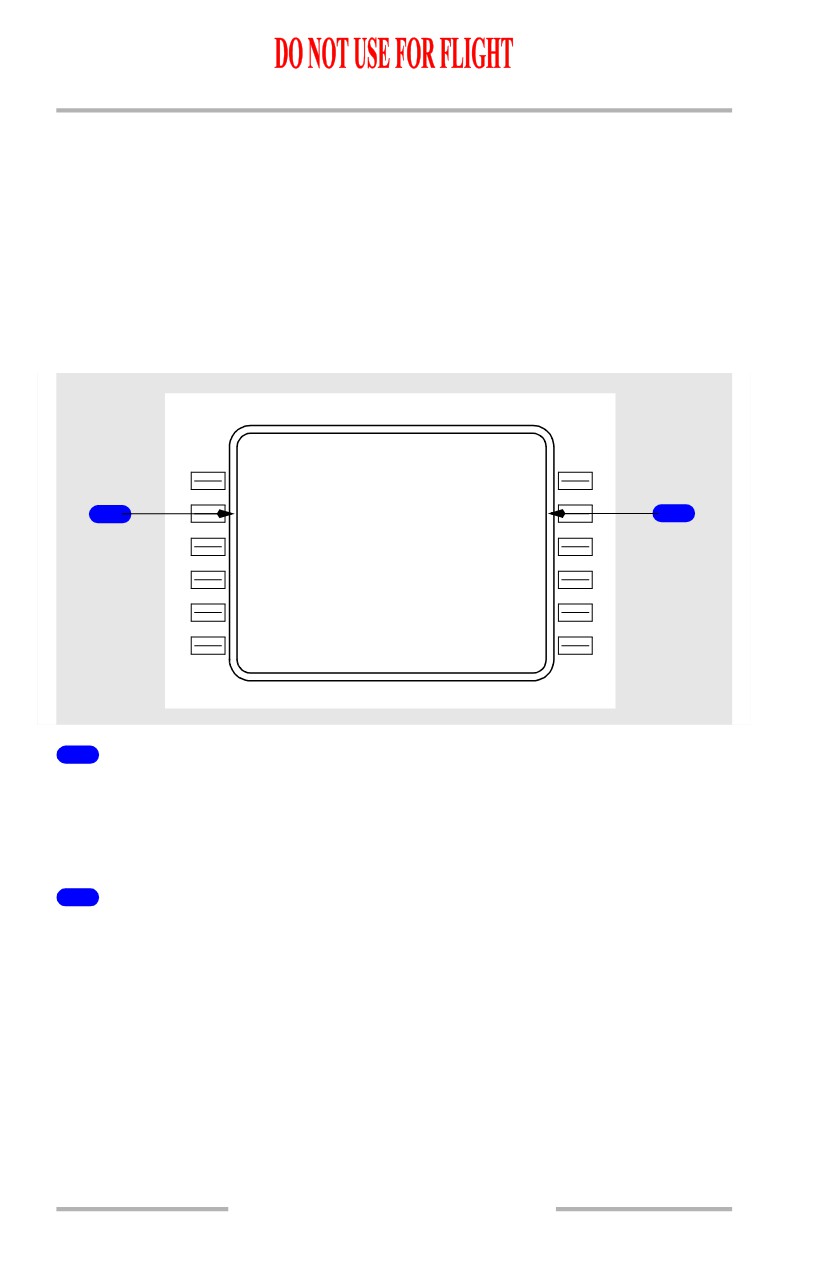
RTA Climb Page
The RTA climb page is displayed when a required time of arrival is active.
The RTA climb page is automatically selected by pushing the CLB function key
when RTA is active.
[Option - With FANS MCDU]
During climb, the RTA climb page is automatically selected by pushing the VNAV
function key when RTA is active.
Displays on this page are the same as other climb pages except as noted.
ACT RT A CLB
C R Z A L T
A T M A C E Y
FL3
5
0
6000A
T G T S P D
T I M E E R R O R
1
294/.7
0
3
ON TIME
2
S P D R E S T
250/100
0
0
- - - - - - - -
-
-
- -
<ECO N
-
-
-
- - - - - - - - -
<MAX RAT E
ENG OUT>
<MAX ANGL E
RTA>
1
Target Speed (TGT SPD)
Displays computed speed required to meet entered RTA.
When RTA is exited by waypoint sequence or deletion, this speed changes to FMC
target speed.
2
TIME ERROR
Displays computed time error at RTA waypoint. Same as RTA PROGRESS page.
11.41.8
October 15, 2001
Flight Management, Navigation -
FMC Takeoff and Climb
Boeing 737 Operations Manual
RTE LEGS Page
PREV
RT E LEGS
PAGE
ACT RT E DATA
LEGS>
LEGS
1
RT E
LEGS
1 / 4
2
129 ` H D G
3 .1 N M
(100
0
)
166 /
1000A
13
1
`
4 .2 N M
5
3
LACR E
214 /
2500
12
8
`
1 .8 N M
LAC
0
1
250/
4690
6
07
0
`
6 .9 N M
VAMP S
250/
8000A
7
08
7
`
47 N M
RUMO R
. 637 /F L 1 9 0
R N P / A C T U A L - - - - - - - - - - - - -
4
1 .00 / 0 . 2
1
N
M
ACTIVATE>
8
1
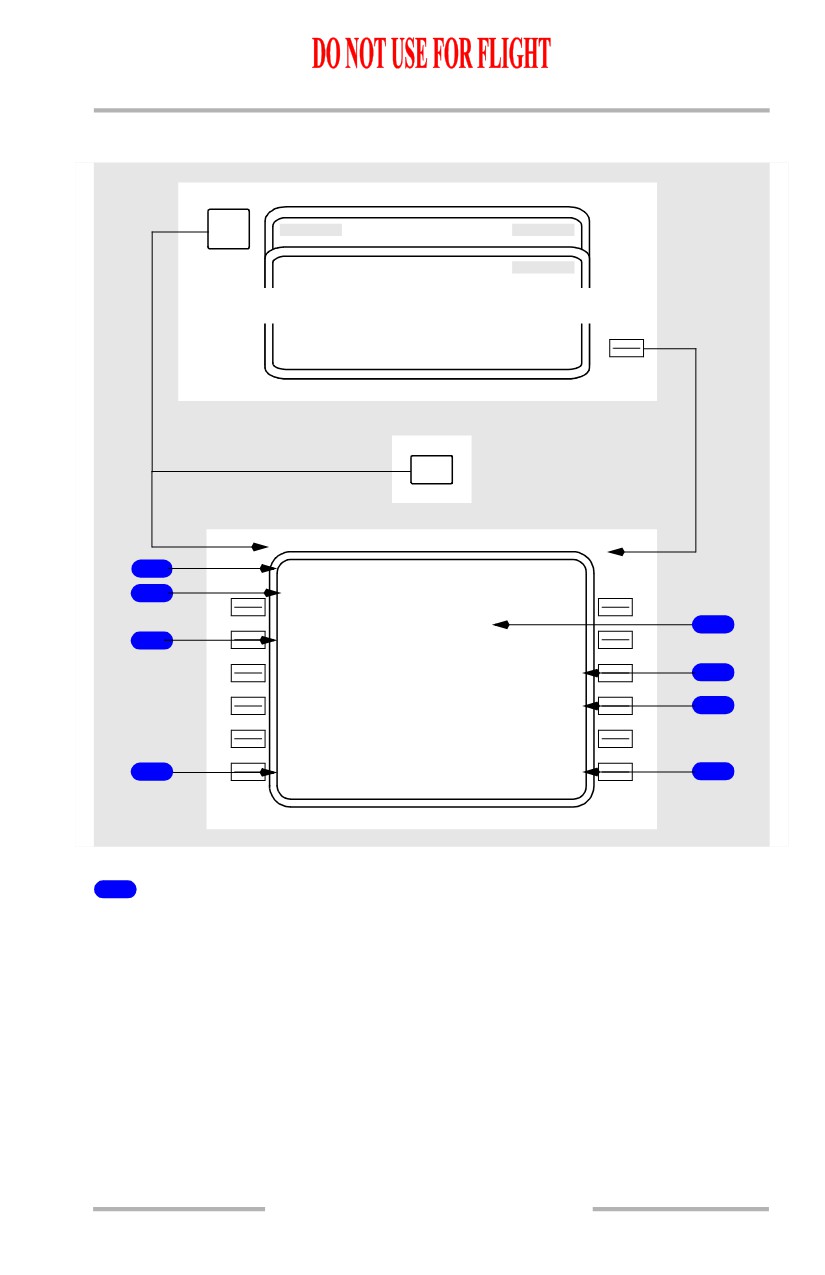
Page Title
An active route legs page title is displayed with ACT as part of the title. A
modified page title displays a reverse video MOD.
October 15, 2001
11.41.9
Flight Management, Navigation -
FMC Takeoff and Climb
Boeing 737 Operations Manual
2
Leg Direction
The leg segment direction is displayed as the title of the waypoint line. Courses
are displayed in magnetic (xxx°) or true (xxx° T). Directions to maintain an arc
display the arc distance, the word ARC followed by the direction, and left or right
(24 ARC L). The computed great circle route leg directions may be different than
chart values. Heading leg segments to conditional waypoints are displayed as
(xxx° HDG) and track leg segments are displayed as (xxx° TRK). Directions may
be displayed as special procedural instructions, such as HOLD AT or PROC
TURN.
Display is blank for an undefined course.
3
Waypoint Identifier
The current active leg is always displayed at the top of the first active RTE LEGS
page.
All route waypoints are displayed. Waypoints on an airway are included on the
route legs page. Waypoints appear in flight sequence.
Waypoints can be entered and moved. This includes:
• adding new waypoints
• resequencing existing
• removing existing waypoints
waypoints
• linking route discontinuities.
Displays the waypoint by name or condition.
Box prompts are displayed for route discontinuities.
Dashes are displayed for the next line beyond the end of the route.
4
Required Navigational Position/Actual (RNP/ACTUAL)
Displays the required navigation accuracy compared to actual navigation
accuracy.
Manual entry is allowed.
5
Distance to Waypoint
Displays the distance from the airplane or the waypoint to the next waypoint.
6
Calculated Waypoint Speed/Altitude
Displays the calculated speed or altitude at the waypoint in small font.
7
Specified Waypoint Speed/Altitude
Displays any waypoint speed or altitude constraint in large font.
Manual entry is allowed.
11.41.10
October 15, 2001
Flight Management, Navigation -
FMC Takeoff and Climb
Boeing 737 Operations Manual
8
ACTIVATE, RTE DATA
The activate prompt is displayed on the legs page when the route is not active.
Push -
• ACTIVATE arms the execute function. Pushing the EXEC key activates
the route and changes the ACTIVATE prompt to RTE DATA
• RTE DATA displays the route data page. The RTE DATA prompt is used
to review or modify additional information about the route.
October 15, 2001
11.41.11
Flight Management, Navigation -
FMC Takeoff and Climb
Boeing 737 Operations Manual
Map Center Step Display
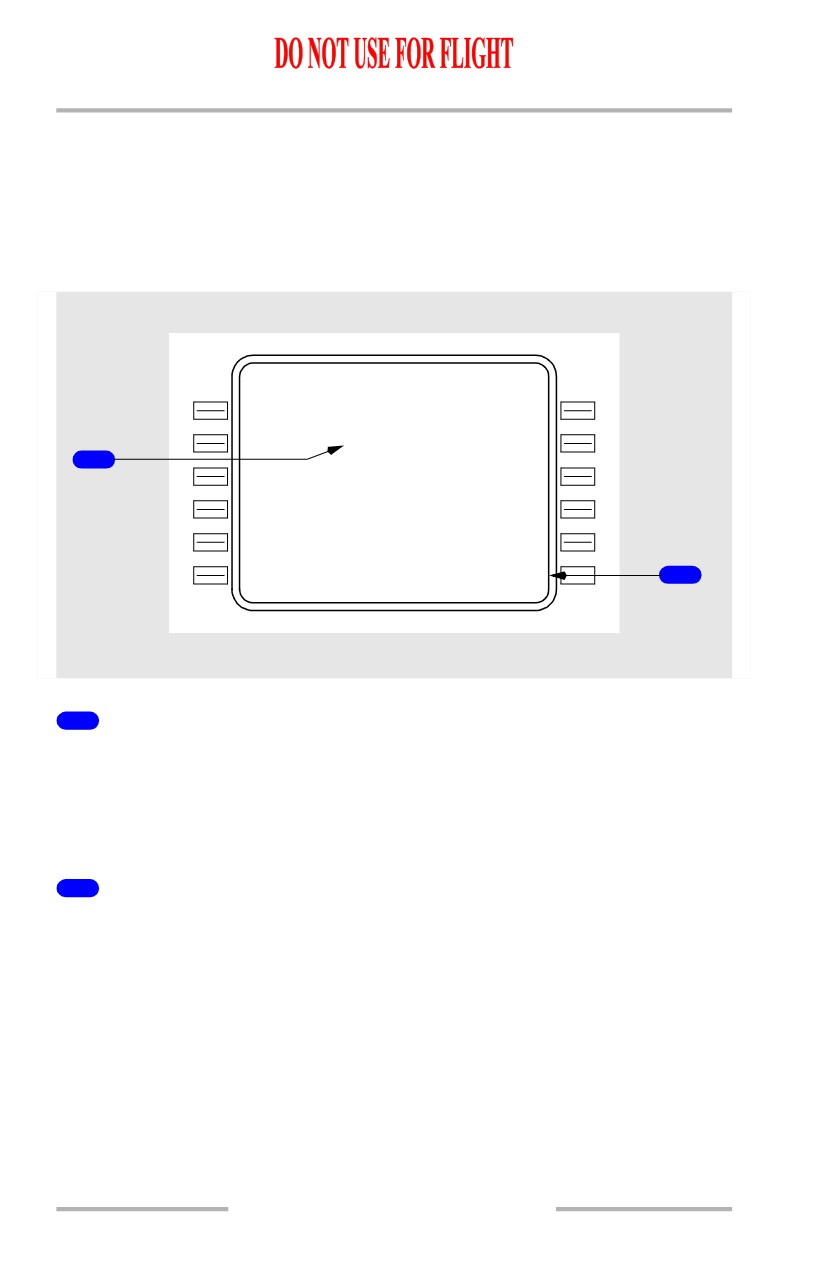
The map center step prompt replaces ACTIVATE or RTE DATA when the EFIS
control panel mode selector is placed in the PLAN position. Pushing the prompt
key advances the waypoint that is displayed in the center of the navigation display.
The label <CTR> is displayed to the right of the corresponding waypoint on the
RTE LEGS page.
ACT RT E
LEGS
1 / 4
129 ` H D G
3 .1 N M
(100
0
)
166 /
1000A
13
1
`
4 .2 N M
LACRE
<
C
TR>
214 /
2500
1
12
8
`
1 .8 N M
LAC
0
1
250/
4690
07
0
`
6 .9 N M
VAMP S
250/
8000A
08
7
`
47 N M
RUMO R
. 637 /F L 1 9 0
R N P / A C T U A L - - - - - - M A P C T R
1 .00 / 0 . 2
1
N
M
STEP>
2
1
Map Center Label (<CTR>)
Identifies the waypoint around which the map display is centered.
Whenever the EFIS Mode selector is positioned to PLAN, the label is
automatically displayed for the first geographically fixed waypoint on the
displayed page.
2
STEP
Displayed on a CDU when PLAN is selected on the associated EFIS control panel.
Replaces the RTE DATA or ACTIVATE prompt.
Push - moves the map center label to the next geographically fixed waypoint in
the route.
11.41.12
October 15, 2001
Flight Management, Navigation -
FMC Takeoff and Climb
Boeing 737 Operations Manual
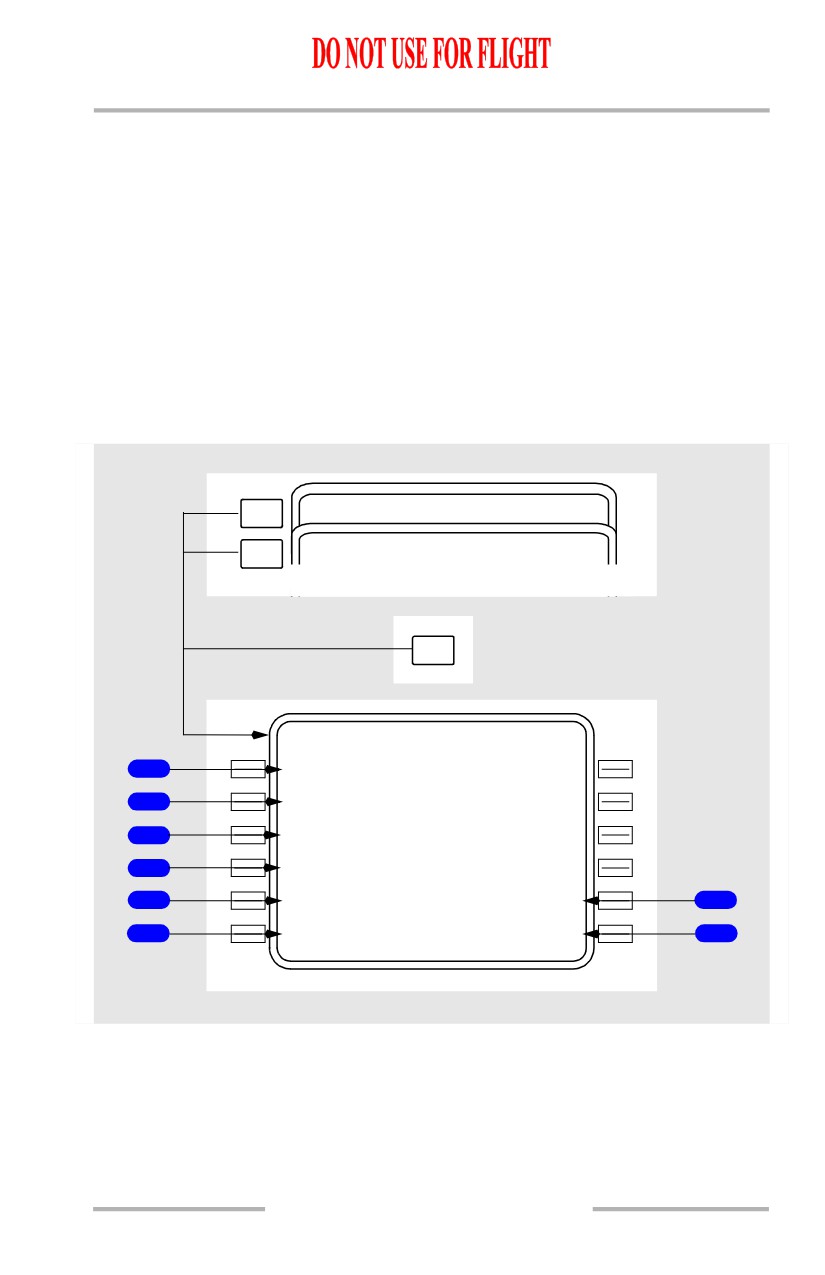
Progress Page 1/X
The progress page provides general flight progress information along the route of
flight such as:
• waypoints (last, active and
• destination information
next)
• altitude change points
• waypoint ETA
• current wind
• waypoint ATA
• fuel quantity
• distance to go information
[Option - With flight number entry]
The page title displays the company flight number from the RTE page.
[Option - FMC U10.4A and earlier with flight number entry]
PREV
RTA PROGRESS
2 / 3
PAGE
NEXT
FLT
4
3
0
PROGRESS
3 / 3
PAGE
O
S
PROG
FLT4
3
0
PROGRESS
1 / 3
F R O M
A L T
A T A
F U E L
1
CYN
F
L
186
1349Z
35.2
24
9
`
D T G
E T A
F U E L
2
EN O
61
1355Z
32.9
25
2
`
3
GV E
192
1411Z
31.1
4
KAT L
606
1510Z
17.6
T O T / C
F U E L Q T Y
5
1355Z /
32
N
M
34.0
7
W I N D
6
080`/
23
K
T
NAV STATUS>
8
11.41.13
Flight Management, Navigation -
FMC Takeoff and Climb
Boeing 737 Operations Manual
[Option - FMC U10.5 and later with flight number entry]
PREV
FLT4
3
0
PROGRESS
2 / 4
PAGE
NEXT
RNP PROGRESS
4 / 4
PAGE
POS INIT>
PROG
FLT4
3
0
PROGRESS
1 / 4
F R O M
A L T
A T A
F U E L
1
CYN
F
L
186
1349Z
35.2
24
9
`
D T G
E T A
F U E L
2
EN O
61
1355Z
32.9
25
2
`
3
GV E
192
1411Z
31.1
4
KAT L
606
1510Z
17.6
T O T / C
F U E L Q T Y
5
1355Z /
32
N
M
34.0
7
W I N D
6
080`/
23
K
T
NAV STATUS>
8
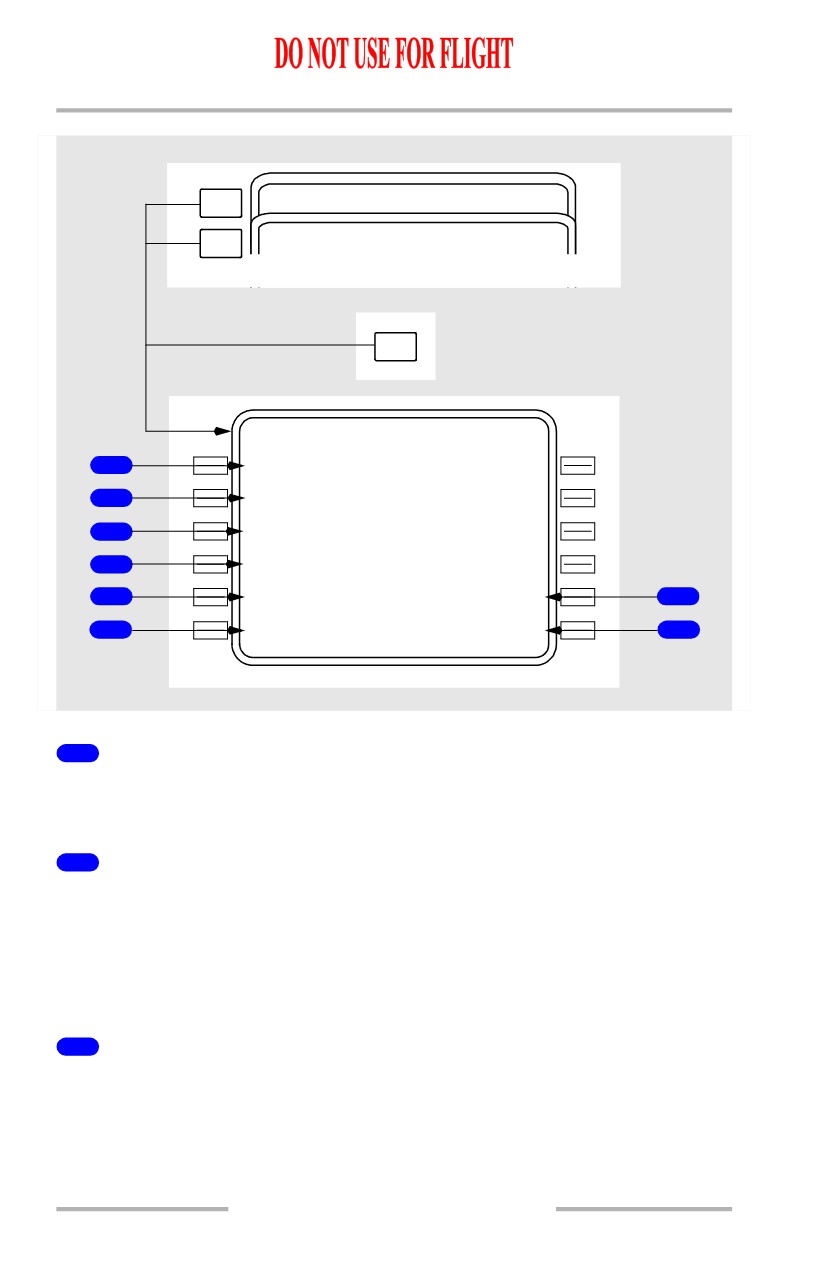
1
FROM
Displays the identifier of the last (FROM) waypoint, the altitude (ALT), the actual
time of arrival (ATA), and the fuel at that waypoint.
2
Active Waypoint
Displays the identifier of the active waypoint, the flight plan course to the active
waypoint, and distance-to-go
(DTG) from present position to the active
waypoint. Also displays the estimated time of arrival (ETA) and predicted fuel
remaining at the active waypoint. The active waypoint is highlighted by reverse
video.
3
Next Waypoint
Displays the identifier of the next waypoint which follows the active waypoint, the
flight plan course for that leg, and flight plan distance-to-go (DTG) from present
position to the next waypoint. Also displays the estimated time of arrival (ETA)
and predicted fuel remaining at the next waypoint.
11.41.14
Flight Management, Navigation -
FMC Takeoff and Climb
Boeing 737 Operations Manual
4
Destination
Displays the identifier of the destination airport
(DEST) and flight plan
distance-to-go (DTG) from present position to the destination. Also displays
estimated time of arrival (ETA) and predicted fuel remaining at the destination.
When a route modification is in progress, the destination line label displays MOD.
Performance predictions include the modification.
5
Altitude Change Point (TO XXXXX)
Displays ETA and distance to go to the following altitude change points as
appropriate to phase of flight:
• TO T/C: to top of climb for the
• TO T/D: to top of descent, if no
active climb
STEP TO entry is made on
• TO STEP POINT: to the step
CRZ page
point if a STEP TO entry is
• TO E/D: to the end of descent
made on CRZ page
waypoint for an active path
descent; blank if a path descent
is not available.
6
WIND
Displays current true wind direction and speed.
7
Fuel Quantity (FUEL QTY)
Displays the present total fuel quantity remaining as obtained from the airplane
fuel quantity indication system.
8
NAV STATUS
Push - displays the navigation status page.
11.41.15
Flight Management, Navigation -
FMC Takeoff and Climb
Boeing 737 Operations Manual
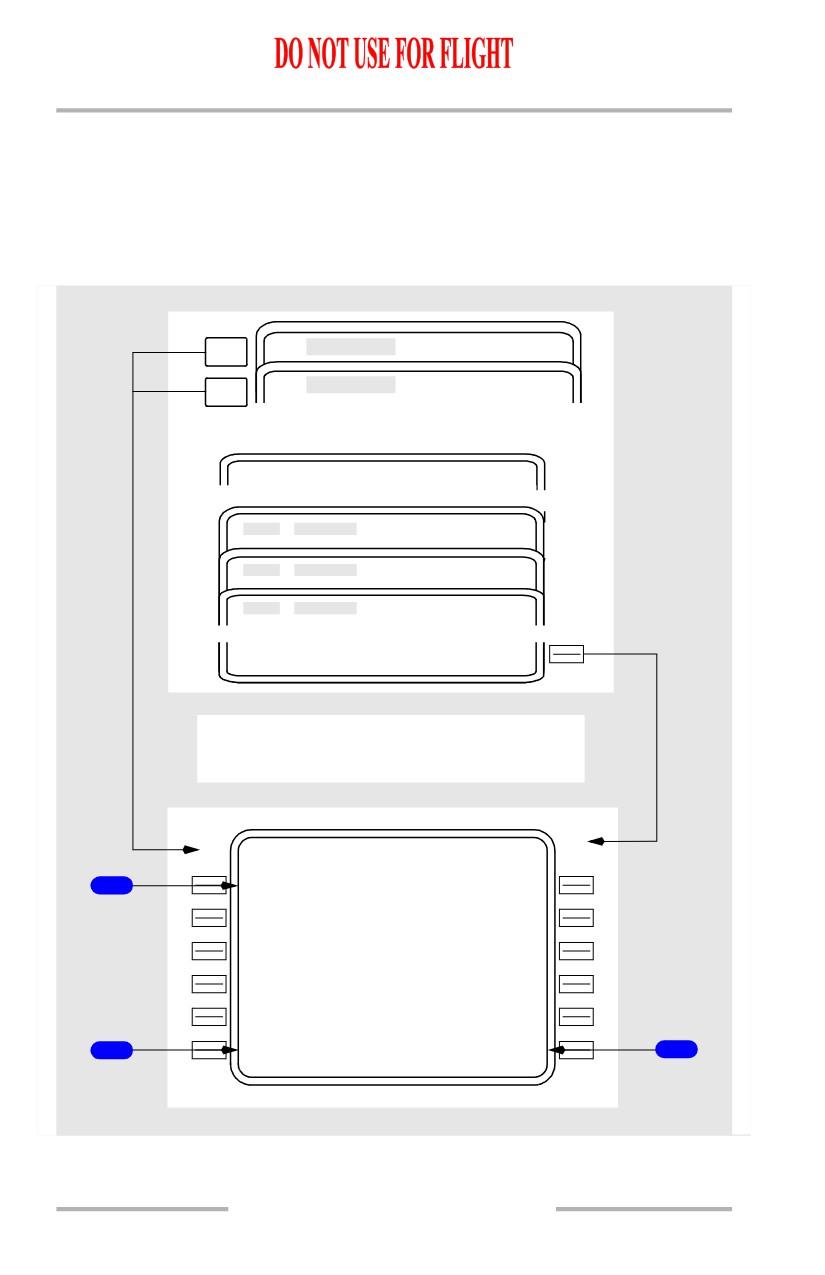
RTA Progress Page 2/3
[Option - FMC U10.4A and earlier]
RTA Progress page is used to initiate the required time of arrival (RTA) mode.
The RTA page provides advisory data on flight progress in the RTA mode and
advises of control times such as recommended takeoff time to meet RTA.
NEXT
PROGRESS
1 / 3
PAGE
PREV
PROGRESS
3 / 3
T
PAGE
PER F LIMITS
2 / 2
CLB
CR Z
DE S
RT
A
>
Display before RTA Waypoint Entry
RTA PROGRESS
2 / 3
R T A W P T
1
----
-
-
- - - - - - - -
-
-
- - - - - - - - - - - - - -
2
<LIMIT S
PRIOR RTA>
3
11.41.16
October 15, 2001
Flight Management, Navigation -
FMC Takeoff and Climb
Boeing 737 Operations Manual
1
Required Time of Arrival Waypoint (RTA WPT)
Displays dashes when entry allowed.
2
LIMITS
Displays the PERF LIMITS page.
3
Prior RTA Waypoint (PRIOR RTA)
Prompt displayed when the RTA waypoint field contains dashes and a previous
RTA waypoint is still in the flight plan; otherwise blank.
Push - displays last active RTA waypoint data.
October 15, 2001
11.41.17
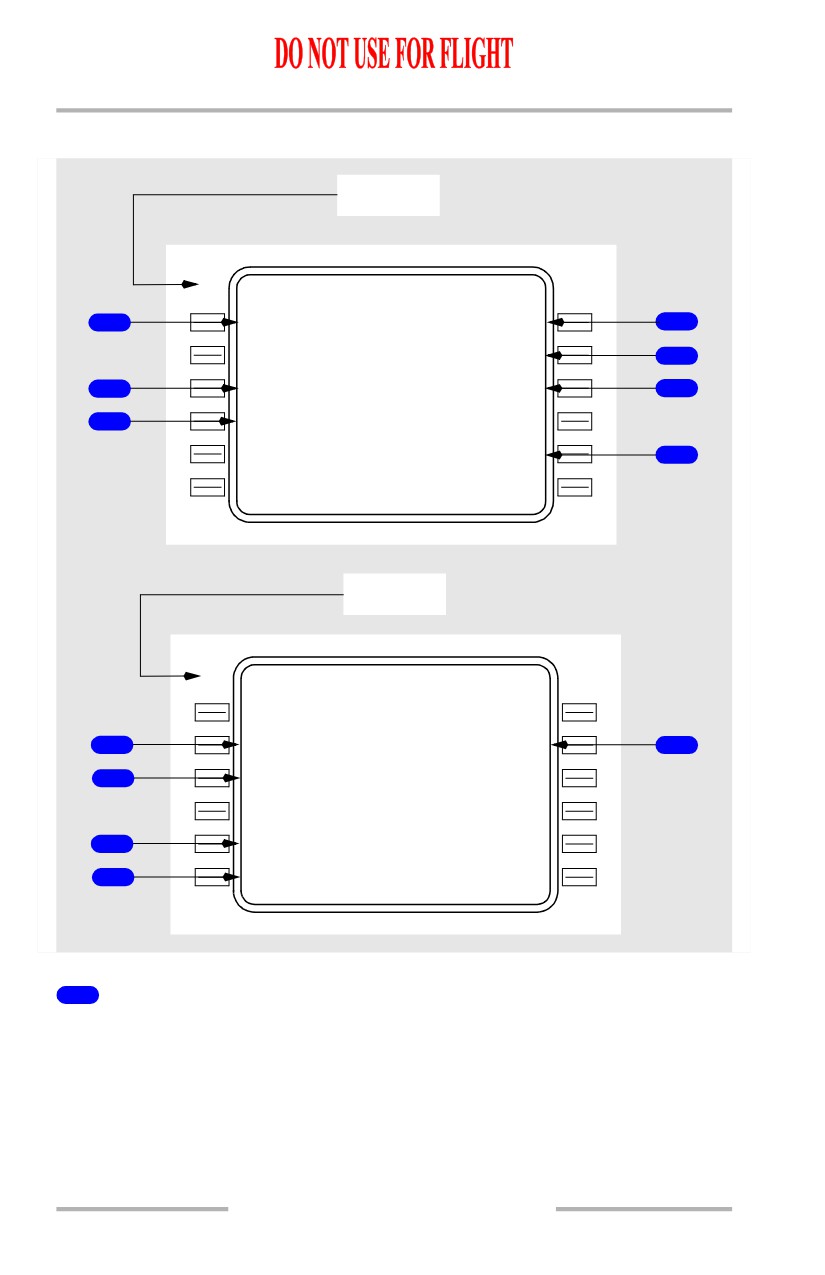
Flight Management, Navigation -
FMC Takeoff and Climb
Boeing 737 Operations Manual
RTA Progress on Ground and in Flight
Ground
ACT RTA PROGRESS
2 / 3
R T A W P T
R T A
1
EP H
1100:00zB
4
T I M E E R R O R
O
N
TIME
5
R E C M D T
/
O
G M T
2
1040: 02
Z
1003:00Z
6
D I S T - - T O
-
E
P H
- - A L T / E T A
3
126
N
M
F L 2 5 0 /1022:29Z
- - - - - - - T
/
O
W I N D O W - - - L A S T
10
41:44Z
7
- - - - - - - -
-
-
- - - - - - - - - - - - - -
<LIMIT S
In Flight
ACT RTA PROGRESS
2 / 3
R T A W P T
R T A
EP H
1012:00zA
R T A S P D
T I M E E R R O R
8
250/.6
3
3
EARLY
01:30
12
S P D R E S T
G M T
9
250/100
0
0
1000:30Z
D I S T - - T O - E P H
- - A L T / E T A
25
N
M
F L 2 5 0 /1010:30Z
F I R S T - - R T A W I N D O W - - - L A S T
10
1008:23
Z
1010:30Z
- - - - - - - -
-
-
- - - - - - - - - - - - - -
11
<LIMIT S
1
Required Time of Arrival Waypoint (RTA WPT)
Waypoint entry must be in flight plan or the CDU message NOT IN FLIGHT
PLAN will be displayed.
Entering a valid waypoint will generate a MOD RTA PROGRESS page and
illuminate the EXEC light.
Deletion of the RTA waypoint will create a MOD RTA PROGRESS page with all
data blanked and EXEC light illuminated. Execution will exit the RTA mode.
11.41.18
October 15, 2001
Flight Management, Navigation -
FMC Takeoff and Climb
Boeing 737 Operations Manual
Deletion of the RTA waypoint does not remove the waypoint from the flight plan.
Automatically clears the RTA waypoint and exits the RTA waypoint after
sequencing the RTA waypoint out of the flight plan.
2
Recommended Takeoff Time (RECMD T/O)
Displays the recommended takeoff time to meet the planned RTA.
Time is based on entered Cost Index as well as the earliest and latest times to
achieve RTA.
3
Distance To, Altitude, and ETA at the RTA Waypoint
(DIST - - TO XXX
- -ALT/ ETA)
Displays the distance to the RTA waypoint.
Displays the predicted altitude at the RTA waypoint.
Displays ETA at the RTA waypoint based on:
• immediate takeoff
• MIN/MAX speeds on PERF LIMITS page
• entered forecast winds.
4
Required Time of Arrival (RTA)
After RTA waypoint entry, initially displays current ETA based on the active flight
plan and performance parameters at time of waypoint entry.
Desired RTA may be entered by overwriting displayed data.
Entry must be in one of the following forms:
• XXXXXX (hr/min/sec)
• XXXX (hr/min)
• XXXX.X (hr/min/tenths of min).
Entry of “A” after RTA specifies arrival time of at or after.
Entry of “B” after RTA specifies arrival time of at or before.
5
TIME ERROR
Displays the most recent time error in minutes and seconds up to a maximum of
59:59 minutes.
Displays ON TIME if GMT is within current T/O WINDOW.
Displays EARLY or LATE as appropriate if GMT is not within current T/O
WINDOW.
October 15, 2001
11.41.19
Flight Management, Navigation -
FMC Takeoff and Climb
Boeing 737 Operations Manual
6
GMT
Displays the actual GMT.
7
Takeoff Window (- - - - - - - T/O WINDOW - - - LAST) or
(FIRST - - T/O WINDOW - - - - - - -)
Displays earliest and latest takeoff times to meet the planned RTA.
If the entered RTA time is an “At or After” time, only the FIRST field shall be
displayed.
If the entered RTA time is an “At or Before” time, only the LAST field shall be
displayed.
Times are based on minimum and maximum speeds on the PERF LIMITS page.
8
Required Time of Arrival Speed (RTA SPD)
Displays the target speed required to meet the planned RTA.
Same as speed displayed on RTA CLB, CRZ, or DES page.
Limited by MIN/MAX speeds on the PERF LIMITS page and the SPD REST line.
9
Speed Restriction (SPD REST)
Displays the current speed restriction affecting RTA progress.
10
Arrival Time Window (FIRST - - RTA WINDOW - - - LAST)
Displays earliest and latest achievable arrival times at the RTA waypoint.
Times based on MIN/MAX speeds on PERF LIMITS page, existing winds, and
entered forecast winds.
11
LIMITS
Push - Displays PERF LIMITS page.
12
TIME ERROR
In flight, displays difference between the ETA and the RTA plus the TIME
ERROR TOLERANCE on the PERF LIMITS page.
11.41.20
October 15, 2001
Flight Management, Navigation -
FMC Takeoff and Climb
Boeing 737 Operations Manual
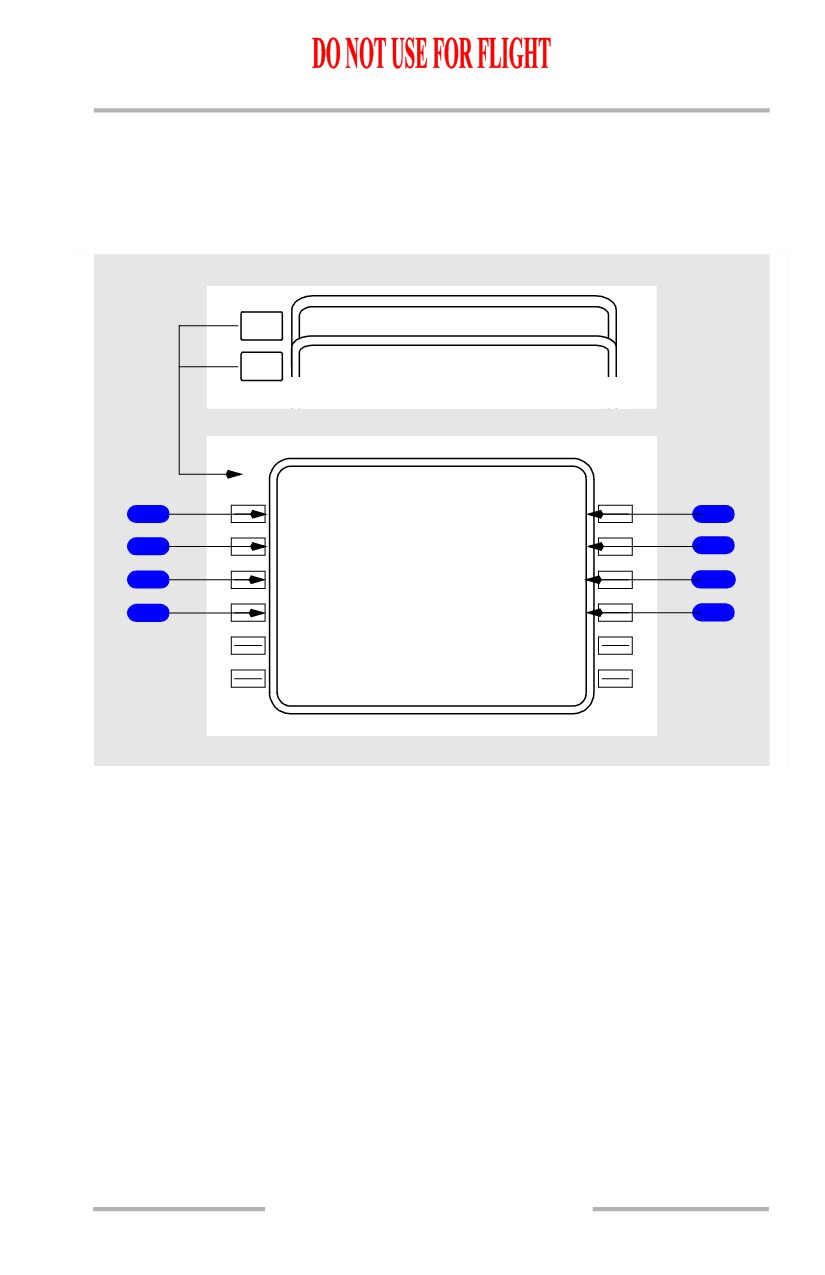
Progress Page 3/3
[Option - FMC U10.4A and earlier]
The progress page 3/3 displays wind, track, path, temperature, and speed data.
[Option - FMC U10.3 and later with GPS and flight number entry]
NEXT
RTA PROGRESS
2 / 3
PAGE
PREV
FLT
4
3
0
PROGRESS
1 / 3
PAGE
FLT
4
3
0
PROGRESS
3 / 3
T A I L W I N D
C R O S S W I N D
1
27
K
T
R
3K T
4
W I N D
S A T / I S A D E V
2
104`/
2
7
-40`C /
0`C
5
X T K E R R O R
V E R T D E V
3
L
0.01
N
M
12H I
6
G P S - L T R K
T A S
8
305
`
T
426K T
7
11.41.21