MINI Paceman (2016 year). Manual - part 4
-------------------------------------------------------------------------------------------------------------------------------------------------------------
Displays
CONTROLS
▷
Distance: km, mi.
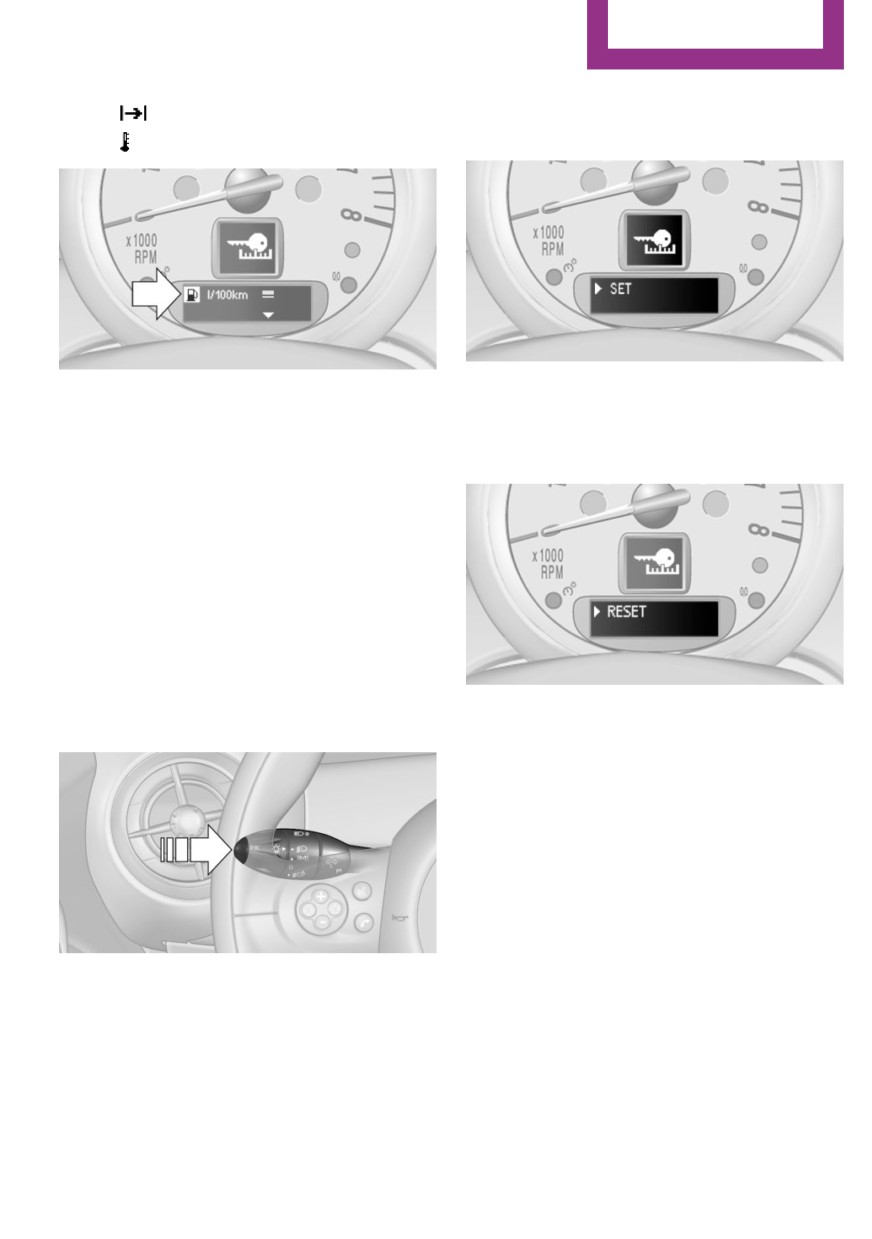
3. Press the button repeatedly until the sym-
bol and "SET" are displayed.
▷ Temperature: ℃, ℉
4. Press and hold the button until the display
7. Press and hold the button until the display
changes.
changes.
5. Press the button repeatedly until "RESET"
8. Press the button to change the format or
appears on the display.
the unit of measure.
9. Press and hold the button until the display
changes.
The settings are stored.
Resetting to factory settings
The settings for formats and units of measure
can be reset to the factory settings. The settings
are stored for the remote control in use.
1. Press the button on the turn indicator lever
6. Press and hold the button until the display
repeatedly until "SET/INFO" is displayed.
changes to the first setting option.
The settings are reset.
Clock
Setting the time
Radio MINI Boost CD: set the time, refer to
page 126.
2. Press and hold the button until the display
changes.
Date
Setting the date
Radio MINI Boost CD: set the date, refer to
page 126.
65