Volvo XC90 (2021 year). Manual in english - page 17
DRIVER SUPPORT
}}
* Option/accessory.
293
The driver can be alerted if the vehicle is
exceeding a detected speed limit and is
approaching a speed camera.
Speed Limit Warning
warns the driver if the
vehicle's speed has exceeded the applicable
speed limit or the stored maximum speed. The
warning will be repeated once after
about 1 minute in that speed limit area if the
driver does not slow down.
A new warning and message indicating that
the speed limit has been exceeded will be pro-
vided only when the vehicle has entered a
new/different speed limit area.
For an audible alert to be provided if the
speed is exceeded, the
Speed Limit
Warning
function must be activated and
the
Road Sign Audio Warning
sub-func-
tion must be
On
. Audible alerts are provi-
ded if the vehicle's speed exceeds the
speed displayed by Road Sign Information
in the instrument panel.
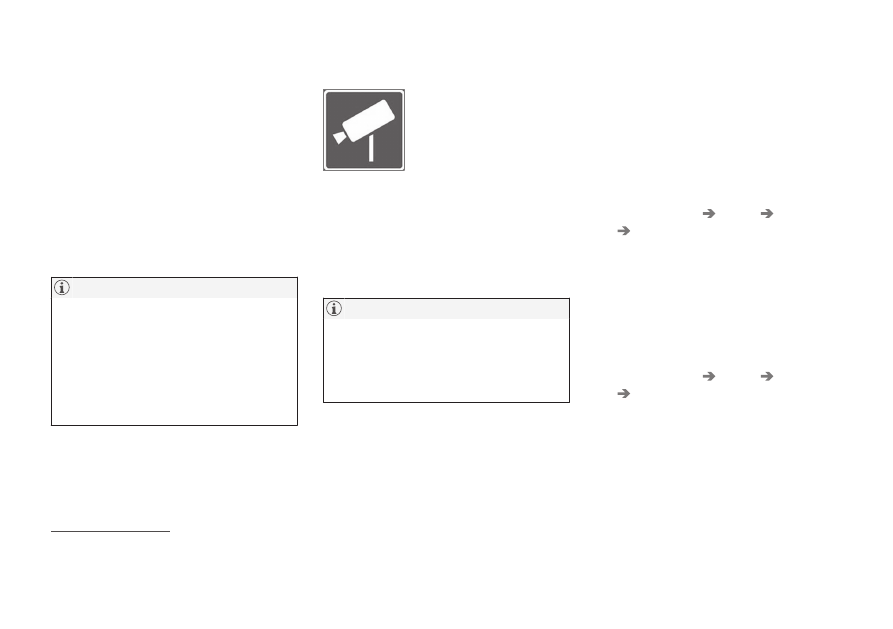
Speed camera warning
Vehicles equipped with Road
Sign Information and Sensus
Navigation can provide infor-
mation on upcoming speed
cameras in the instrument
panel
22
.
If the vehicle exceeds a detected speed limit
with the
Speed Limit Warning
function acti-
vated, the driver is given a speed warning
when the vehicle is approaching a speed cam-
era if the navigation map for the vehicle's cur-
rent location contains information on speed
cameras.
It is possible to receive an audible alert for
speed cameras regardless of the vehicle's
speed and whether or not the speed limit is
exceeded, even if the
Road Sign Audio
Warning
function is deactivated.
Related information
•
•
Activating or deactivating warnings from
Road Sign Information
•
Activating or deactivating
warnings from Road Sign
Information
*
The Road Sign Information (RSI
23
) subfunc-
tion
Speed Limit Warning
is optional – the
driver can choose to have the subfunction
activated or deactivated.
Activating Speed Warning
1. Select
Settings
My Car
IntelliSafe
Road Sign Information
in the center
display's Top view.
2. Select
Speed Limit Warning
.
> The function is activated and a speed
limit selector is displayed.
Adjusting the Speed Warning limit
The driver can adjust the settings to be alerted
at a higher speed than the posted speed limit.
1. Select
Settings
My Car
IntelliSafe
Road Sign Information
in the center
display's Top view.
2. Select
Speed Limit Warning
.
> The function is activated and a speed
limit selector is displayed.
22
Information on speed cameras on the navigation map is not available for all markets/areas.
23
Road Sign Information