Volvo XC60 (2021 year). Manual in english - page 6
||
DISPLAYS AND VOICE CONTROL
110
The next time the App menu is opened, the
functions for the most recently selected app
will be displayed automatically.
Related information
•
App menu in instrument panel (p. 108)
•
Messages in the instrument panel
(p. 110)
Messages in the instrument panel
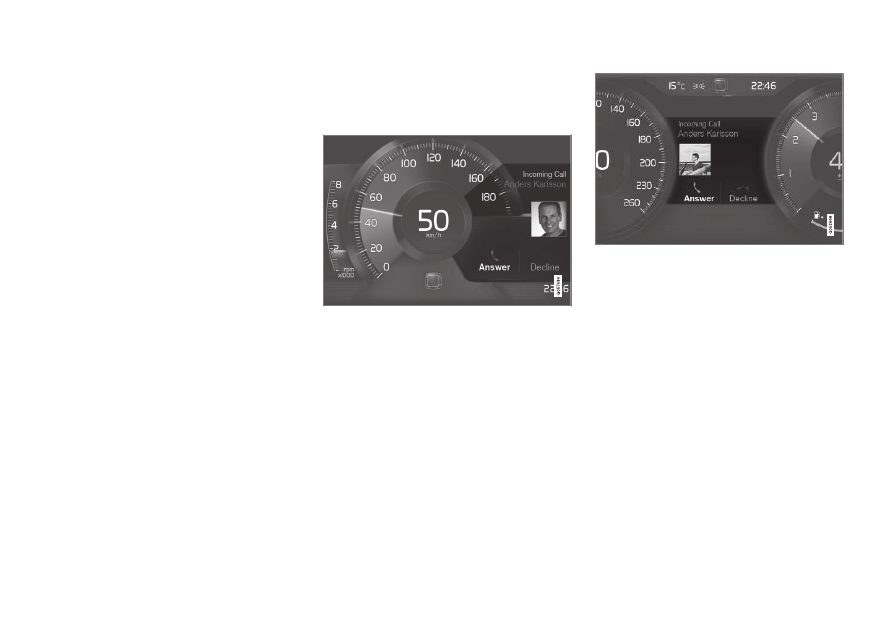
The instrument panel shows messages in
certain circumstances to inform or assist the
driver.
Example of message in an 8-inch instrument panel.
The illustration is generic - details may vary accord-
ing to vehicle model.
Example of message in the instrument panel. The
illustration is generic - details may vary according to
vehicle model.
High-priority messages for the driver are dis-
played in the instrument panel.
The messages may appear in different parts of
the instrument panel depending on what other
information is currently being displayed. The
message will disappear from the instrument
panel after a short period of time or after it has
been acknowledged or any required action has
been taken. Messages that need to be saved
are stored in the
Car Status
app, which can
be opened from the App view in the center
display.
The message may be shown along with
graphics, symbols or buttons to e.g. acknowl-
edge the message or accept a request.