Volvo V90 Recharge Plug-in Hybrid (2021 year). Manual in english - page 32
SOUND, MEDIA AND INTERNET
544
Removing devices connected to
Bluetooth
It is possible to remove phones from the list
of registered Bluetooth devices, for example.
1. Press
Settings
in the top view.
2. Press
Communication
Bluetooth
Devices
.
> Registered Bluetooth devices are listed.
3. Tap on the device to be removed.
4. Tap on
Remove device
and confirm your
selection.
> The device is no longer registered to
the car.
Related information
•
•
Connecting a phone to the car via Blue-
tooth for the first time (p. 540)
•
Disconnecting a Bluetooth-connected
phone (p. 543)
•
Switch between Bluetooth-connected
phones (p. 543)
•
Settings for Bluetooth devices (p. 548)
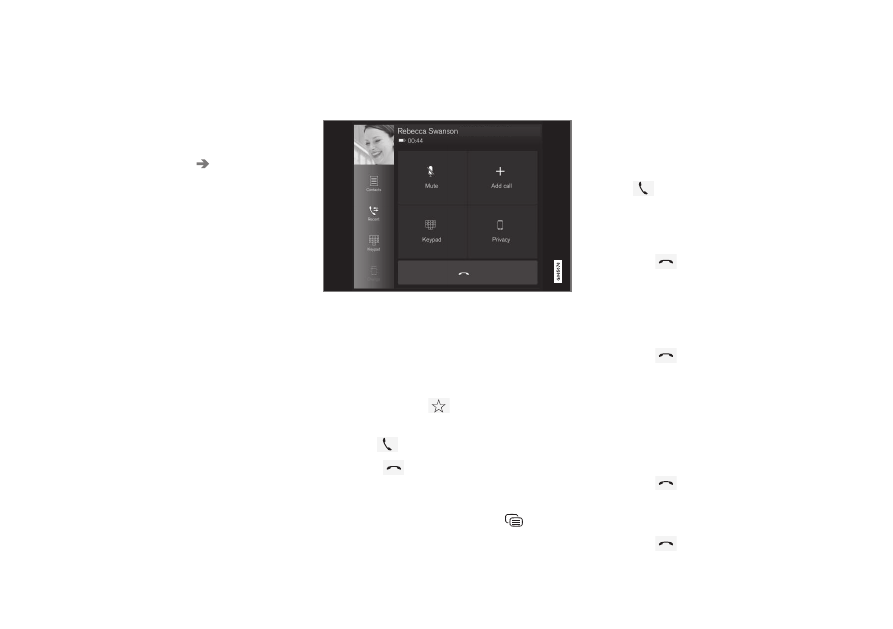
Managing phone calls
Call handling in the car for a Bluetooth-con-
nected phone.
Generic illustration.
Making phone calls
1. Open the subview for phone.
2. Select call from call history, enter number
using the keypad or via the contact list. It
is possible to search or browse in the con-
tact list. Tap on
in the contact list in
order to add a contact under
Favourites
.
3. Press
to make a call.
4. Tap on
to end the call.
You can also make calls from the call log via
the app menu, which is accessed from the
right-hand steering wheel keypad
.
Making multi-party calls
During a call:
1. Press
Add call
.
2. Choose to make a call from the call log,
favourites or the contact list.
3. Tap on an entry/row in the call log, or tap
on
alongside the contact in the con-
tact list.
4. Tap on
Swap call
to switch between the
parties.
5. Tap on
to end the active call.
Conference calls
During an active multi-party call:
1. Tap on
Join calls
to merge the active
multi-party call.
2. Tap on
to end the call.
Incoming phone calls
Incoming phone calls are shown in the driver
display and the centre display. Manage the
call on the right-hand steering wheel keypad
or in the centre display.
1. Tap on
Answer
/
Reject
.
2. Tap on
to end the call.
Incoming phone call during an active call
1. Tap on
Answer
/
Reject
.
2. Tap on
to end the call.