Volvo V60 Recharge Plug-in Hybrid (2021 year). Manual in english - page 22
DRIVER SUPPORT
* Option/accessory.
374
Leaving a parallel parking space
with Park Assist Pilot
*
The
Park Out
function can help the driver to
pull out of a parking space when the vehicle
is parallel-parked.
Leaving a parking space with the
Park Out
function should only be used in connection
with parallel parking – it does not work for
perpendicular parking.
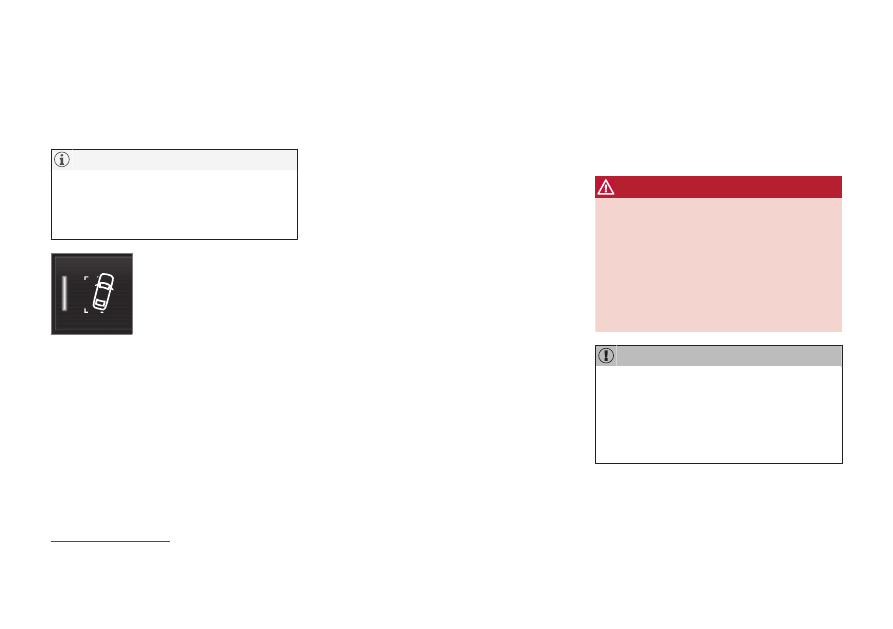
The
Park Out
function is acti-
vated in the center display's
Function view or in Camera
view.
•
GREEN button indicator light – the func-
tion is activated.
•
GRAY button indicator light – the function
is deactivated.
1. Tap
Park Out
in Function view or in Cam-
era view.
2. Move the gear selector to the suitable
position (e.g. D or R) for the direction in
which you will be pulling out of the park-
ing space.
3. Be prepared to stop the vehicle when
instructed to do so by a graphic and mes-
sage in the center display. Follow the
instructions in the same way as for the
parking procedure.
Note that the steering wheel can "spring"
back when the procedure is completed and
the driver may need to turn the steering wheel
back to the maximum position in order to pull
out of the parking space.
If the function determines that the driver can
pull out of the parking space without any extra
maneuvers, the function will be deactivated,
even if it seems as though the vehicle is not
completely out of the parking space.
Related information
•
•
Park Assist Pilot
*
limitations
Park Assist Pilot (PAP
121
) may not be able to
detect all conditions in all situations and func-
tionality may therefore be limited.
The driver should be aware of the following
limitations for Park Assist Pilot.
WARNING
•
The parking sensors have dead/blind
spots where objects cannot be
detected.
•
Pay particular attention to people and
animals near the vehicle.
•
Bear in mind that the front end of the
vehicle may swing out towards oncom-
ing traffic during the parking maneuver.
Objects situated higher than the detection
area of the sensors are not included when
the parking maneuver is calculated, which
could cause the function to swing into the
parking space too early. Such parking
spaces should be avoided for this reason.
121
Park Assist Pilot