Volvo S90 Recharge Plug-in Hybrid (2021 year). Manual in english - page 32
SOUND, MEDIA AND INTERNET
* Option/accessory.
544
Settings for Bluetooth devices
Settings for Bluetooth-connected devices.
1. Press
Settings
in the top view.
2. Press
Communication
Bluetooth
Devices
and select settings:
•
Add device
- starts the pairing of a new
device.
•
Previously paired devices
- lists regis-
tered/paired devices.
•
Remove device
- removes the connected
device.
•
Allowed services for this device
- sets
device usage options: calling, sending/
receiving messages, streaming media and
as Internet connection.
•
Internet connection
- connects the car to
the Internet via the device's Bluetooth
connection.
Related information
•
•
•
•
Connecting a phone to the car via Blue-
tooth for the first time (p. 536)
Internet-connected car
*
When the car is connected to the Internet, it
is possible – for example – to use web radio
and music services via apps, download soft-
ware and contact your retailer from the car.
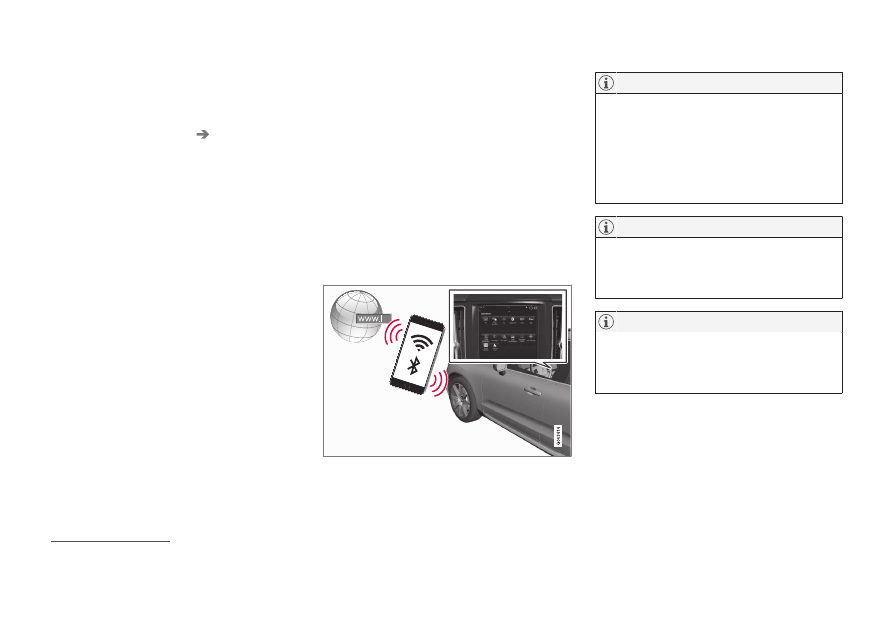
The car is connected via Bluetooth, Wi-Fi or
with the car's built-in modem
*
(SIM card).
When the car is connected to the Internet, it is
possible to share the car's Internet connection
(Wi-Fi hotspot) so that other devices such as
tablets can access the Internet
21
.
The Internet status is indicated by a symbol in
the centre display's status bar.
Data is transferred when using the internet
(data traffic), which can have a cost.
Activation of data roaming can result in fur-
ther charges.
Contact your network operator about the
cost for data traffic.
When using Apple CarPlay, it is only possi-
ble to connect the car to the Internet using
Wi-Fi or the car modem
*
.
When using Android Auto, it is possible to
connect the car to the Internet using Wi-Fi,
Bluetooth or the car modem
*
.
Before connecting the car to the Internet,
search support information on terms and con-
ditions for services and privacy policy for cus-
tomers at volvocars.com.
21
This does not apply in the case of connection with Wi-Fi.