Volvo XC40 (2019 year). Instruction - part 5
DISPLAYS AND VOICE CONTROL
}}
99
Handling messages saved from the
instrument panel
Messages saved from the instrument panel and
center displays are handled in the center display.
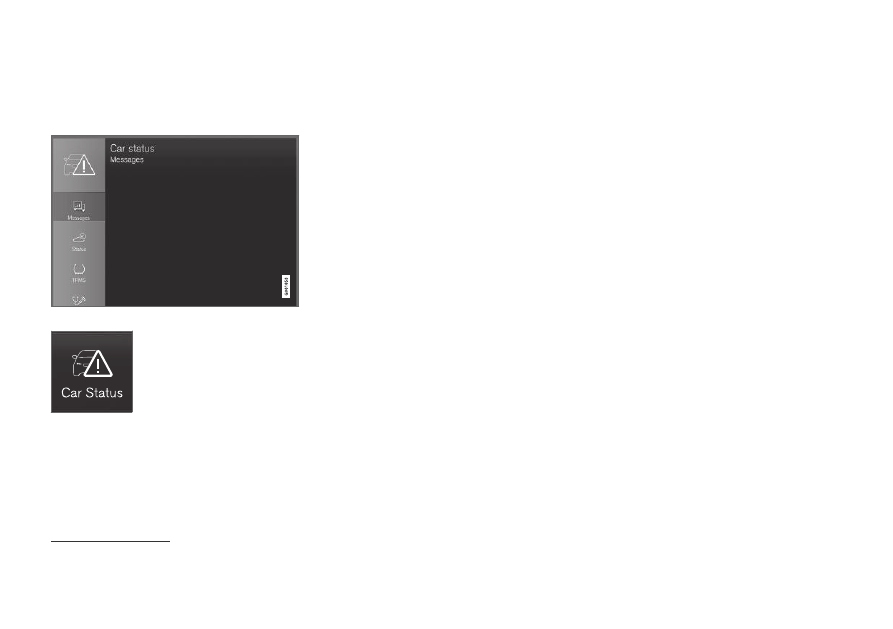
Saved messages can be viewed in the Car Status app.
The messages displayed in the
instrument panel that need to
be saved are stored in the
Car
status
app in the center dis-
play. The message
Car
message stored in Car
Status application
will simul-
taneously appear in the center display.
Reading saved messages
To read a saved message immediately:
–
Tap the button to the right of the message
Car message stored in Car Status
application
in the center display.
> The saved message will be displayed in
the
Car status
app.
To read saved messages at a later time:
1. Open the
Car status
app from App view in
the center display.
> The app will open in the bottom tile of
Home view.
2. Select the
Messages
tab in the app.
> A list of saved messages will be displayed.
3. Tap a message to expand/minimize it.
> More information about the message will
appear in the list and the image to the left
of the app will display information about
the message in graphic form.
Handling saved messages
In expanded form, some messages have two but-
tons available for booking service or reading the
Owner's Manual.
Booking service for saved messages:
–
With the message in expanded form, tap
Request appoint.Call to make
Appointment
8
for assistance booking serv-
ice.
> With
Request appoint.
: The
Appointments
tab will open in the app
and create a request for a service/repair
appointment.
With
Call to make Appointment
: The
phone app will open and call a service
center to make an appointment for service
or repairs.
Reading the Owner's Manual for saved mes-
sages:
–
With the message in expanded form, tap
Owner's manual
to read relevant informa-
tion about the message in the Owner's Man-
ual.
> The Owner's Manual will open in the cen-
ter display and provide information related
to the message.
Saved messages in the app are automatically
deleted each time the engine is started.
8
Market dependent. Volvo ID and selected workshop also need to be registered