Toyota Corolla (2023 year). Manual in english - page 21
326
6-3. Do-it-yourself maintenance
before changing between
wheel sets.
4.2-inch display
1
Install the desired wheel set.
2
Select
of the multi-infor-
mation display and then
press
.
3
Press
or
to select
“Vehicle Settings” and then
press
.
4
Press
or
to select
“TPWS setting” and then
press
.
5
Press
or
to select
“Tire Set Switching” and then
press
.
6
Press
or
to select
“Register Valve / ID” and then
press
.
7
Press
or
to select
“Tire Set 1” or “Tire Set 2”.
Then press
.
8
Select “OK” and then press
.
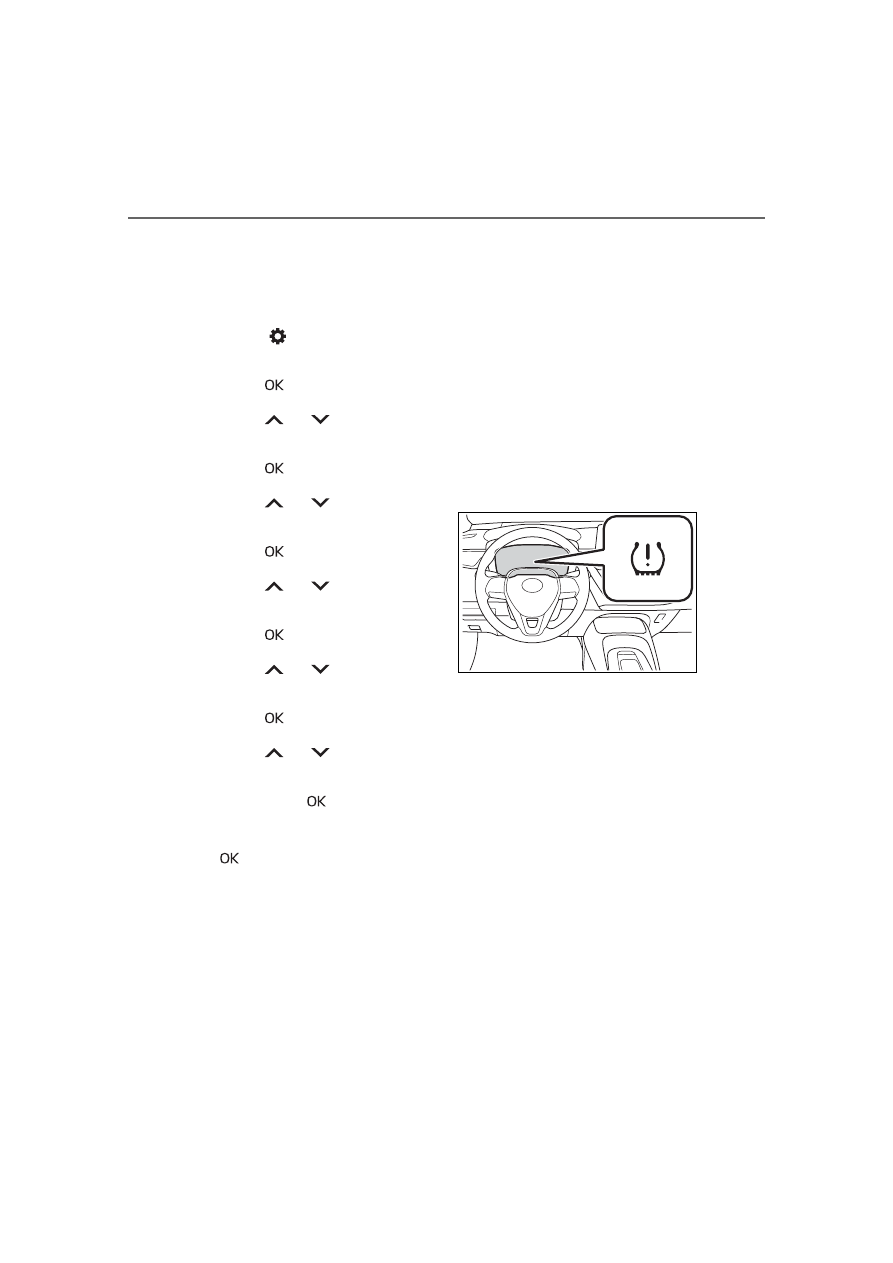
The tire pressure warning light will
slowly blink 3 times, a message
indicating that change is occurring
will be displayed, and the wheel set
change will begin.
Wheel set change will begin and
the tire pressure warning light will
blink for 1 minute and then illumi-
nate.
Also, while the change is being per-
formed, “---” will be displayed for
the tire inflation pressure of each
tire on the multi-information display.
After approximately 2 minutes, the
wheel set change will complete, the
tire pressure warning light will turn
off, and a completion message will
be displayed on the multi-informa-
tion display.
If changing does not complete after
approximately 4 minutes, a mes-
sage indicating that the change
could not be completed will be dis-
played.
Check which wheel set is installed
and perform the change procedure
again from the beginning.
9
If the specified tire inflation
pressure of the wheel set
installed differs from that of
the previous set, it will be
necessary to perform the tire
inflation pressure setting pro-
cedure of the tire pressure
warning system. (
If the specified tire inflation pres-
sure is the same, it will not be nec-
essary to perform the tire inflation
pressure setting procedure.
10
Register the position of each
wheel.