Toyota Tundra. Manual - part 564
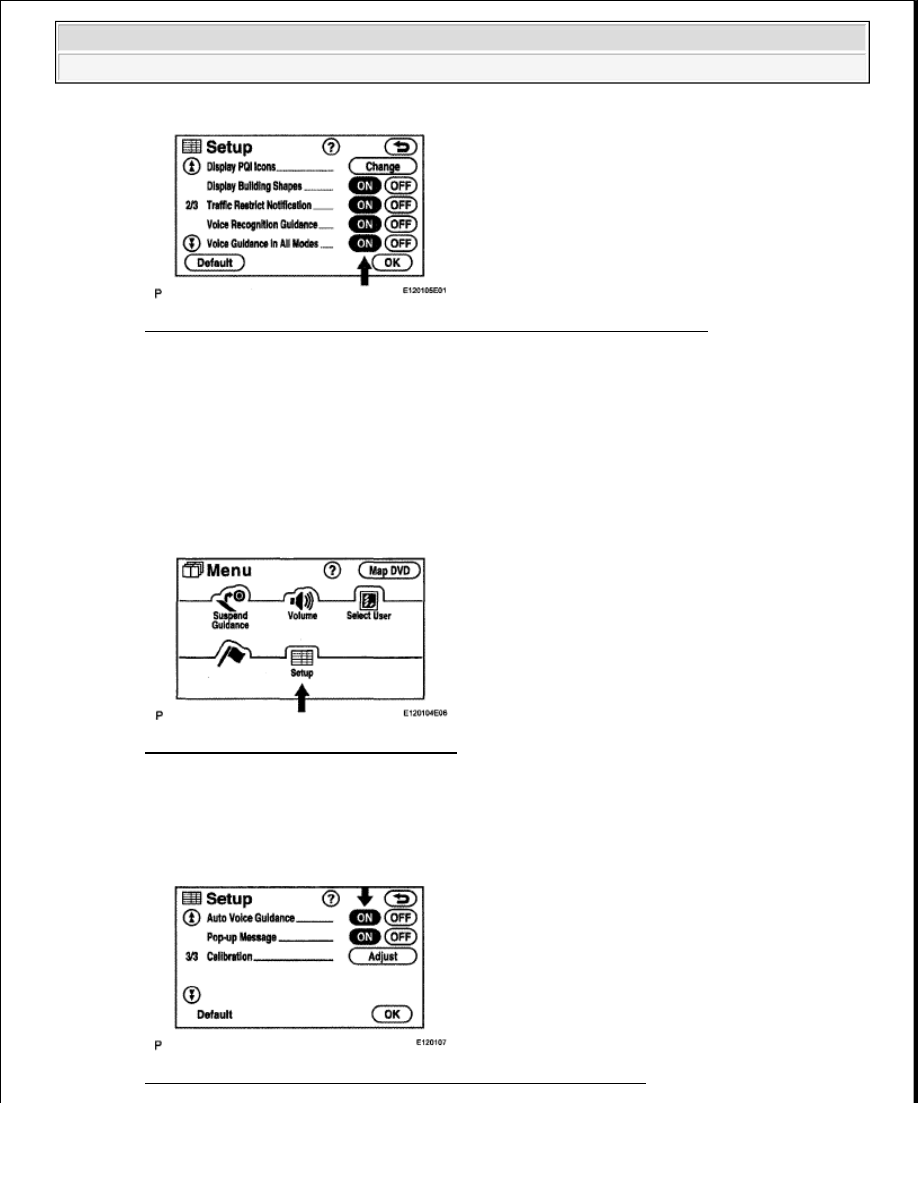
Fig. 370: Diagnostic Menu Screen Display - Voice Guidance In All Modes
Courtesy of TOYOTA MOTOR SALES, U.S.A., INC.
NG: TURN VOICE GUIDANCE IN ALL MODES "ON"
OK: Go to Next Step
3. CHECK NAVIGATION SETTING
a. Enter the "Menu" screen by pressing the "MENU" switch.
b. Select "Setup".
Fig. 371: Identifying Menu Switch Setup
Courtesy of TOYOTA MOTOR SALES, U.S.A., INC.
c. Check that "Auto Voice Guidance" is not OFF.
OK: "Auto Voice Guidance" is not OFF.
Fig. 372: Diagnostic Menu Screen Display - Auto Voice Guidance
2009 Toyota Tundra
2009 ACCESSORIES AND EQUIPMENT Navigation - Tundra