Toyota Tundra. Manual - part 551
After the inspection is completed, clear the DTCs (see DTC CHECK/CLEAR ).
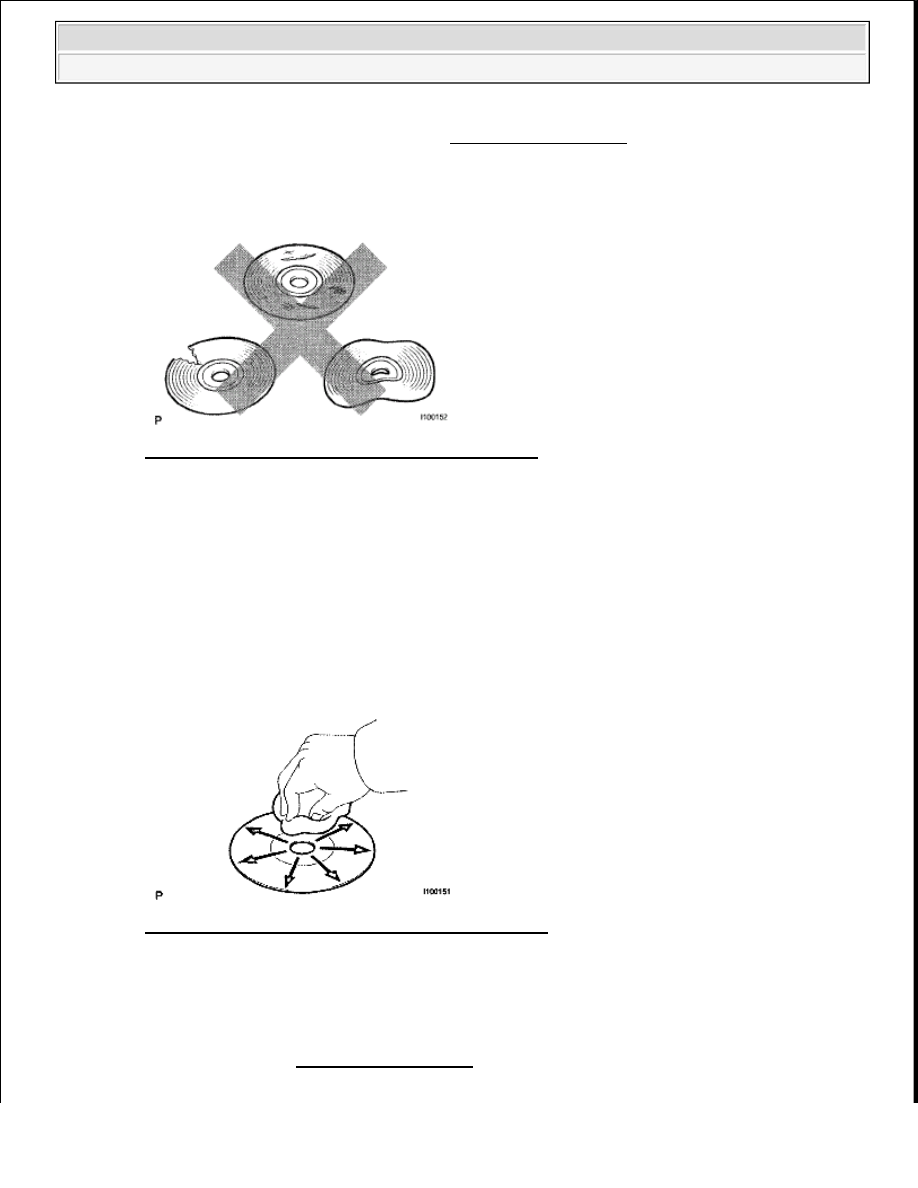
1. CHECK DISC
a. Check that the disc is not deformed or cracked.
Fig. 321: Checking Disc For Deformed Or Cracked
Courtesy of TOYOTA MOTOR SALES, U.S.A., INC.
OK: No deformations or cracks on the disc.
NG: CHANGE DISC
OK: Go to Next Step
2. DISC CLEANING
a. If dirt is on the disc surface, wipe it clean with a soft cloth from the inside to the outside in a radial
direction.
Fig. 322: Cleaning Disc Surface With Soft Dry Cloth
Courtesy of TOYOTA MOTOR SALES, U.S.A., INC.
3. CLEAR DTC
a. Clear the DTCs (see DTC CHECK/CLEAR ).
4. RECHECK DTC
NOTE:
Do not use a conventional record cleaner or antistatic preservative.
2009 Toyota Tundra
2009 ACCESSORIES AND EQUIPMENT Navigation - Tundra