Subaru Ascent (2022 year). Manual in english - page 14
(217,1)
!
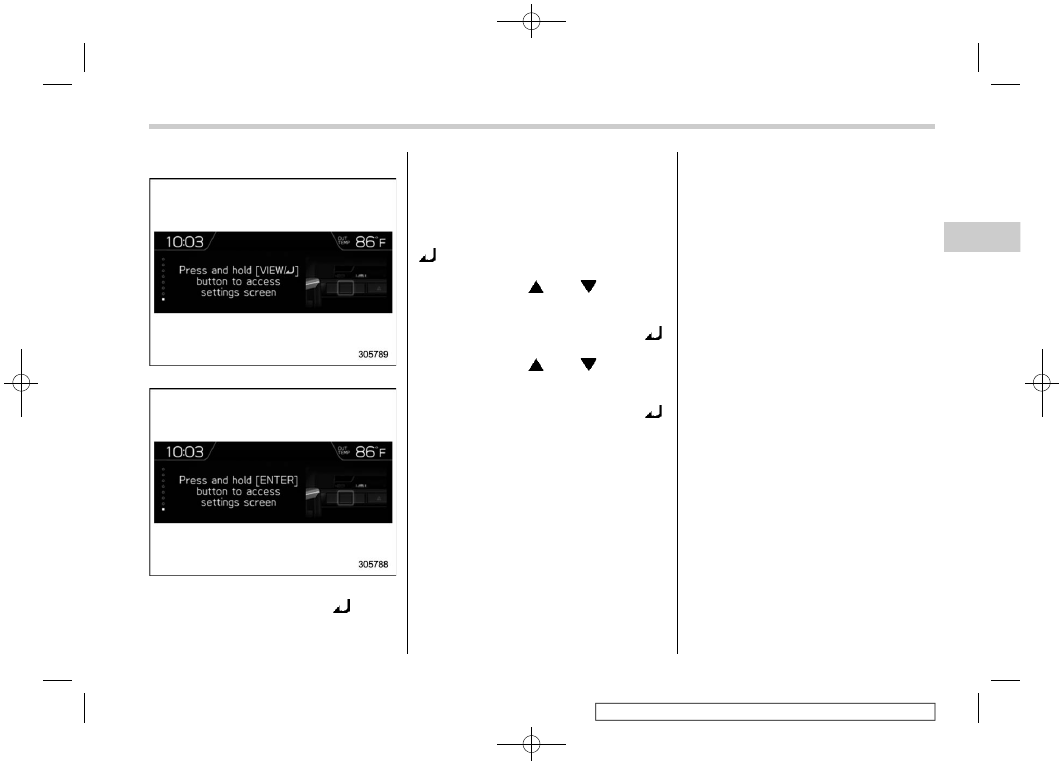
Guidance screen
Models with front view monitor
Other models
When the “ENTER” or “VIEW/
” button
on the instrument panel is pressed and
held on this screen, the setting screen can
be displayed.
For details, refer to “Setting screen”
&
Setting screen
1. Press and hold the “ENTER” or “VIEW/
” button on the guidance screen. The
top menu is displayed.
2. Operate the “
” or “
” button to
select the preferred menu from the top
menu.
3. Press the “ENTER” or “VIEW/
”
button to enter the selected menu.
4. Operate the “
” or “
” button to
select the preferred menu from the 2nd
menu.
5. Press the “ENTER” or “VIEW/
”
button to enter the selected menu.
– CONTINUED –
Multi-function display (color LCD)
215
3
Instruments
and
controls