Subaru Impreza (2022 year). Manual in english - page 13
(203,1)
!
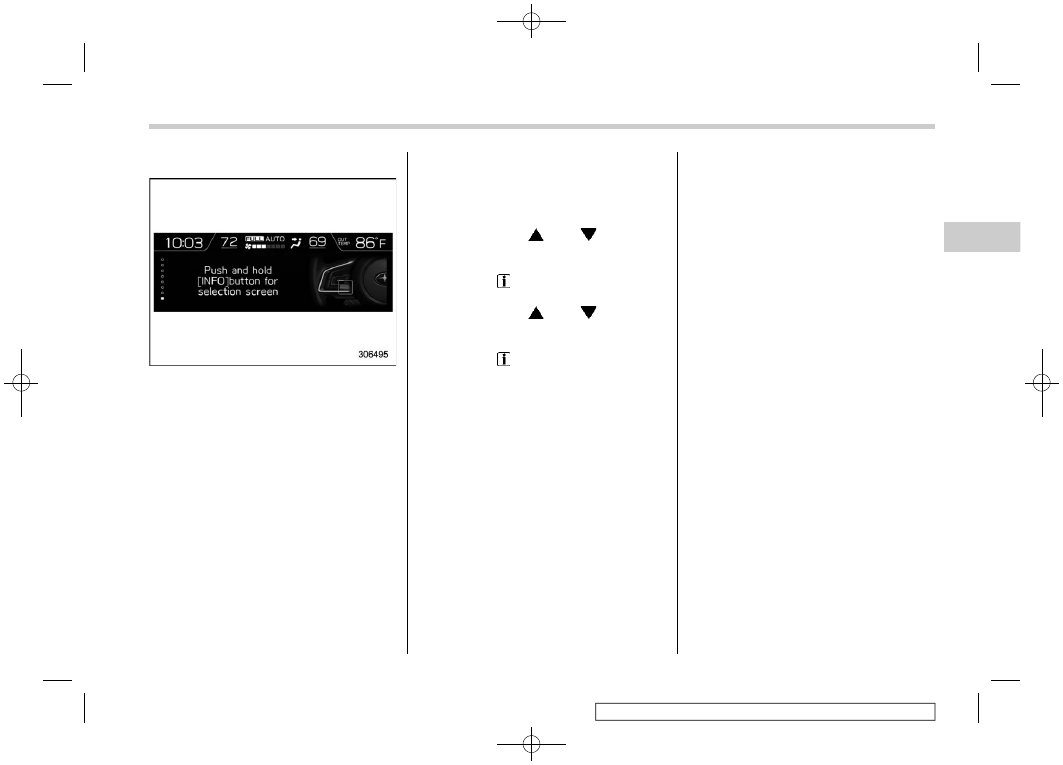
Guidance screen
When the INFO button on the steering
wheel is pressed and held on this screen,
the setting screen can be displayed.
For details, refer to “Setting screen”
NOTE
When the combination meter display
(color LCD) is displaying the menu
screen entering screen, the system will
not move to the setting screen even if
the INFO button is pressed and held.
&
Setting screen
1. Press and hold the INFO button on the
guidance screen. The top menu is dis-
played.
2. Operate the “
” or “
” switch to
select the preferred menu from the top
menu.
3. Pull the “
/SET” switch to enter the
selected menu.
4. Operate the “
” or “
” switch to
select the preferred menu from the 2nd
menu.
5. Pull the “
/SET” switch to enter the
selected menu.
– CONTINUED –
Instruments and controls/Multi-function display (color LCD)
3-55
3