Nissan Maxima (2020 year). Manual - part 7
Driver Assistance
The driver assistance menu allows the user
to change the various driving aids and as-
sistance options.
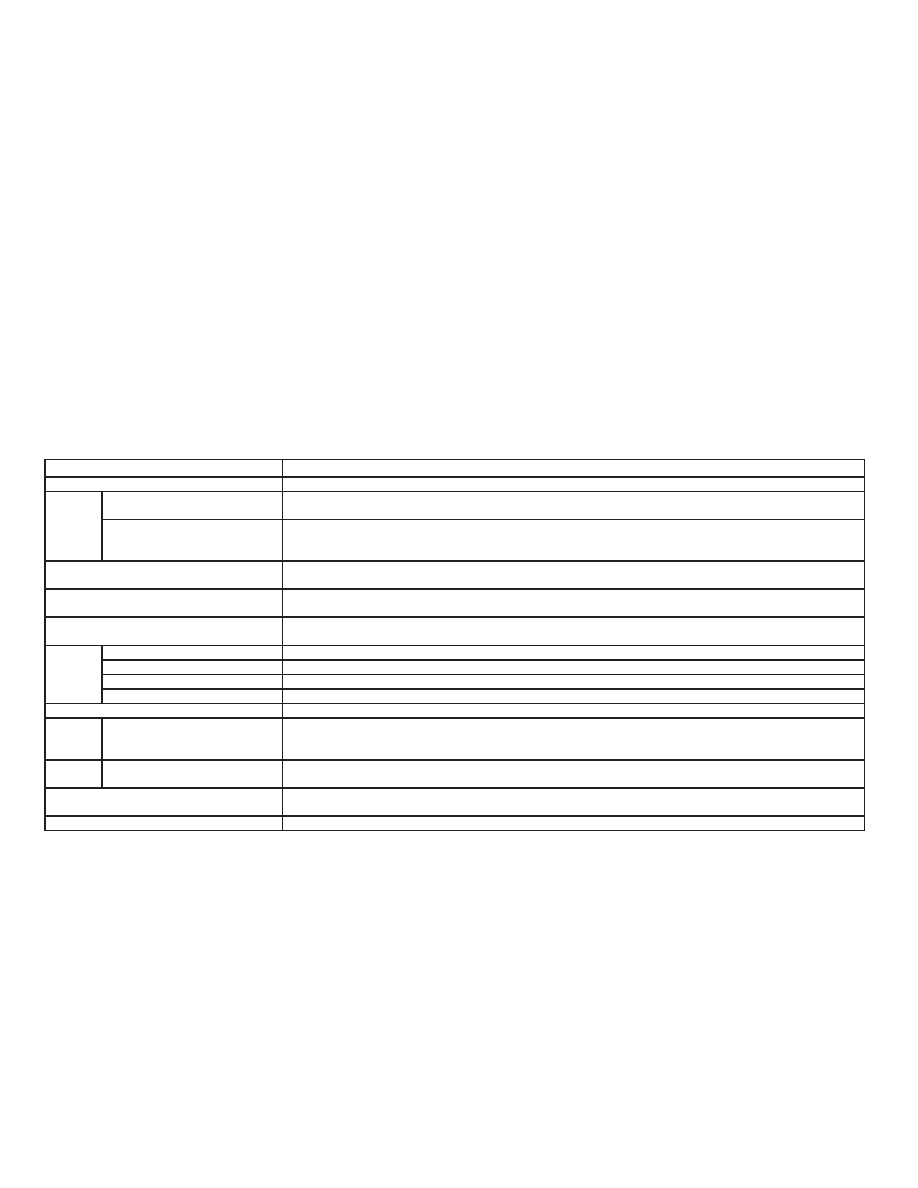
Menu item
Result
Lane
Displays the available lane options.
Lane Departure Warning
Allows user to turn the Lane Departure Warning (LDW) system on or off. For additional information, refer to “Lane
Departure Warning (LDW)” in the “Starting and driving” section of this manual.
Lane Departure Prevention (if so
equipped)
Allows user to turn Intelligent Lane Intervention (I-LI) system on or off when the engine is running. System will re-
set to off after every ignition cycle. For additional information, refer to “Intelligent Lane Intervention (I-LI) in the
“Starting and driving” section of this manual.
Blind Spot
Allows user to turn the blind spot feature on or off. For additional information, refer to “Blind Spot Warning (BSW)”
and “Rear Cross Traffic Alert (RCTA)” in the “Starting and driving” section of this manual.
Speed Limit Sign (if so equipped)
Allows user to turn the Speed Limit Sign feature on or off. For additional information, refer to "Traffic Sign Recogni-
tion (TSR)” in the “Starting and driving” section of this manual.
Parking Aids
Displays the available parking aids. For additional information, refer to “Front and rear sonar system” in the “Start-
ing and driving” section of this manual.
Sensor
Allows user to turn the sensor on, off, or front only.
Display
Allows user to turn the display on or off.
Volume
Allows user to adjust the volume to Low/Med./High.
Range
Allows user to adjust the range to Near/Mid./Far.
Emergency Brake
Displays the available emergency braking options.
Front
Allows user to turn the front emergency braking system on or off. For additional information, refer to “Automatic
Emergency Braking (AEB) with Pedestrian Detection” and “Intelligent Forward Collision Warning (I-FCW)” in the
“Starting and driving” section of this manual.
Rear
Allows user to turn the rear emergency braking system on or off. For additional information, refer to “Rear Auto-
matic Braking (RAB)” in the “Starting and driving” section of this manual.
Driver Attention Alert
Allows user to turn the driver attention feature on or off. For additional information, refer to “Intelligent Driver Alert-
ness (I-DA)” in the “Starting and driving” section of this manual.
Timer Alert
Allows user to set or reset an alert at a specific time interval.
2-20
Instruments and controls