Nissan Maxima. Manual - part 177
AV-528
< SYSTEM DESCRIPTION >
[COLOR DISPLAY - W/BOSE & NAVI]
DIAGNOSIS SYSTEM (AV CONTROL UNIT)
A Connecting Cable Between Units Is Displayed In Yellow.
CONFIRMATION/ADJUSTMENT MODE
1. Start the diagnosis function and select “Confirmation/Adjustment”. The confirmation/adjustment mode
indicates where each item can be checked or adjusted.
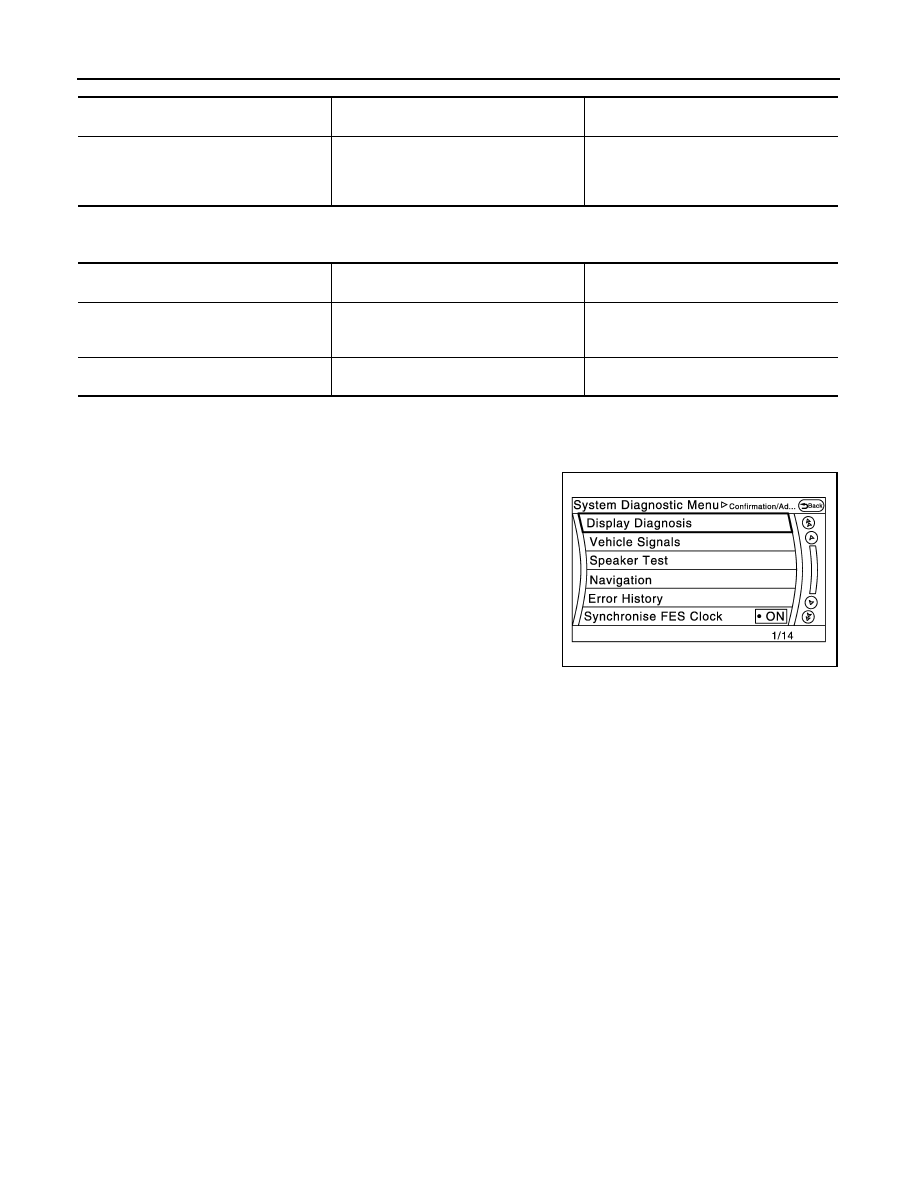
2. Select each switch on the “Confirmation/Adjustment Mode”
screen to display the relevant trouble diagnosis screen. Press
the “Back” switch to return to the initial Confirmation/Adjustment
Mode screen.
Screen switch
Description
Possible malfunction location / Action to
take
Control unit
Malfunction is detected in AV control unit
power supply and ground circuits.
Check AV control unit power supply and
ground circuits. When detecting no mal-
function in those components, replace AV
control unit.
Area with yellow connection lines
Description
Possible malfunction location / Action to
take
Control unit
⇔ Front Display
Malfunction is detected in serial communi-
cation circuits between AV control unit and
front display unit.
Serial communication circuits between AV
control unit and front display unit.
Control unit
⇔ GPS Antenna
GPS antenna connection malfunctions de-
tected.
GPS antenna
JSNIA2483ZZ