Nissan Teana J32. Manual - part 204
AV
REAR VIEW CAMERA
AV-671
< ON-VEHICLE REPAIR >
[BOSE AUDIO WITH NAVIGATION]
C
D
E
F
G
H
I
J
K
L
M
B
A
O
P
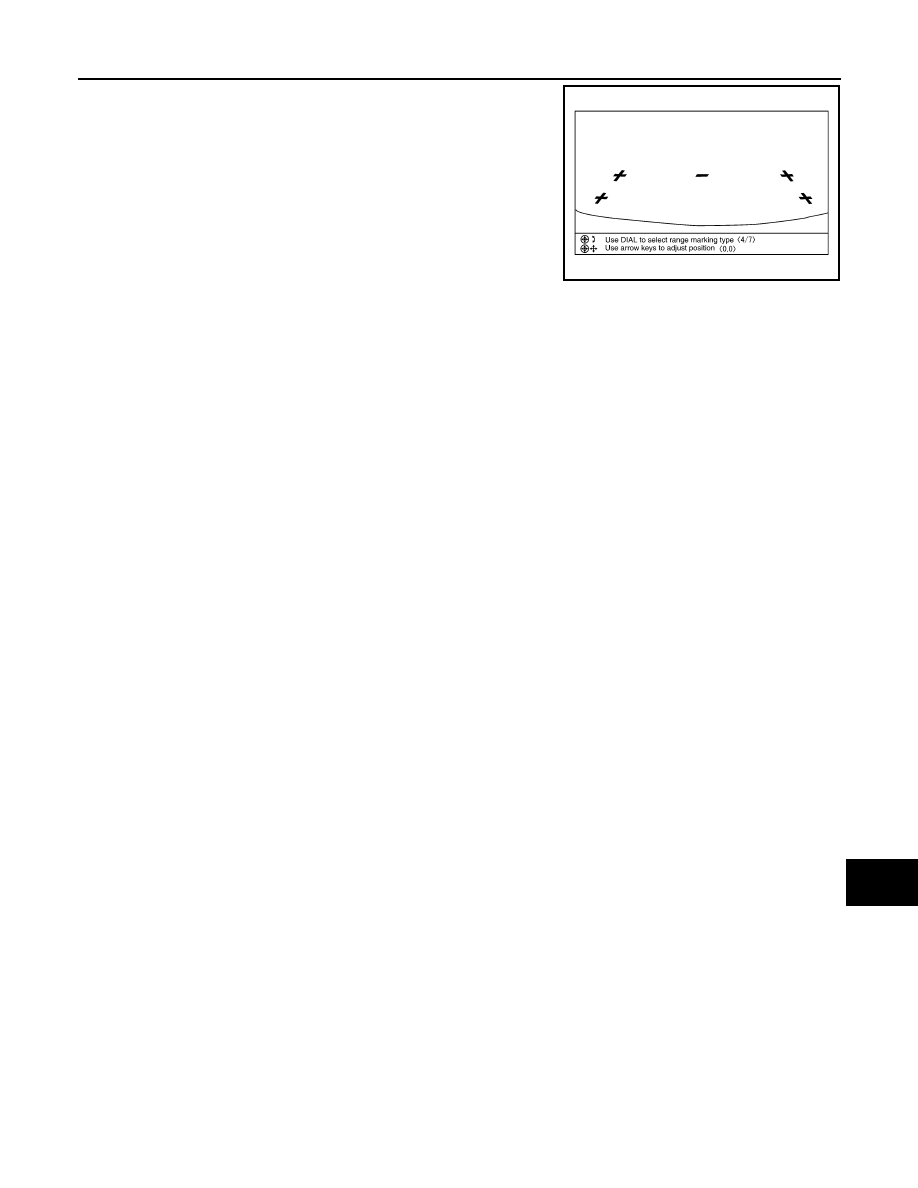
3.
Rotate the center dial, and then select the guiding line pattern so
that its angle is aligned with the correction line of the rear of the
vehicle.
4.
Fine adjust the guiding line so that its position is aligned to the
correction line by pressing the up/down/left/right switches.
Pressing “ENTER” enable the camera control unit to memory
the adjusted guiding line position.
CAUTION:
Never operate other function such as pressing BACK while writing index data.
If Confirmation/Adjustment mode does not function in the above procedure, perform one of the
following service to adjust the index again.
• Remove battery for five min. Then reconnect battery.
• Remove camera control unit connector for five min. Then reconnect camera control unit connec-
tor.
Selected pattern
: 7
Up/Down adjustment range
:
−
20 – 20
Left/Right adjustment range
:
−
20 – 20
SKIB3689E