Mitsubishi Montero (2004+). Manual - part 569
RV METER
TSB Revision
CHASSIS ELECTRICAL
54A-245
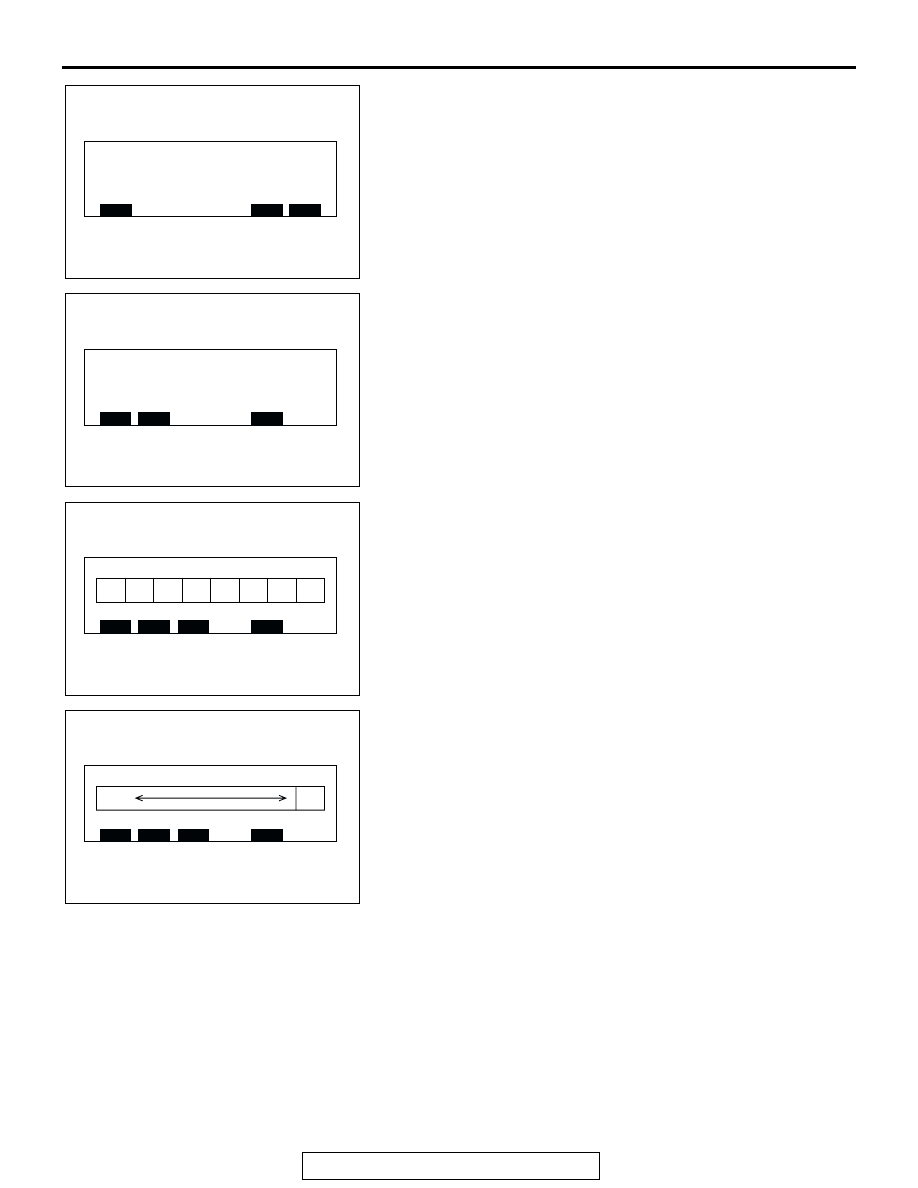
2. Press the "ADJ" [NEXT] switch is pressed. The screen
changes to the service mode second menu screen.
3. Press the function switch 1 [MONITOR]. The screen is
switched to the monitor check mode.
4. Press the function switch 1 [DISP] on the monitor check
mode screen. The screen changes to the display check
mode screen. When respective function switches are
pressed on this screen, the screen changes as follows.
• When the function switch 1 [COLOR] is pressed, the color
bar is displayed.
• When the function switch 2 [GRAY] is pressed, the gray
scale is displayed.
Service mode
ACX01985
MONITOR
BACK
END
AB
SERVICE MODE SECOND MENU SCREEN
Monitor check mode
ACX02001
BACK
DISP.
COMP.
AB
MONITOR CHECK MODE SCREEN
WHITE YELLOW LIGHT
BLUE GREEN PURPLE RED BLUE BLACK
ACX02006
BACK
COLOR
GRAY
WHITE
AB
COLOR BAR
WHITE
BLACK
ACX02002
BACK
COLOR
GRAY
WHITE
AC