Mazda Training manual - part 187
 

  Index      Mazda     Mazda Training Manual


Search            


Content   ..  185  186  187  188   ..


Mazda Training manual - part 187


TC001-18-01H

INTRODUCTION TO M-MDS 
02 - Installing PFM & PDS                                                                        


Activity 02- Page 13

Activity 02 
(Continued) 
 
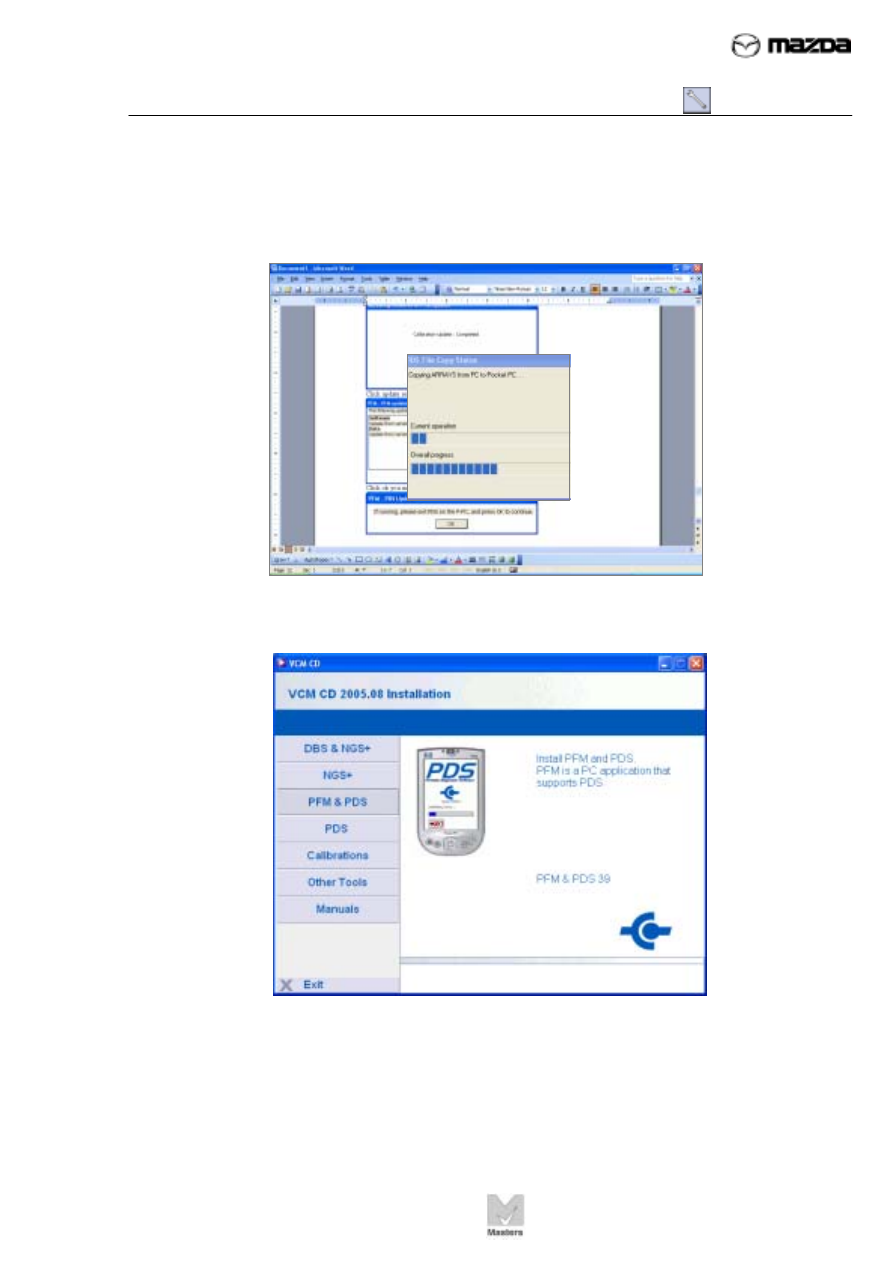
25.  This will take a few minutes. 


26. Click 

Exit in the lower left corner to close this window. 


27.  Remove the VCM CD and store it in a safe place. 
 
28.  If the VCM has been updated already, you can end this activity here. 


TC001-18-01H

INTRODUCTION TO M-MDS 
02 - Installing PFM & PDS                                                                        


Activity 02- Page 14

Activity 02 
(Continued) 


NOTE 

If you are installing PDS for a new VCM (i.e., the VCM has not been used 
before), you must perform the following steps to update the VCM.  

 
29.  Connect the M-MDS data cable to DLC 2 under the dash. The PDA will turn on 

automatically. 


Three USB pop-up messages quickly flash on and off the PDA. You may 
not see the first two messages:  


NOTE 

When installing the PDS 
and VCM into the carrying 
case, make sure the LEDS 
are visible from the back 
side of the case.   

USB message 2 

USB message 1 

TC001-18-01H

INTRODUCTION TO M-MDS 
02 - Installing PFM & PDS                                                                        


Activity 02- Page 15

USB message 3 

Activity 02 
(Continued) 


The third message, “Status: 
User Authenticated,” is the 
most important message. 


30. Tap 

Start on the main screen. 


31. Tap 

Programs


TC001-18-01H

INTRODUCTION TO M-MDS 
02 - Installing PFM & PDS                                                                        


Activity 02- Page 16

 
Activity 02 
(Continued) 
 
32. Tap 

PDS Tools


33. Tap 

PDS  


34.  The PDS Establishing 

Communications screen flashes 
on then off.  This screen indicates 
the PDA is connecting to the 
VCM via the USB network. 


Content   ..  185  186  187  188   ..