Lexus RX L (2022 year). Manual in english - page 5
101
2
2-1. Instrument cluster
Vehi
cl
e s
ta
tus
info
rm
ation a
nd
indi
cators
• Parking Support Brake function (for static objects) (
P.381)
Displayed content is the same as that displayed on the multi-information display. For details,
refer to the explanations of each system.
Vehicle speed display area
Displays the following items:
• Vehicle speed
• Road sign icons recognized by the RSA (if equipped) (
P.322)
Eco Driving Indicator/Tachometer (
P.104)
Shift position display (
P.263)
HUD (Head-up display) switch (
P.101)
■
Head-up display
The head-up display may seem dark or hard
to see when viewed through sunglasses,
especially polarized sunglasses. Adjust the
brightness of the head-up display or
remove your sunglasses.
■
Enabling/Disabling the head-up
display
Press the HUD (Head-up display)
switch.
E
F
G
H
WARNING
■
Before using the head-up display
●
Check that the position and brightness
of the head-up display image does not
interfere with safe driving. Incorrect
adjustment of the image’s position or
brightness may obstruct the driver’s
view and lead to an accident, resulting
in death or serious injury.
●
Do not continuously look at the
head-up display while driving as you
may fail to see pedestrians, objects on
the road, etc. ahead of the vehicle.
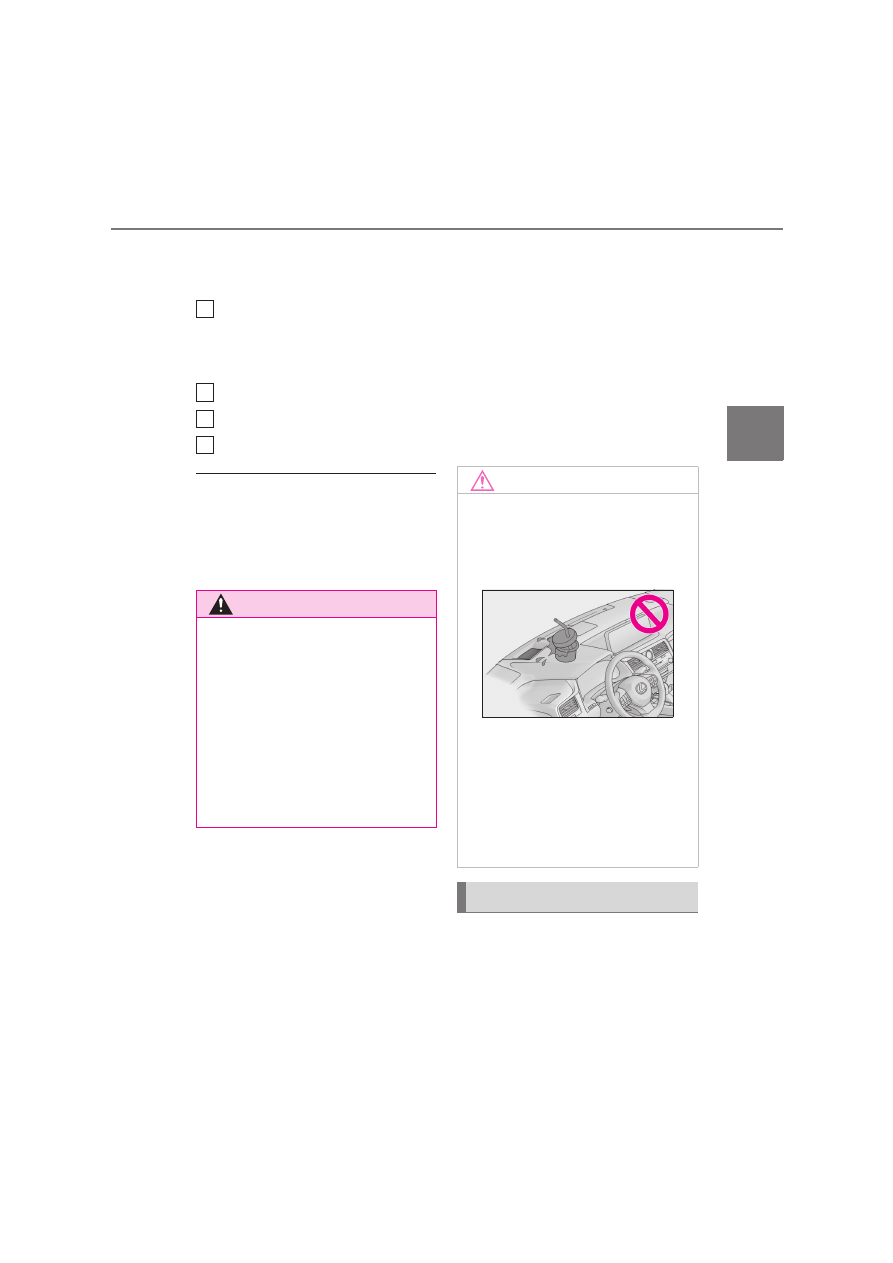
NOTICE
■
To prevent damage to components
●
Do not place any drinks near the
head-up display projector. If the pro-
jector gets wet, electrical malfunctions
may result.
●
Do not place anything on or put stick-
ers onto the head-up display projector.
Doing so could interrupt head-up dis-
play indications.
●
Do not touch the inside of the head-up
display projector or thrust sharp edges
or the like into the projector. Doing so
could cause mechanical malfunctions.
Using the head-up display