Lexus RX300 (MCU15). Manual - part 378
I18203
Display
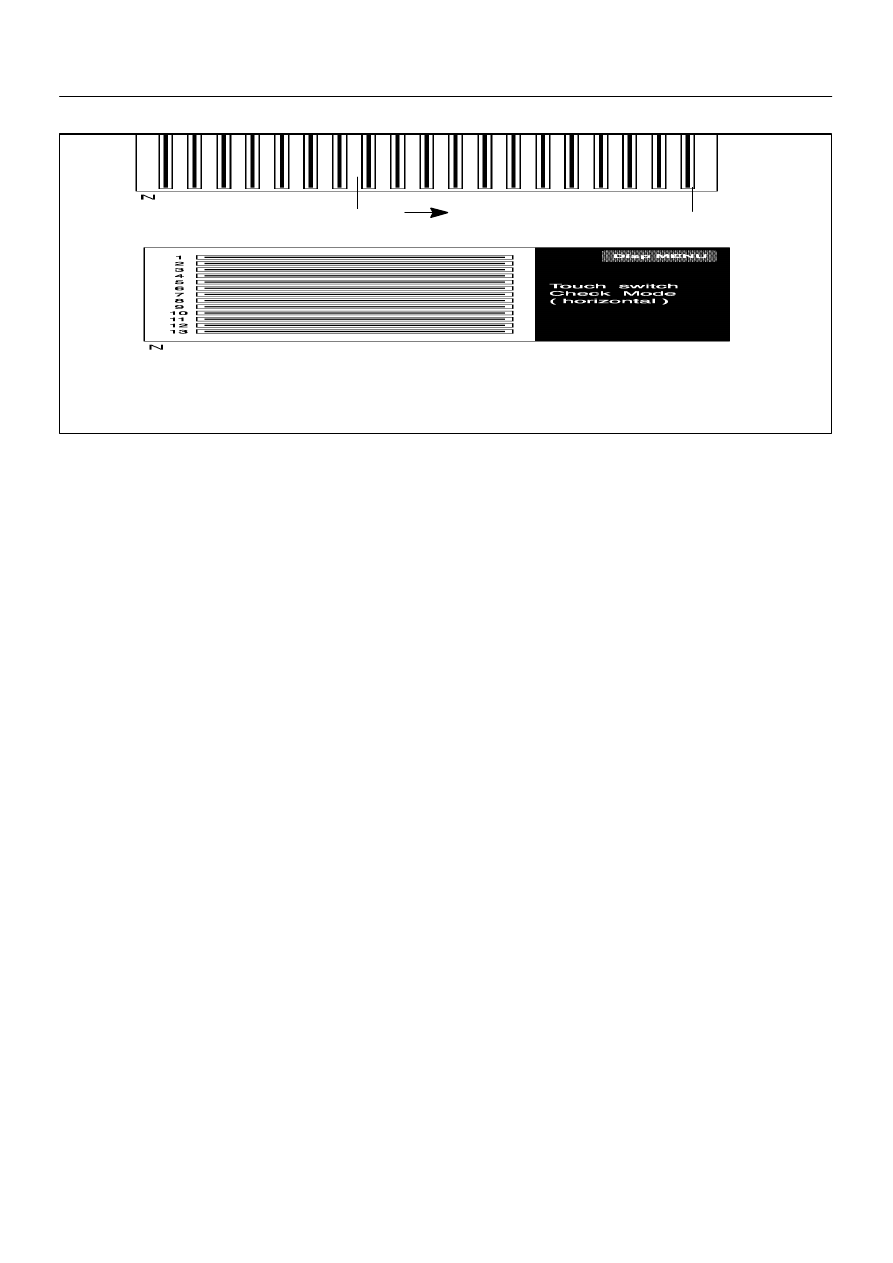
check screen switch
Horizontal line
check screen switch
DI–742
–
DIAGNOSTICS
LEXUS NAVIGATION SYSTEM
LEXUS RX300 (RM785E)
(c)
TOUCH SWITCH CHECK MODE SCREEN
(1)
Operating condition is checked line by line in the Touch Switch Check Mode screen.
(2)
Check Line:
Lines are displayed by using infrared beams in this screen.
Once a beam is blocked off by touching the screen with a fingertip, the blocked part of the line
is deleted.
(3)
Horizontal Line Check Screen Switch:
Pressing this switch activates a screen in which beams of horizontal lines are checked.
(4)
Display Check Mode Switch
Pressing this switch activates the Display Check Mode screen.