Honda Civic (2022 year). Manual in english - page 22
355
Continued
Features
Customized Features
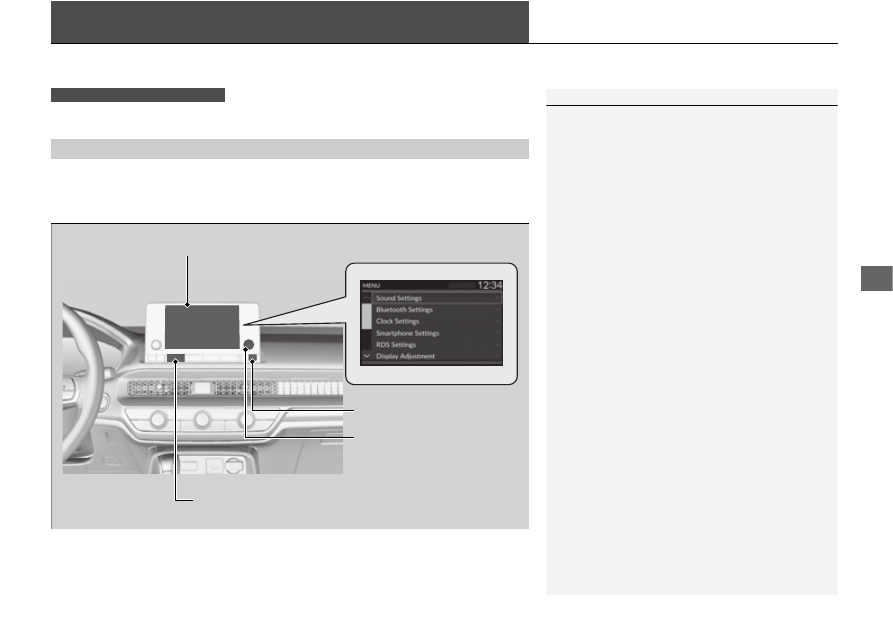
Use the audio/information screen to customize certain features.
While the vehicle is at a complete stop with the power mode in ON, press the
MENU
button. To customize the phone settings, press the
PHONE
button, then select
Settings
.
■
How to Customize the Settings
1
When you customize settings:
•
Make sure that the vehicle is at a complete stop.
•
Shift to
(
P
.
To customize features detail, refer to the following.
2
2
Models with color audio system
Audio/Information Screen
MENU
Button
Selector Knob
PHONE
Button