Honda Ridgeline (2023 year). Manual in english - page 22
350
uu
Bluetooth
®
HandsFreeLink
®
u
HFL Menus
Features
■
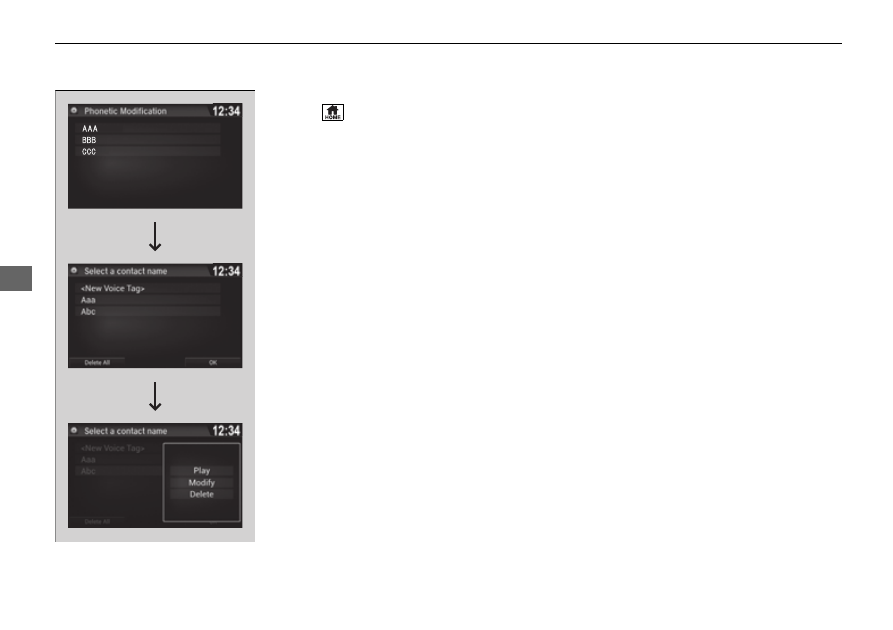
To delete a modified voice tag
1.
Select .
2.
Select
Settings
.
3.
Select
System
.
4.
Select the
Voice Recog
tab.
5.
Select
Phonebook Phonetic
Modification
.
6.
Select the phone you want to delete
phonetic modification.
7.
Select a contact name you want to delete.
u
The pop-up menu appears on the screen.
8.
Select
Delete
.
u
The selected contact name has been
selected.
9.
Select
OK
.