Honda Element. Manual - part 774
7. Repeat step 6 for each wheel until all four sensor IDs are memorized. When all four IDs are memorized,
the low tire pressure indicator blinks.
8. Turn the ignition switch OFF.
9. Disconnect the HDS from the DLC.
10. Test-drive the vehicle at 28 mph (45 km/h) or more for at least 1 minute.
11. Make sure the low tire pressure indicator does not blink.
12. Turn the ignition switch OFF.
13. Reduce the pressure in one tire until it is less than the appropriate specification.
14. Turn the ignition switch ON (II).
15. Test-drive the vehicle at 28 mph (45 km/h) or more for at least 1 minute.
16. Make sure the low tire pressure indicator turns on, then inflate the tire (see WHEEL ALIGNMENT ).
17. Repeat step 12 to 16 for all the other tires.
18. Clear any DTCs with the HDS.
TIRE PRESSURE SENSOR LOCATION
Special Tools Required
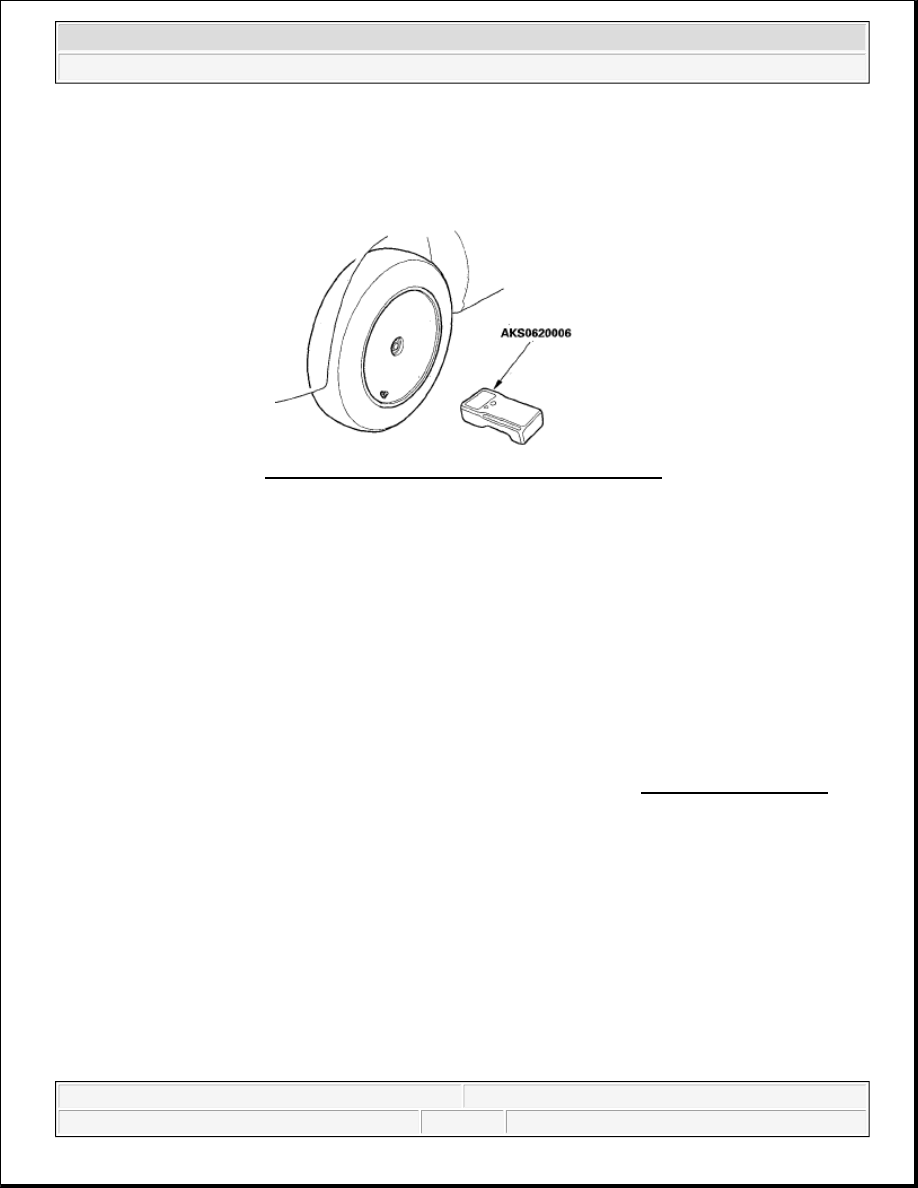
TPMS sensor initializer tool AKS0620006
Available through the American Honda Tool and Equipment Program; call 888-424-6857
NOTE:
If you turn the ignition switch OFF before memorize all four sensor
IDs, the memorizing ID is canceled.
See the HDS Help menu for specific instructions.
Fig. 7: Identifying TPMS Sensor Initializer Tool
Courtesy of AMERICAN HONDA MOTOR CO., INC.
NOTE:
This procedure locates where the tire pressure sensors number 1, 2, 3, 4 are
mounted when activated by the TPMS sensor initializer tool.
2007 Honda Element EX
2007-2008 SUSPENSION TPMS (Tire Pressure Monitoring System) - Element