Ford Escape (2022 year). Manual in english - page 28
Switching Android Auto Off
Select the settings option on the
feature bar.
1.
Select
Android Auto
.
2. Switch
Android Auto
off.
NAVIGATION
(IF EQUIPPED)
Note:
For more information, refer to our
website.
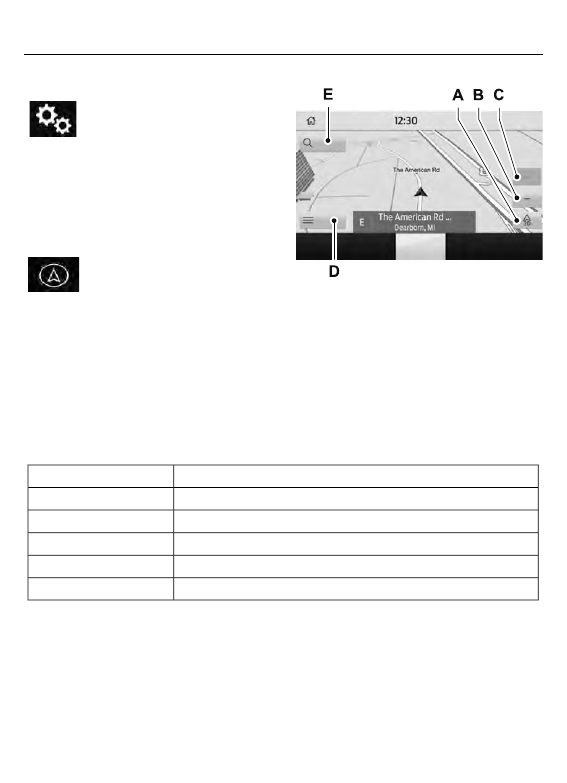
Select the navigation option on
the feature bar.
E297557
E297557
7
Map view menu.
A
Zoom out.
B
Zoom in.
C
Route guidance menu.
D
Destination entry menu.
E
Setting a Destination
Destination Entry Menu
Description
Item
Enter a destination address.
Search
Display and select from a list of previous destinations.
Previous Destinations
Set your saved home address as your destination
Home
Set your saved place of work as your destination.
Work
Display and select from a list of favorite destinations.
Favorites
452
SYNC™ 3
(If Equipped)