Ford Transit Connect (2016 year). Manual - part 21
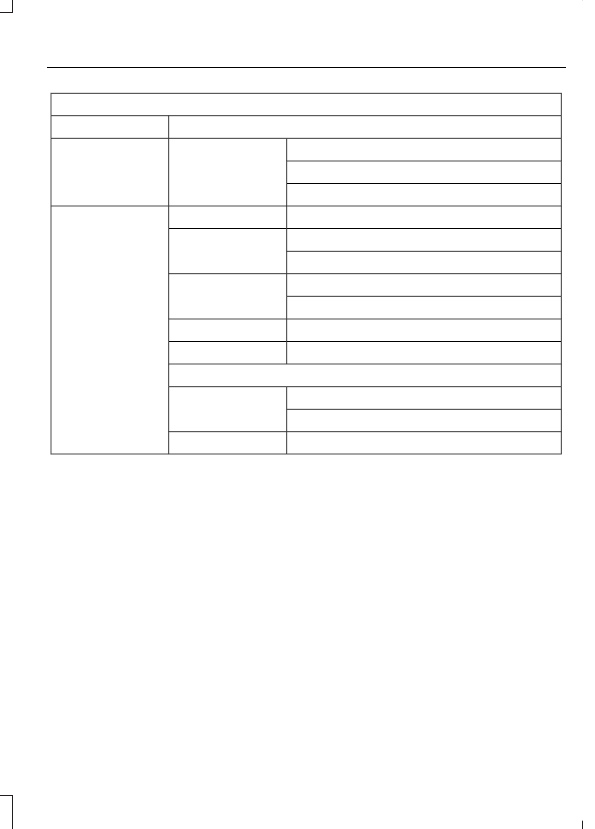
Settings
Warning
Display
Compass
Convenience
Calibrate
Set Zone
Create MyKey
Create MyKey
MyKey
Always On
Traction Ctrl
User selectable
Always On
911 Assist
User selectable
Choose your applicable setting
Max Speed
Choose your applicable setting
Speed Warning
Volume Limiter
Always On
Do Not Disturb
User selectable
Clear MyKey
Clear MyKeys
CLOCK
Type 1
To adjust the clock, switch the ignition on
and press buttons H or M on the
information and entertainment display as
necessary.
Type 2
Note: Use the information display to adjust
the clock. See (page 85).
TRIP COMPUTER
Resetting the Trip Computer
Press and hold OK on the current screen
to reset the respective trip, distance, time
and average fuel information.
Trip Odometer
Registers the distance traveled of
individual journeys.
Distance to Empty
Indicates the approximate distance your
vehicle will travel on the fuel remaining in
the tank. Changes in driving pattern may
cause the value to vary.