Ford Police Interceptor Sedan (2018 year). Manual - part 69
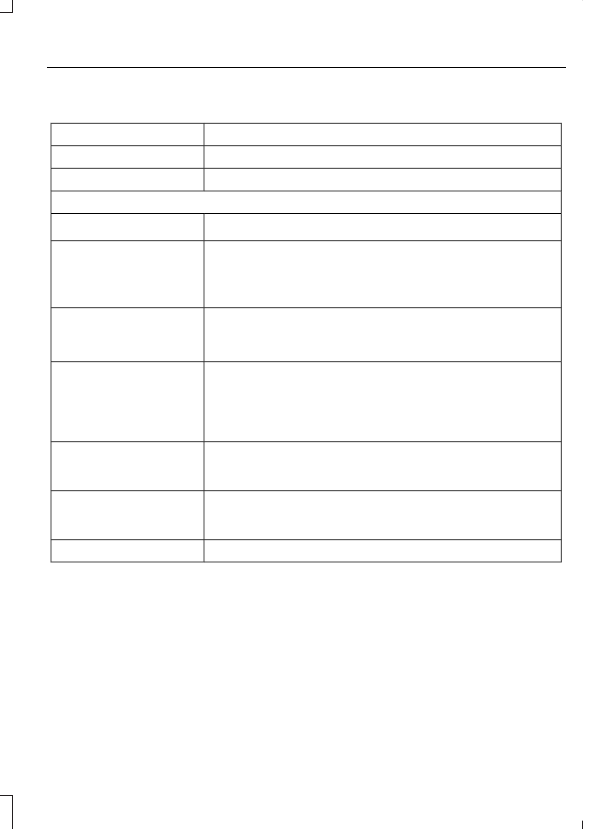
Press the Phone button to enter the Phone Menu, then scroll to:
Action and Description
Message
Press the OK button.
SYS SETTINGS
Press the OK button.
BT DEVICES
Select one of the following:
See Using SYNC™ With Your Phone (page 268).
1
ADD DEVICE
Connect a previously paired Bluetooth-enabled phone.
2
CONNECT BT
Press OK to select and view a list of previously paired phones.
Scroll until the desired device is chosen, then press OK to
connect the phone.
Set a previously paired phone as your primary phone.
3
SET PRIMARY?
Press OK to select and scroll to select the desired phone.
Press OK to confirm.
Turn the Bluetooth feature on and off.
4
BT ON/OFF
Press OK and scroll to toggle between On and Off. When the
desired selection is chosen, press OK.
Setting Bluetooth to off disconnects all Bluetooth devices
and turns off all Bluetooth features.
Delete a paired cell phone.
DEL DEVICE
Press the OK button and scroll to select the device. Press OK
to confirm.
Delete all previously paired phones (and all information
originally saved with those phones).
DELETE ALL
Press OK to select.
Exit the current menu.
RETURN
1
This is a speed-dependent feature. It is only available when your vehicle is traveling at
3 mph (5 km/h) or less.
2
You can only connect one device at a time. When another cell phone is connected, the
previous one is disconnected.
3
SYNC attempts to connect with the primary phone at every ignition cycle. When a phone
is selected as primary, it appears first in the list and is marked with an asterisk (*).
4
Turning Bluetooth off disconnects all Bluetooth devices and deactivates all Bluetooth
features.