Ford Freestyle (2007 year). Manual - part 5
Treble: Press to adjust the treble setting. Use
/
/
SEEK
.
Balance: Press to adjust the audio between the left and right speakers.
Use
/
/
SEEK
.
Fade: Press to adjust the audio between the front and rear speakers.
Use
/
/
SEEK
.
Speed sensitive volume (if equipped): Radio volume automatically
changes slightly with vehicle speed to compensate for road and wind
noise. Press MENU to access and use
/
/
SEEK
to adjust.
The recommended level is 1–3. Level 0 (SPEED OFF) turns the feature
off and level 7 is the maximum setting
Setting the clock: Press MENU until HOURS SET or MINUTES SET is
displayed. Use
/
to manually increase/decrease Press MENU again
to disengage clock mode.
If your vehicle is equipped with an in-dash clock, refer to Clock in the
Driver Controls chapter for instructions on how to set the time.
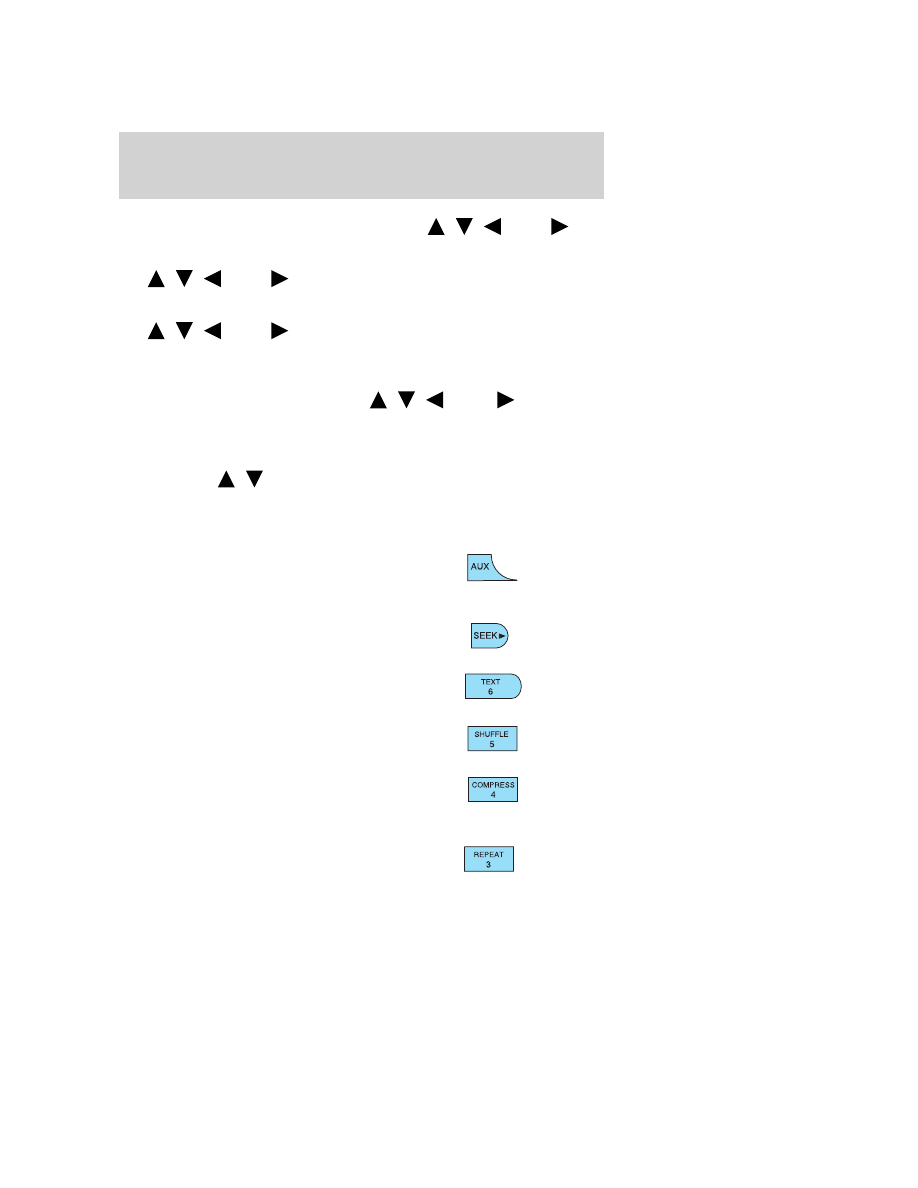
4. Aux: Press to toggle between
FES/DVD and AUX modes. If no
auxiliary sources are available, NO
AUX AUDIO will be displayed.
5. Seek: Press to access the next
strong station or track.
6. Text: In CD mode, this feature
reads track name, artist name, and
disc name (if available).
7. Shuffle: Press to play tracks in
random order.
8. Comp (Compression): In CD
mode, brings soft and loud CD
passages together for a more
consistent listening level.
9. Repeat: Press to repeat the
current CD track.
Entertainment Systems
22