Ford F-650/750 (2018 year). Manual - part 74
Advanced
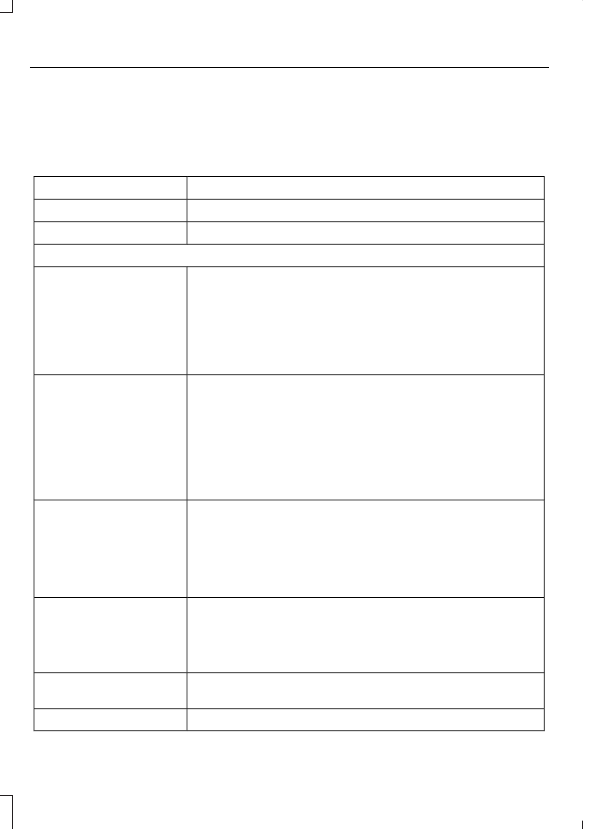
The Advanced menu allows you to access
and set prompts, languages, defaults,
perform a master reset, install an
application and view system information.
To access the advanced menu, press the phone button to enter the Phone Menu,
then scroll to:
Action and Description
Message
Press OK.
Sys Settings
Press OK.
Advanced
Select one of the following:
Get help from SYNC by using questions, helpful hints or asking
you for a specific action. To turn these prompts on or off:
Confirmation Prompts
1.
Press the OK button to select and then scroll to select
between On and Off.
2. Press the OK button when the desired selection appears
in the display. SYNC returns you to the Advanced menu.
1.
Press OK to select and then scroll through the languages.
Choose between English, Français and Español. Once
selected, all of the radio displays and prompts are in the
selected language.
2. Press OK when the desired selection appears in the
display. If you change the language setting, the display
indicates that the system is updating. When complete,
SYNC returns you to the Advanced menu.
Language
Return to the factory default settings. This selection does
not erase your indexed information, for example phonebook,
call history, text messages or paired devices.
Factory Defaults
Press the OK button to select and then press OK again when
the following message appears in the display.
Confirm Restore
Completely erase all information stored on SYNC, for example
phonebook, call history, text messages and paired devices,
and return the system to the factory default settings.
Master reset
Press OK to select. The display indicates when complete.
SYNC returns you to the Advanced menu.
Access the Auto Version number as well as the FDN number.
System info
Press the OK button to select.
Exit the current menu.
Return