Ford Explorer (2018 year). Manual - part 104
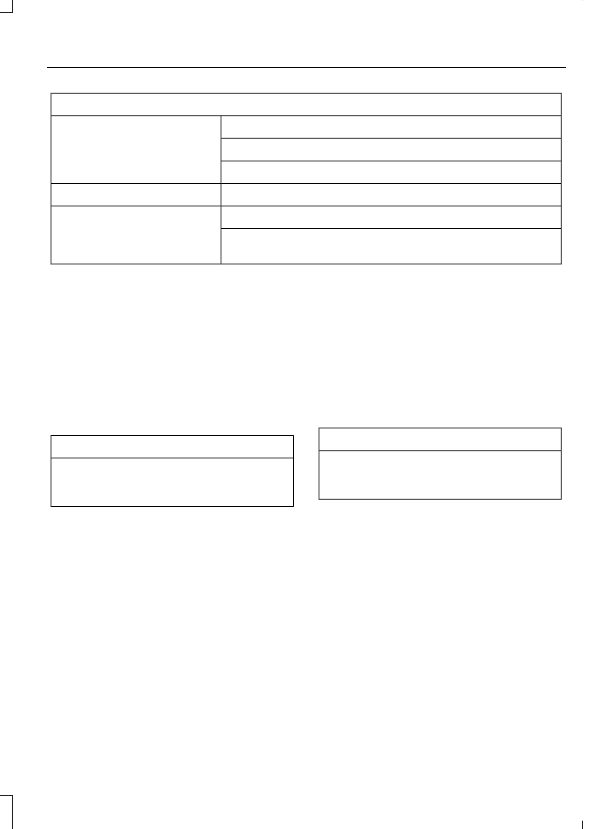
Restricted features
Editing Wi-Fi settings.
Wi-Fi
Editing the list of wireless networks.
Connecting to a new Wi-Fi network.
Viewing received text messages.
Text Messages
Using the keyboard to enter a destination.
Navigation
Adding or editing Navigation Favorites entries or Avoid
Areas.
Creating a SYNC Owner Account
Why do I need a SYNC owner account?
•
Essential for keeping up with the latest
software and connected features.
•
Access to customer support for any
questions you may have.
•
Maintain account permissions.
Visit the website to sign up and register.
Website
www.owner.ford.com
www.syncmyride.ca
www.syncmaroute.ca
SYNC Connect with Ford Pass
With a SYNC Connect-equipped vehicle,
you can use Ford Pass to track your
vehicle’s location and remotely access
vehicle features such as start, lock and
unlock and vehicle status including fuel
level and approximate mileage. You can
also schedule specific times to remotely
start your vehicle so it’s ready to hit the
road as soon as you are. Ford Pass is
available through a free download via the
Apple App Store® or Google Play™.
Message and data rates may apply.
Services may be limited by mobile phone
network coverage area.
Updating Your System
You can choose to download the update
onto a USB drive or use Wi-Fi to deliver
automatic updates.
USB Updates
To use the USB update you need to log
into your owner account and visit the SYNC
software update page.
Website
www.owner.ford.com
www.syncmyride.ca
www.syncmaroute.ca
The website notifies you if an update is
available. You can then select to download
the update.
You will need an empty USB drive. Please
check the website for minimum
requirements. Once you have inserted the
USB drive into your computer, choose to
start the download. Follow the instructions
provided to download the files to the USB
drive.
The installation of most files occurs in the
background, and does not interrupt your
use of the system. Navigation updates
cannot be installed in the background,
because the files are too large.