Ford Crown Victoria (2011 year). Manual - part 17
SPEED CONTROL (IF EQUIPPED)
With speed control set, you can maintain a set speed without keeping
your foot on the accelerator pedal.
WARNING: Do not use the speed control in heavy traffic or on
roads that are winding, slippery or unpaved.
Using speed control
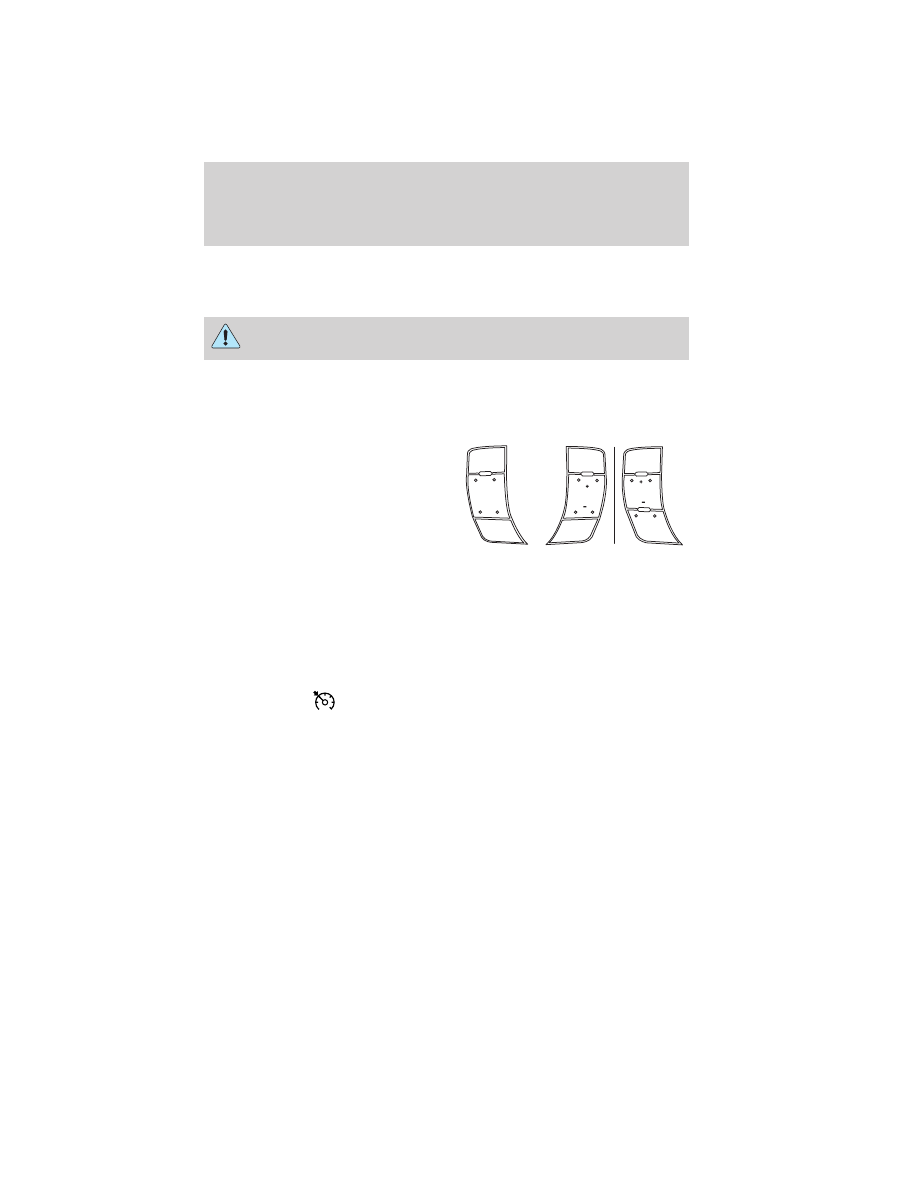
The speed controls are located on the steering wheel; there are two
versions. The following buttons work with speed control:
ON: Press to turn the speed control
on.
OFF: Press to turn the speed
control off.
RESUME: Press to resume a set
speed.
SET +/–: Press to set a speed or to
increase or decrease a set speed.
Setting speed control
4. Press and release ON.
5. Accelerate to the desired speed.
6. Press and release SET +.
7. Take your foot off the accelerator pedal.
8. The indicator
light (if equipped) on the instrument cluster will
turn on.
Note:
• Vehicle speed may vary momentarily when driving up and down a
steep hill.
• If the vehicle speed increases above the set speed on a downhill, you
may want to apply the brakes to reduce the speed.
• If the vehicle speed decreases more than 10 mph (16 km/h) below
your set speed on an uphill, your speed control will disengage.
Disengaging speed control
Press the brake pedal to disengage the speed control. Disengaging the
speed control will not erase previous set speed.
ON
OFF
SET
OFF
ON
RESUME
SET
RESUME
Driver Controls
71
2011 Crown Victoria (cro)
Owners Guide, 3rd Printing
USA (fus)