Dodge Durango (2019 year). Manual - part 32
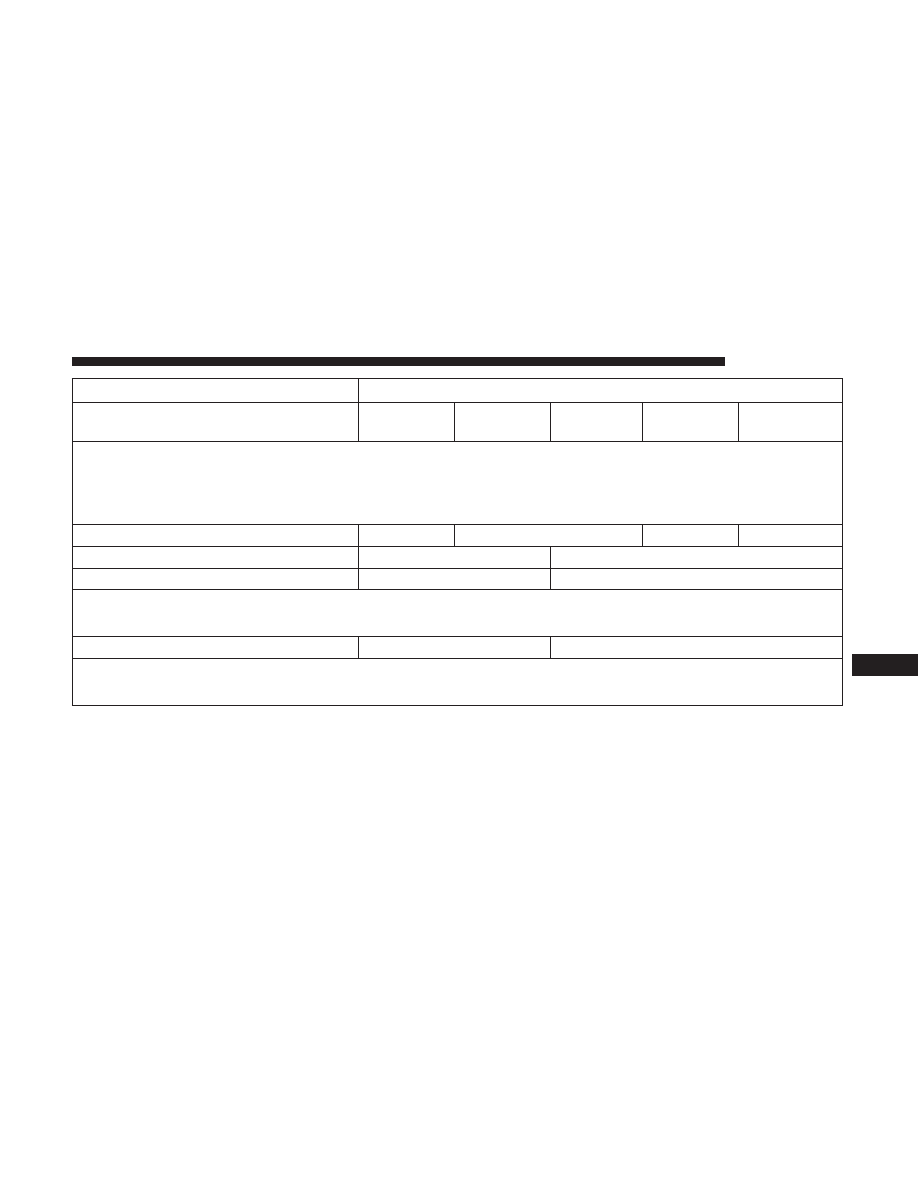
Setting Name
Selectable Options
Balance/Fade
Up Arrow
Button
Down Ar-
row Button
Left Arrow
Button
Right Ar-
row Button
Center “C”
Button
NOTE:
When in this display you may adjust the “Balance/Fade” of the audio by using the “Arrow” button on the touch-
screen to adjust the sound level from the front and rear or right and left side speakers. Press the “Center ‘C’ Button”
on the touchscreen to reset the balance and fade to the factory setting.
Speed Adjusted Volume
Off
1
2
3
Surround Sound — If Equipped
On
Off
Loudness — If Equipped
Yes
No
NOTE:
This feature improves sound quality at lower volumes when enabled.
AUX Volume Offset — If Equipped
On
Off
NOTE:
This feature provides the ability to tune the audio level for portable devices connected through the AUX input.
10
MULTIMEDIA
509