DAF CF65, CF75, CF85 Series . Manual - part 343
3
CF65/75/85 series
Description of components
AUTOMATIC GEARBOXES
2-1
2. DESCRIPTION OF COMPONENTS
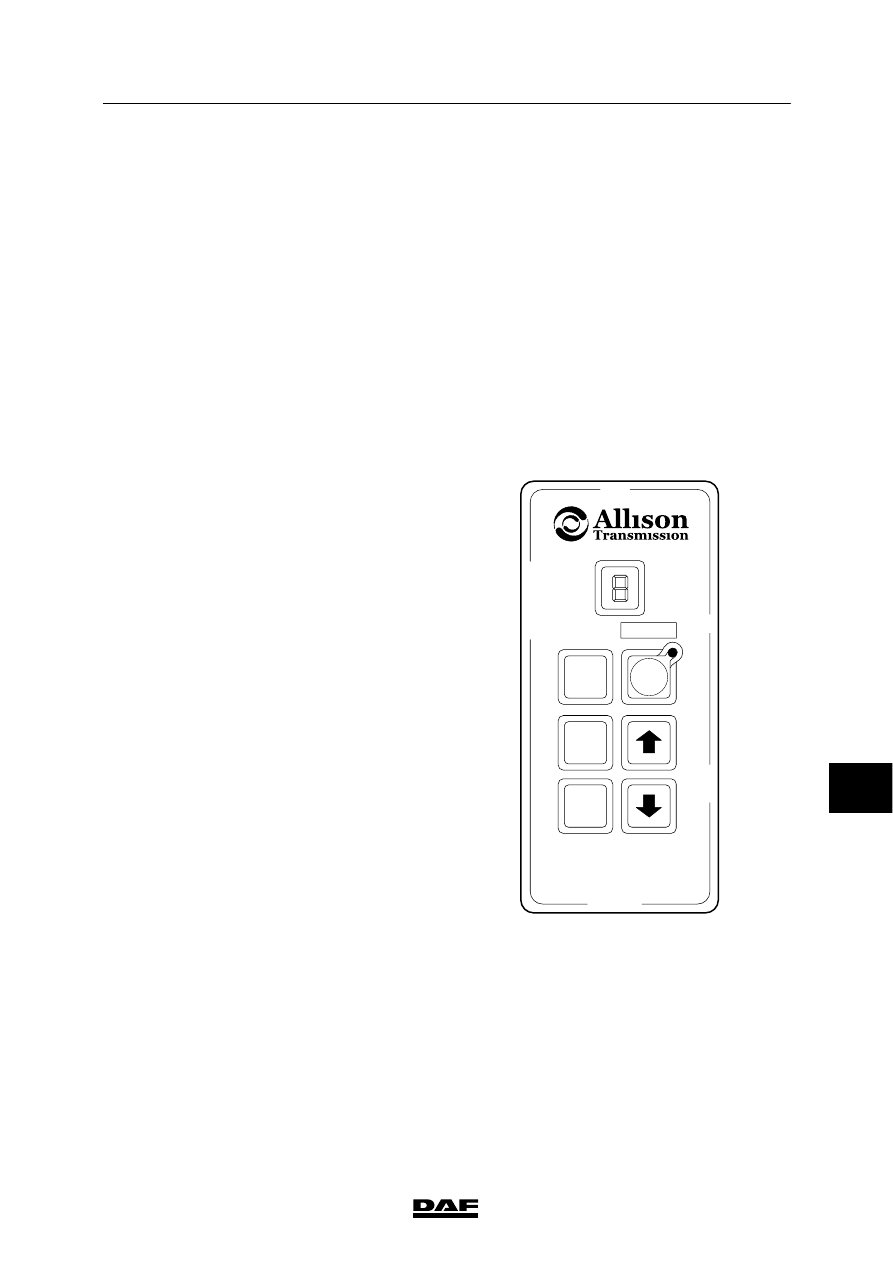
2.1 AUTOMATIC GEARBOX SELECTOR KEYPAD
The selector has the following functions:
-
activating and deactivating the gearbox.
-
choosing a shift program
-
reading the oil level
-
reading and deleting fault codes
The selector has the following six keys:
Neutral
Neutral position
Display shows “N”
Drive
Automatic drive
Highest gear
Reverse
Reverse
Display shows “R”
MODE
Shift program selection
Normal or economy (LED on) program
↑
Change up
Display shows the gear selected
↓
Change down
Display shows the gear selected
Neutral position
No gears are activated in the “N” position. The
vehicle is not locked in this position and can
thus roll.
Use the parking brake to lock the vehicle.
“N” appears on the display.
Automatic drive
If the “D” position is selected, the vehicle will
immediately begin to move (if the brake system
is at pressure and the vehicle is not on the
parking brake). It is therefore advisable to
depress the brake pedal before selecting
position “D”. In this position the gearbox can
automatically change up to the highest gear.
The highest gear that the gearbox can change
up to is shown on the display.
Reverse
Even if the “R” position is chosen the vehicle will
immediately be set in motion. So again, first
depress the brake pedal and then select the
“R” position. “R” appears on the display.
R
D
MODE
N
V300392
9
ᓻ 200337