Citroën C3 (2023 year). Manual in english - page 5
66
10" Touch Screen
recommend keeping the smartphone's
operating system up-to-date, together with the
date and time on the smartphone and the
system.
Refer to your smartphone for Android Auto or
Apple CarPlay
®
settings.
For the list of suitable smartphones, visit
the Android Auto and Apple CarPlay
®
websites:
https://www.android.com/auto/
https://www.apple.com/in/ios/carplay/
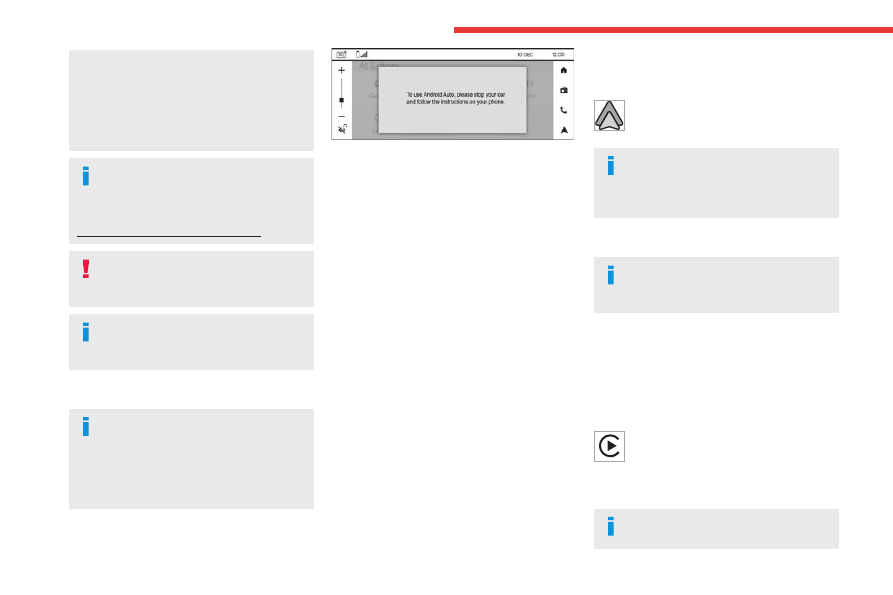
Stop the car before connecting Android
Auto or Apple CarPlay
®
and follow the
instructions on your phone.
On connecting the USB cable, the
Android Auto or Apple CarPlay
®
function
deactivates the system's Bluetooth
®
mode.
Android Auto
Ensure the latest Android Auto
application is available on your
smartphone. If not, install it via "Play Store".
The Android Auto function requires the use
of a compatible smartphone and compatible
applications.
Connecting Android Auto smartphone can be
carried out either by USB cable or using a
wireless connection.
USB connection
Connect the USB cable.
Android Auto is automatically launched a few
seconds after the USB connection has been
established. A validation procedure on the
smartphone has to be followed for the first
connection, with the vehicle stationary.
The smartphone charges when connected by the
USB cable.
Wireless connection
The wireless connection of an Android Auto
device can be initiated from the
Device List
menu or home screen Android Auto icon.
First activate the smartphone’s Bluetooth
®
function.
Select
Device List
menu to display the device to
be connected to Android Auto.
If the device has already been connected to the
system via Bluetooth
®
, select the Android Auto
of the desired device from the list of connected
Android phones.
For wireless Android Auto, subsequent automatic
connection of the smartphone requires activation
of Bluetooth
®
and Wi-Fi on your device.
As soon as the connection is established,
select this menu to display the Android
Auto interface.
There may be a pause before
applications become available,
depending on the quality of the network and
performances of the phone.
Apple CarPlay
®
The Apple CarPlay
®
function requires the
use of a compatible smartphone and
compatible applications.
Connecting Apple CarPlay
®
smartphone can
be carried out either by USB cable or using a
wireless connection.
USB connection
Connect the USB cable.
The smartphone charges when connected by the
USB cable.
From the system, press
Apple CarPlay
®
menu to display the Apple CarPlay®
interface or press
Device List
menu to display
the list of connected devices and then select
Apple CarPlay
®
.
When the USB cable is disconnected
and the ignition is switched off then back