Alfa Romeo Giulia GTA (2022 year). Manual in english - page 12
MULTIMEDIA
192
162
12126S0937EM
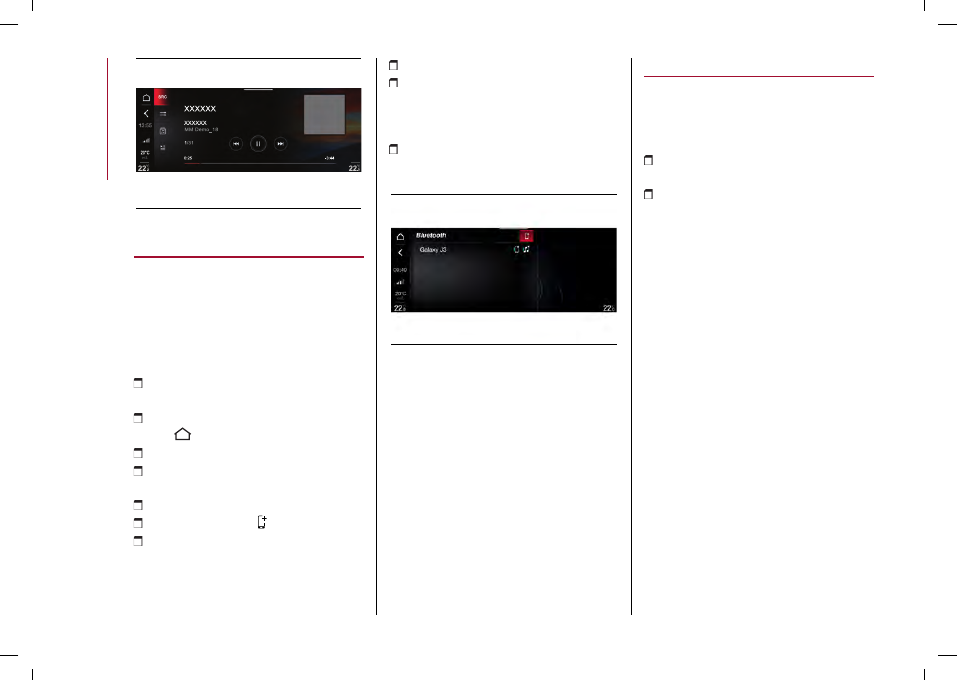
Bluetooth® SOURCE
Bluetooth® ACTIVATION
This mode is activated by pairing a
Bluetooth
® device containing music
tracks with the system.
PAIRING A Bluetooth® AUDIO DEVICE
Proceed as follows:
activate the
Bluetooth
® function on
the device;
open the main menu by pressing
button
and select “Settings”;
select “Infotainment”;
select "Phone" and then "Bluetooth
Settings";
select the
Bluetooth
® fig. 163 device;
select "Add Device" ;
search for the Connect system on the
Bluetooth
® audio device (during pairing,
a screen will appear on the display
showing the progress of the operation);
select the device to be paired;
when requested by the audio device,
enter the PIN code shown on the system
display or confirm on the device the PIN
displayed;
if the pairing procedure is completed
successfully, a dedicated screen will
appear;
163
12126S0430EM
The
Bluetooth
® function can also be
reached by pressing the "OPTIONS"
button in the "PHONE" or "MEDIA
functions", which can be selected on the
main menu.
WARNING If the
Bluetooth
® connection
between mobile phone and system is
lost, consult the mobile phone handbook.
USB/iPod/AUX SUPPORT
USB/iPod MODE
To activate the USB/iPod mode insert
the corresponding device (USB or iPod)
in one of the USB ports located:
underneath the automatic dual-zone
climate control panel, 1 fig. 164;
inside the glove compartment
underneath the front armrest, 2 fig. 165.
NOTE The Connect system may not
support some USB keys: in this case,
it may not automatically switch from
“Radio” mode to “Media” mode. If the
device used does not play, verify its
compatibility by selecting “Media” mode:
a dedicated message will appear on the
Connect system display.
WARNING After using a USB recharging
socket, we recommend disconnecting
the device (smartphone), always
removing the cable from the vehicle
socket first, never from the device.
Cables left flying or connected
incorrectly could compromise correct
recharging and/or the USB socket
condition.